
Crop and Straighten a Document Photo
Place four corners around a photographed page, correct its perspective and download a clean rectangular PNG in your browser.
Open the tool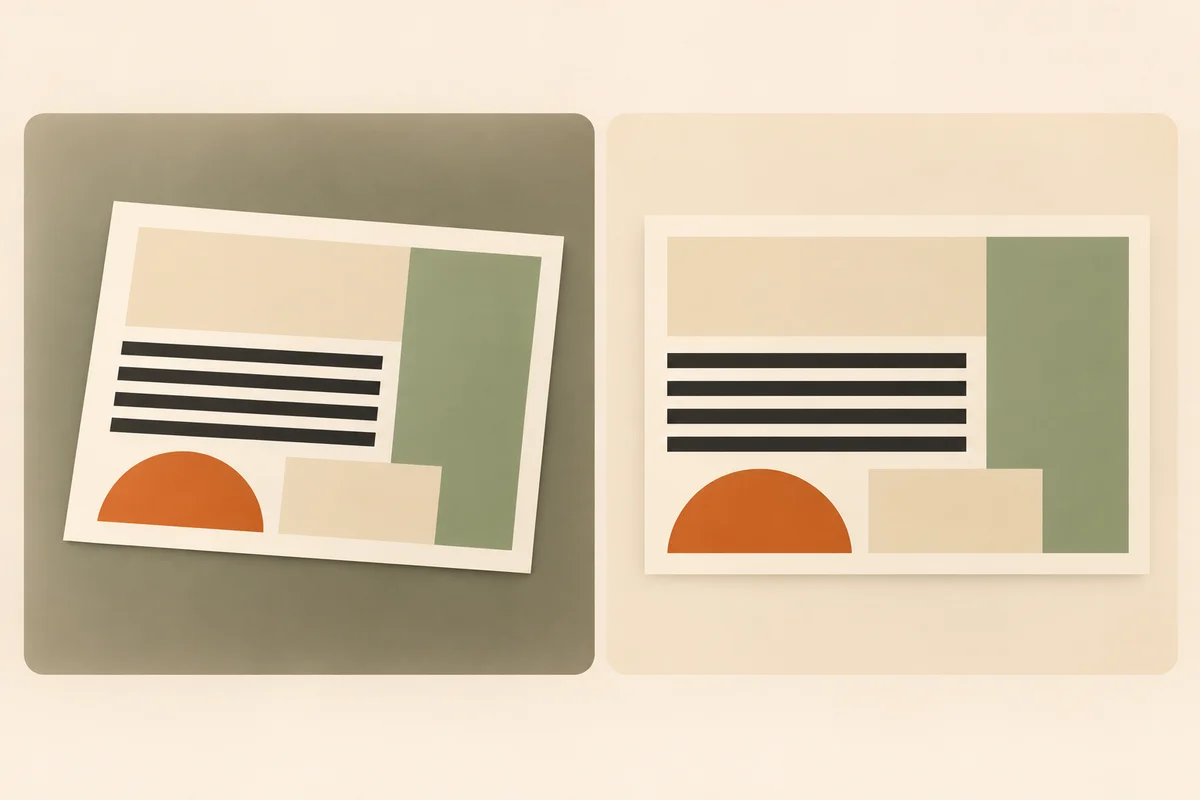
Drag each numbered corner onto the matching page edge. Use arrow keys to move a focused corner.
Straighten the page in three steps
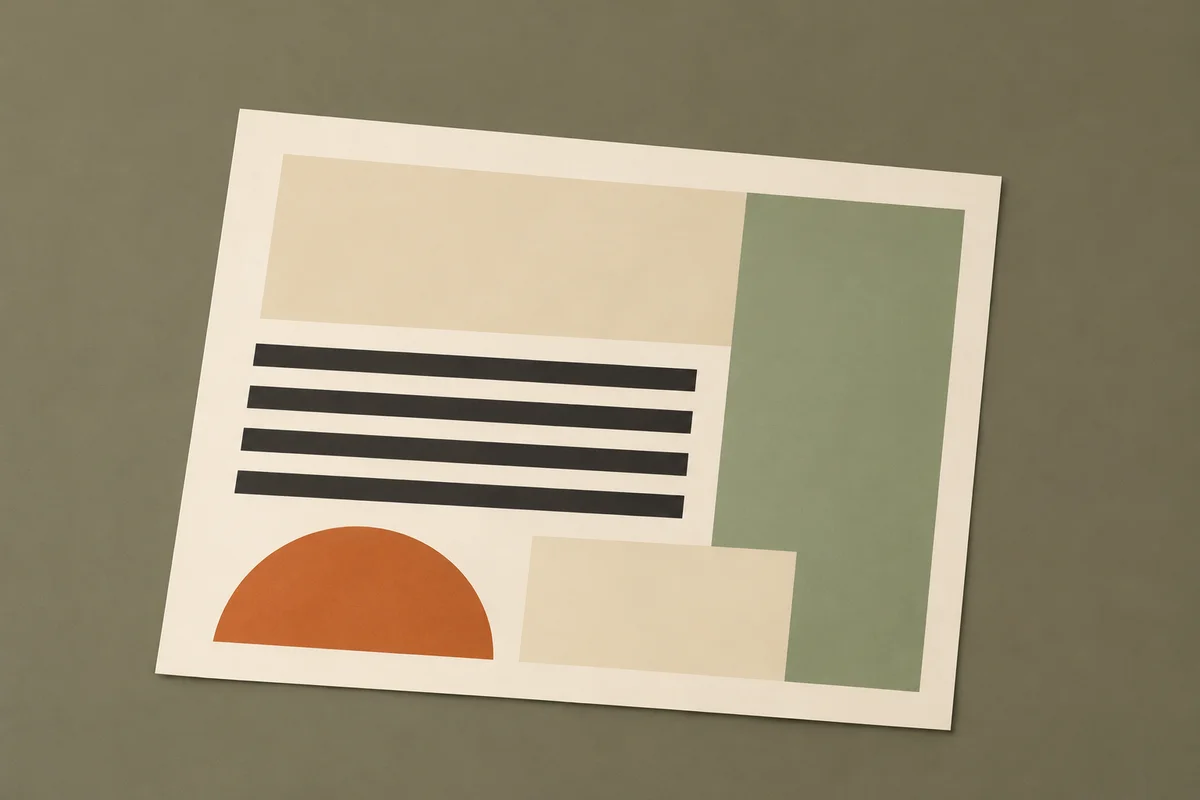
Choose the photo
Open a JPG, PNG or WebP with all four page corners visible. The sample shows a flat landscape page photographed at an angle.
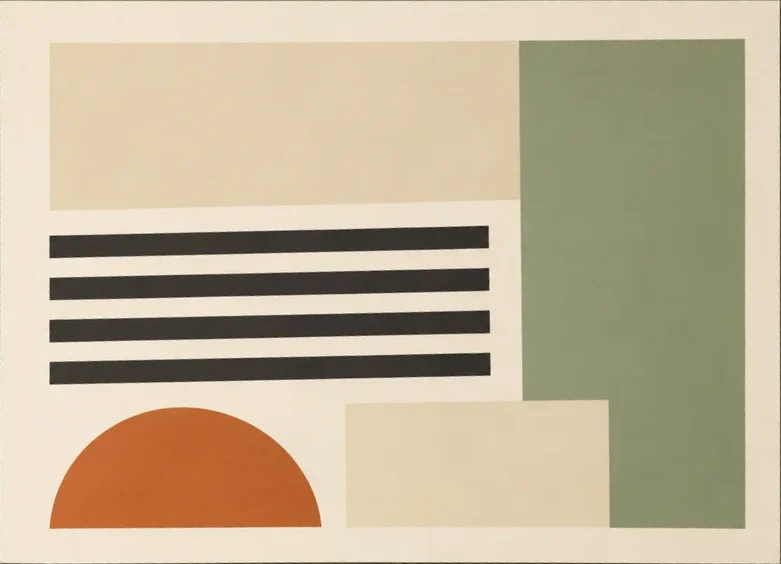
Match the four corners
Move 1 to the top-left, 2 to the top-right, 3 to the bottom-right and 4 to the bottom-left. Keep that order as you adjust the page outline.
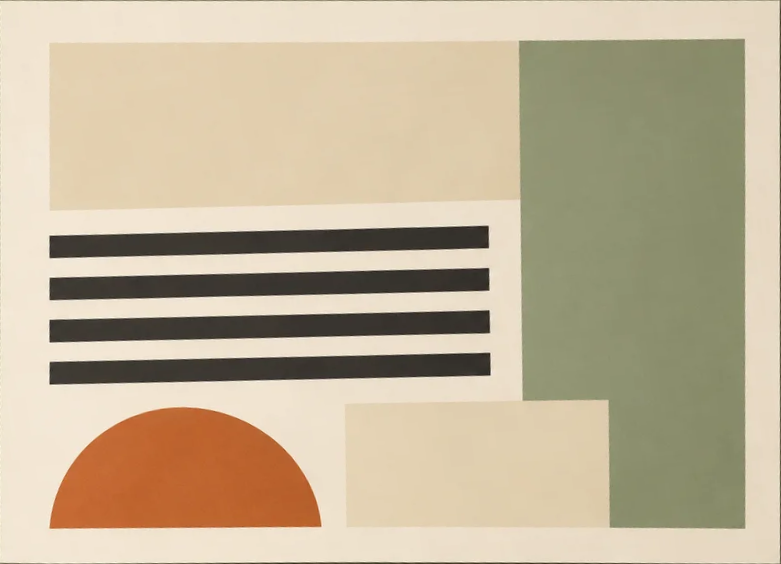
Check the rectangle and save
Use the preview to check that lines are straight and edges are complete. Choose A4 or Letter only when that matches the original page. Save the corrected PNG.
Four corners become one rectangular page
The sample uses the four outer paper corners. Compare the original slant with the result, then try moving one corner slightly inward to see how a cropped edge affects the output.
Download example PNGChoose the right correction for the photo
- A flat page photographed at an angle
- The four-corner tool maps a quadrilateral onto a rectangle. Place each point at the page edge and check the result for stretched letters or unexpected slant.
- A sheet with a known paper size
- Choose A4 portrait, US Letter portrait or A4 landscape to set its proportions. If you know only the photographed outline, keep Use the selected proportions and inspect the shape.
- A curved book page or a blurry photo
- Retake the photo with the page flatter and more evenly lit. The tool corrects the selected geometry, so the source needs readable details and a flat surface.
Frequently asked questions
Does this detect the paper automatically?
You place the four corners yourself. A new photo starts with inset corners so you can move them onto the page.
Can I use this for a receipt?
Yes, when it is flat and all four edges are visible. Use the selected proportions for an unusually narrow receipt.
Why do letters look stretched?
Check both the four selected corners and the output shape. A4 or Letter forces that ratio, so use it when it matches the actual paper.
What if two corners cross?
The tool asks you to restore clockwise order. Reset corners to start again, then place them around the same page.
Can I straighten a curved page?
A flat four-sided surface works best. For a curved book page, retake a flatter photo or use a dedicated dewarping workflow.
Does it read the document text?
The output is an image PNG. You can send the corrected file to an OCR tool if you need searchable text.
What size do I get?
The long edge is up to 1600 pixels. The selected outline and output shape determine the other dimension, displayed beside the download.
Are my documents uploaded?
The page photo is decoded, corrected and exported in your browser. The tool is free and works without an account.