
Average Color of Image
Find the average color of a photo or graphic. Preview a single swatch and copy its HEX code for your background, border or design.
Find the average color
JPG, PNG or WebP · up to 10 MiB and 24 megapixels
Free · processed in your browser
Use the average color as a photo background
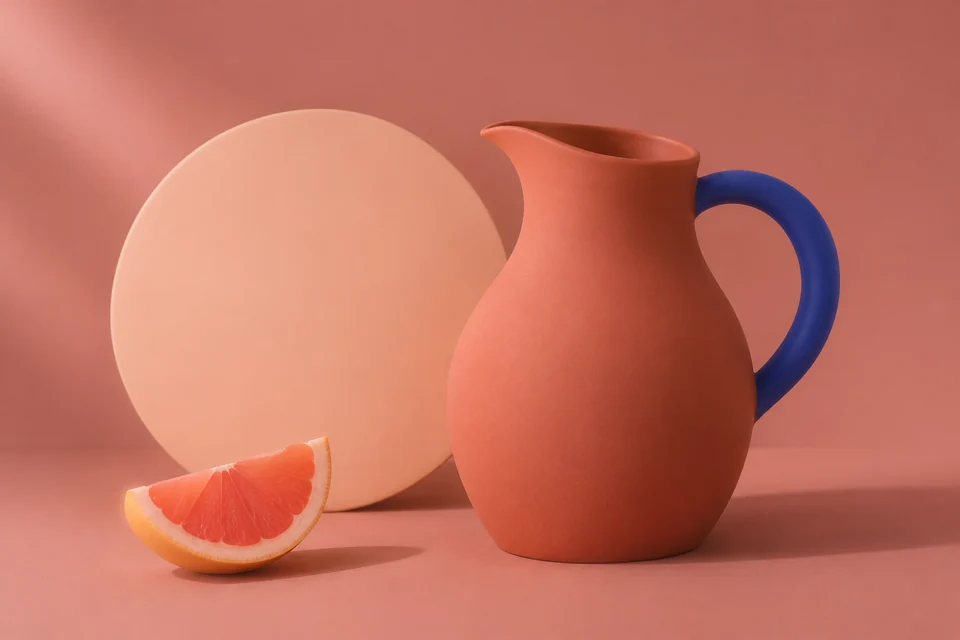
The ceramic still life gives #C37160, a muted terracotta you can carry into a photo card, frame or thumbnail.
- Start with the sample
- Open the still life with Use sample.
- Copy the result
- Choose Copy HEX to copy #C37160.
- Apply the color
- Paste the code into the background color field of your editor, then check that any caption is easy to read against it.
Choose which color to measure
Match the whole photo
Keep the full image if you want the background and subject to influence the swatch together.
Measure only the subject
Crop away large borders or empty space before uploading. Opaque white margins contribute to the average, while fully transparent pixels are skipped.
Match an exact detail or collect several colors
Use Image Color Picker for one spot, such as a sleeve. Use Color Palette From Image if you want a set of colors for backgrounds, text and accents.
Frequently asked questions
How is the color calculated?
The tool averages the red, green and blue values, weighting each pixel by its opacity. A fully transparent pixel contributes nothing.
Is the average the most common color?
The average blends all visible pixels. A large blue area and a large yellow area can produce a swatch that appears nowhere in the original.
What can I copy?
Copy the six-digit HEX code, including the #, and paste it into a color picker or CSS.