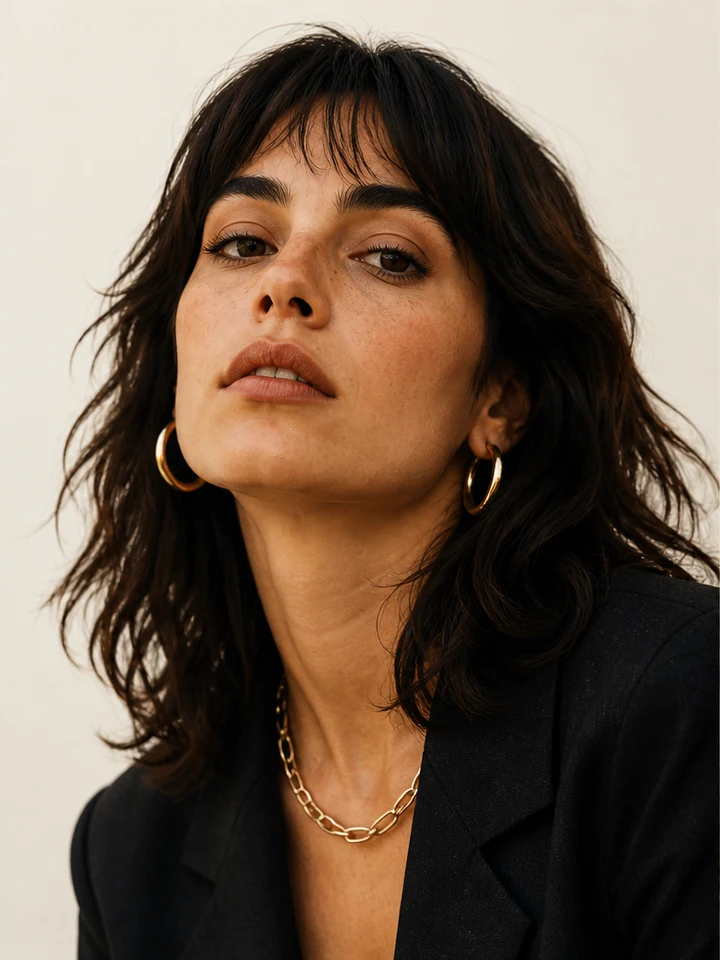
Use the left and right arrow keys to compare the original and edited image.
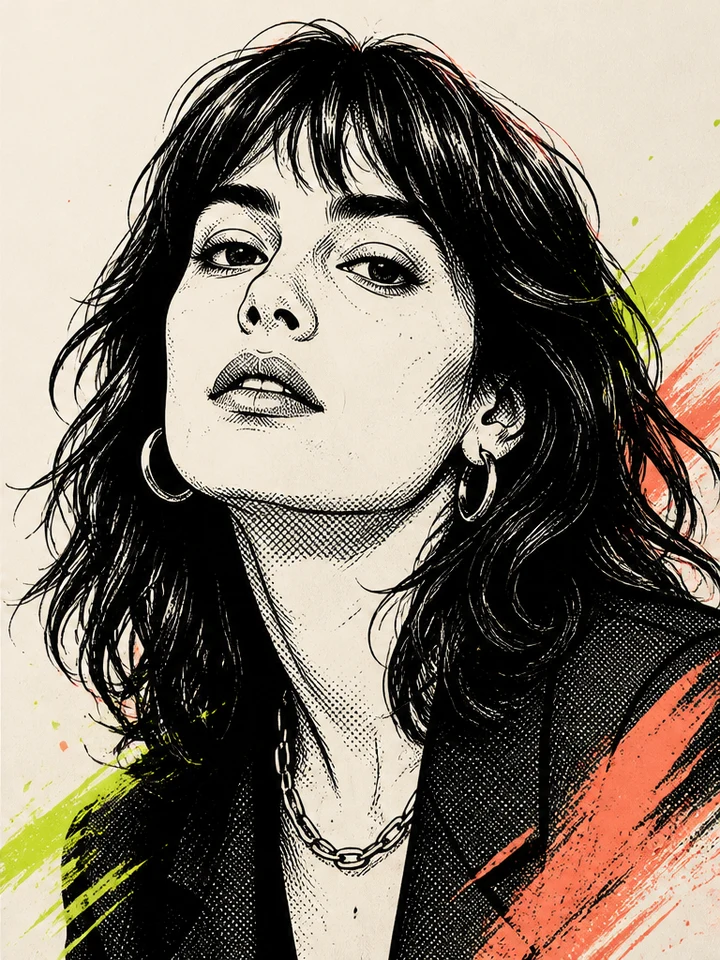
Comic Filter
Turn a photo into bold lines and comic-book color.
 StylMorph.
Explore photo effects by the look you want to create, from an illustrated portrait to a different hairstyle.
A new style, setting or portrait look.
Use the left and right arrow keys to compare the original and edited image.
Turn a photo into bold lines and comic-book color.


Use the left and right arrow keys to compare the original and edited image.
Explore illustrated looks for your everyday photos.
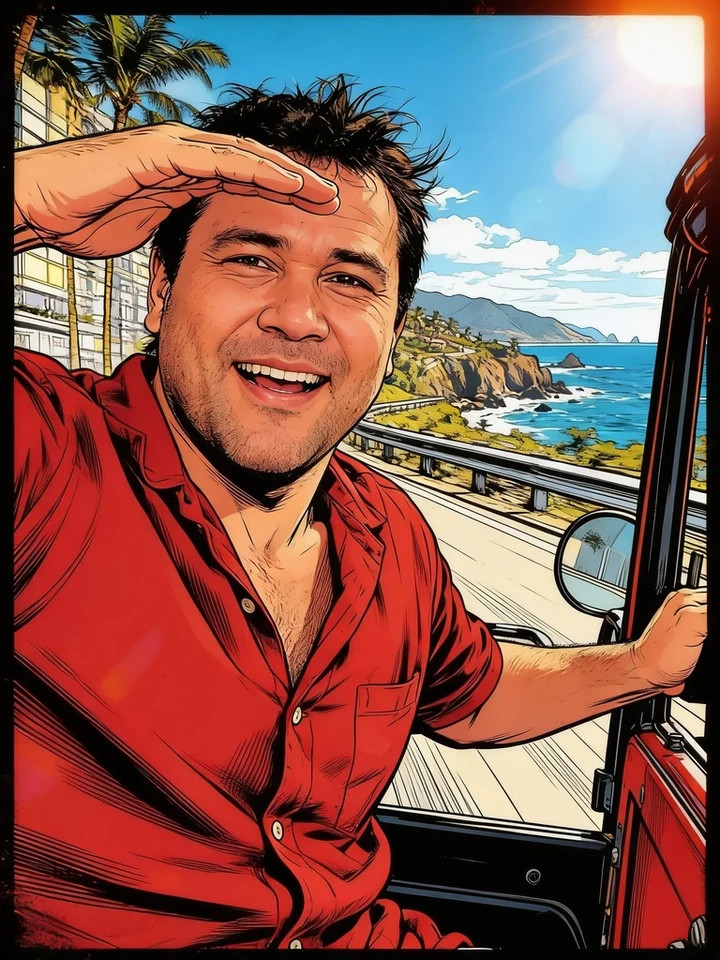

Use the left and right arrow keys to compare the original and edited image.
Give your photo a pixel, neon or game-poster treatment.
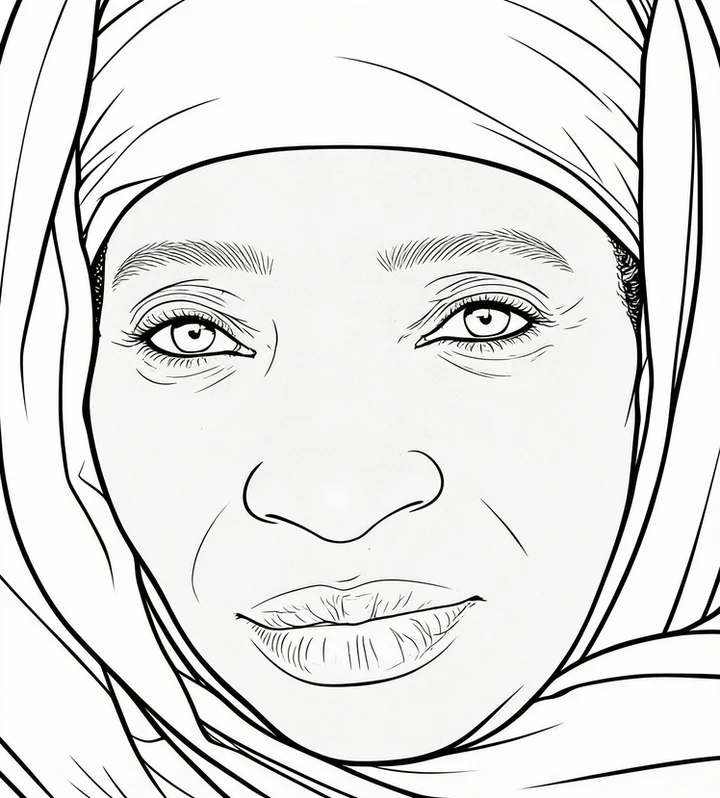
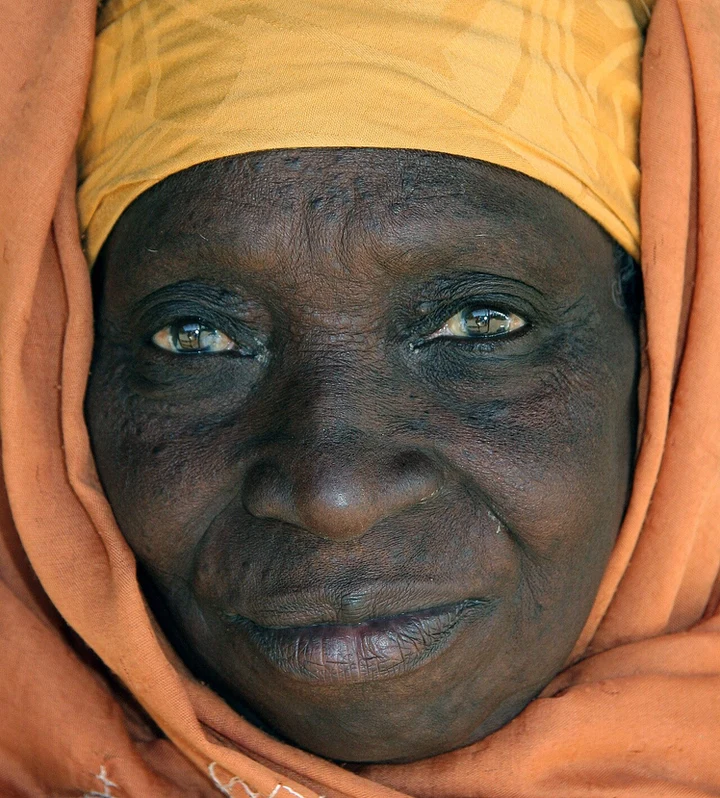
Use the left and right arrow keys to compare the original and edited image.
Make a printable line drawing from a favorite photo.
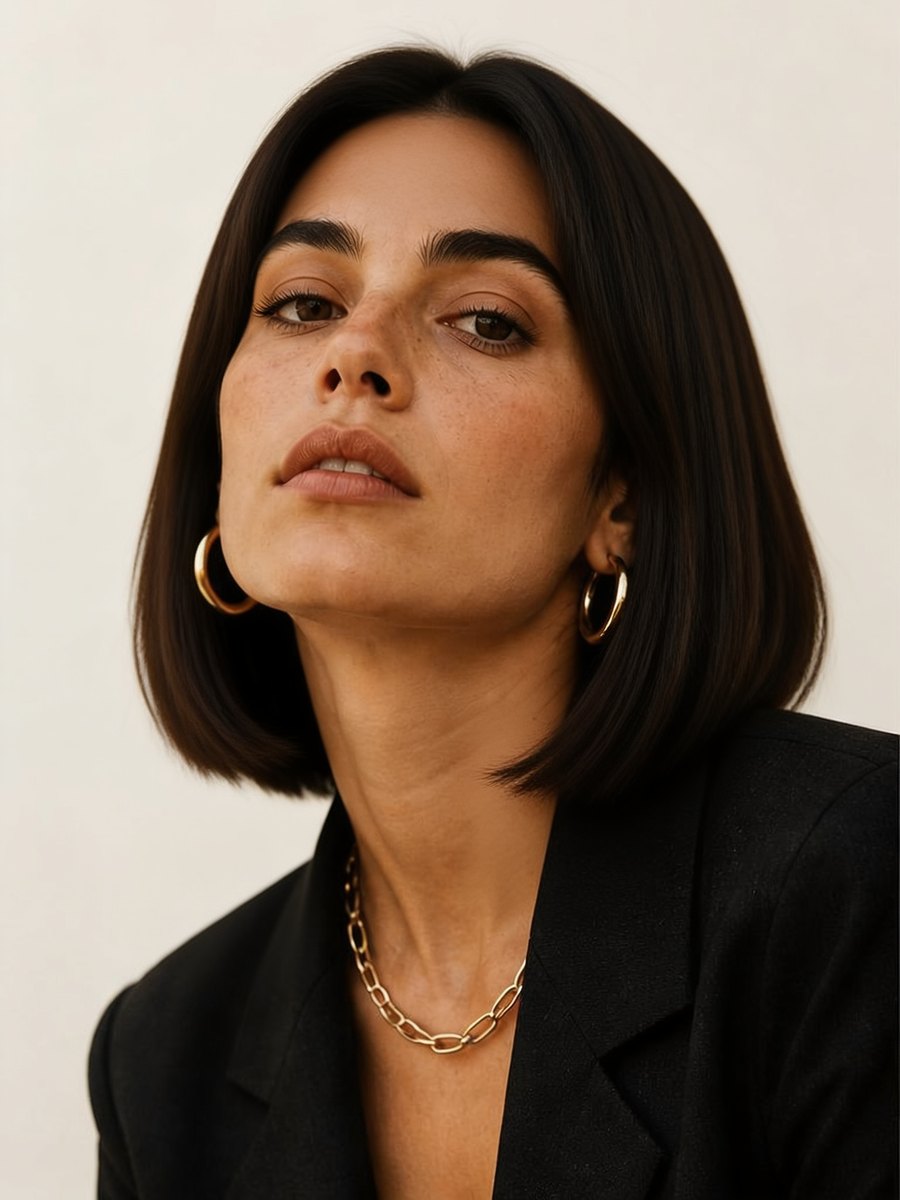
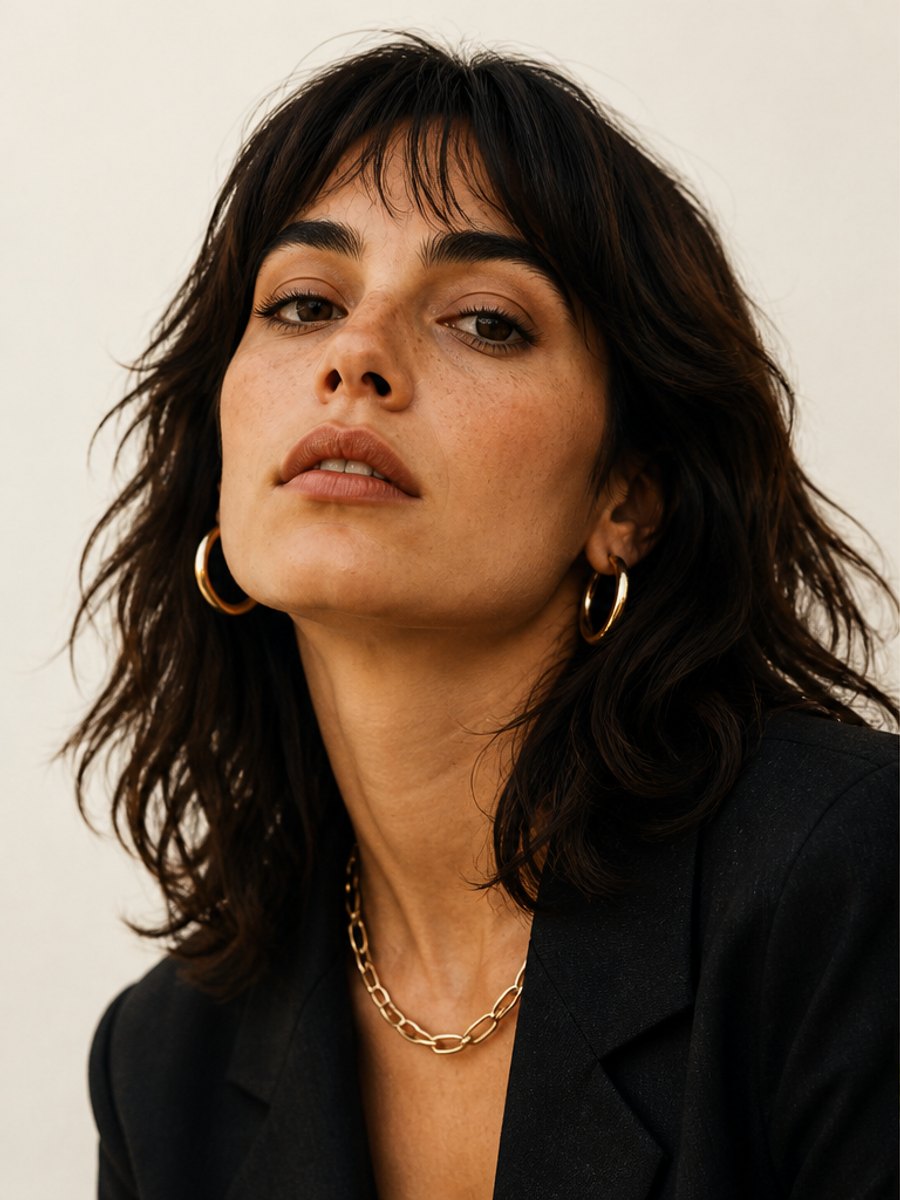
Use the left and right arrow keys to compare the original and edited image.
Picture yourself with a new bob hairstyle.
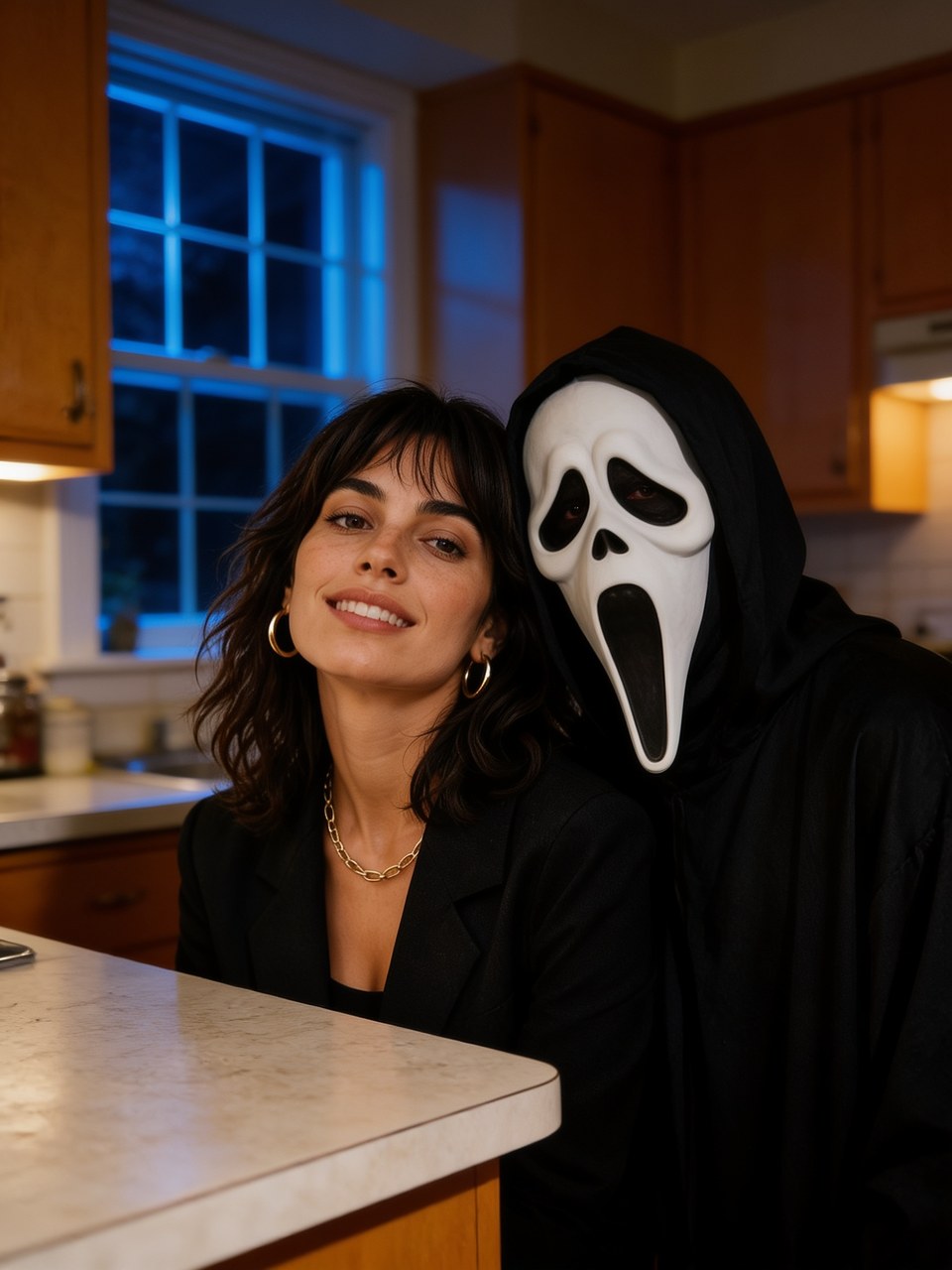
Use the left and right arrow keys to compare the original and edited image.
Create a horror-movie portrait in a kitchen or cinema.


Use the left and right arrow keys to compare the original and edited image.
Create a warm holiday portrait with Christmas lights.

Use the left and right arrow keys to compare the original and edited image.
Create a studio portrait for your professional profile.
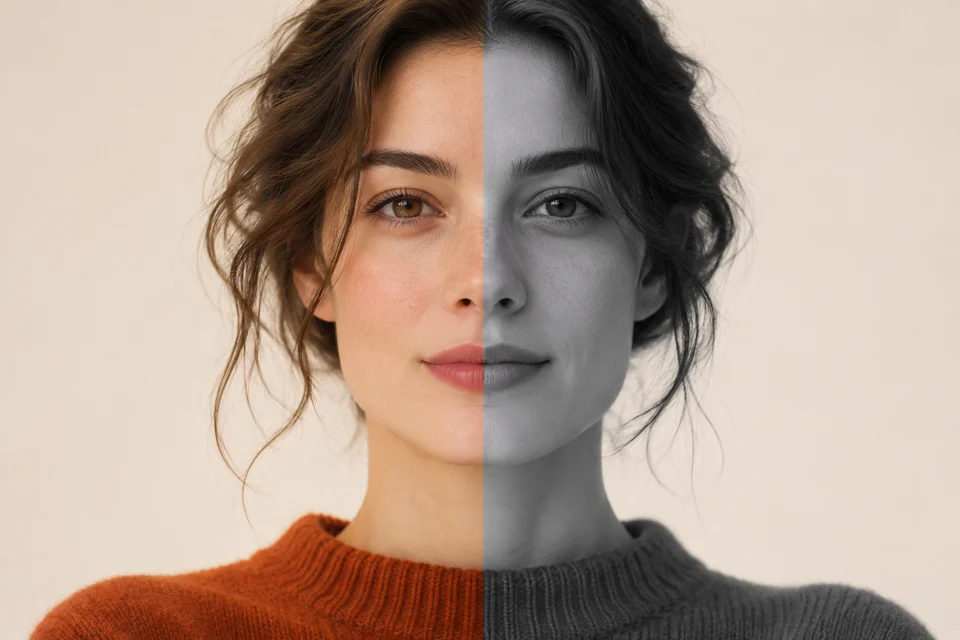
Turn a photo grayscale and adjust its contrast.
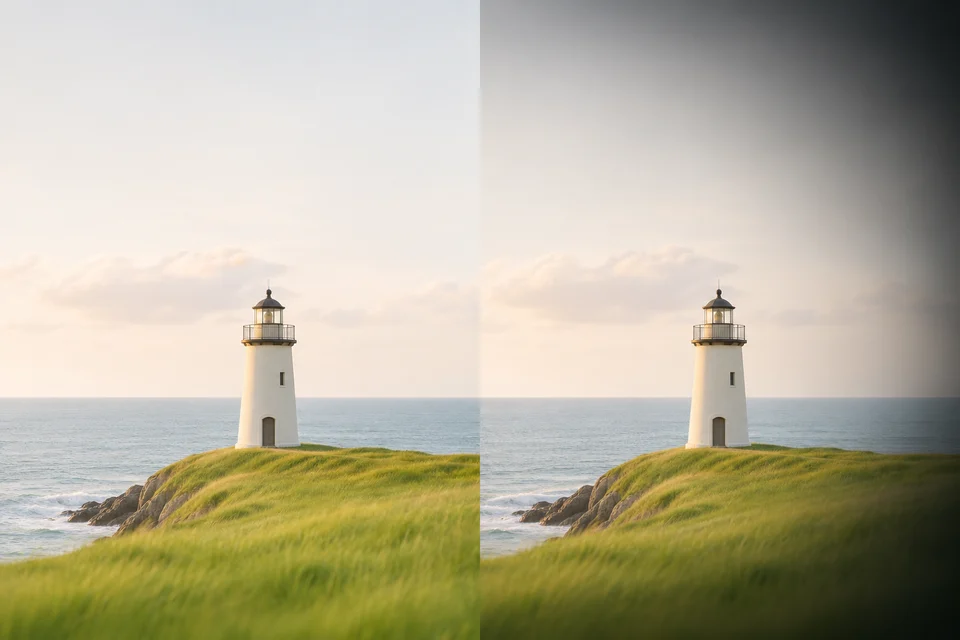
Darken the edges of a photo around a chosen point.
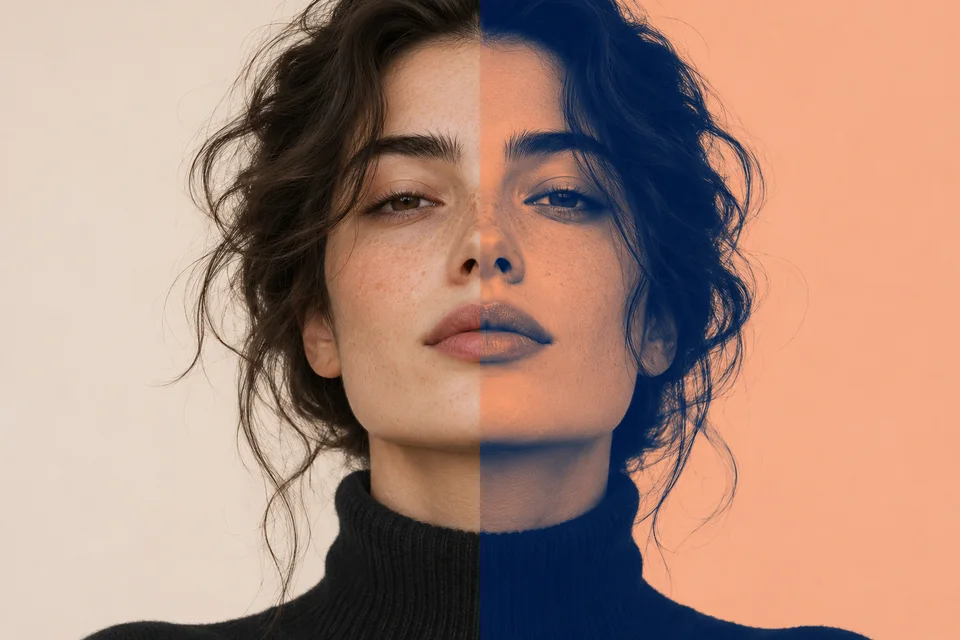
Map shadows and highlights to two colors.
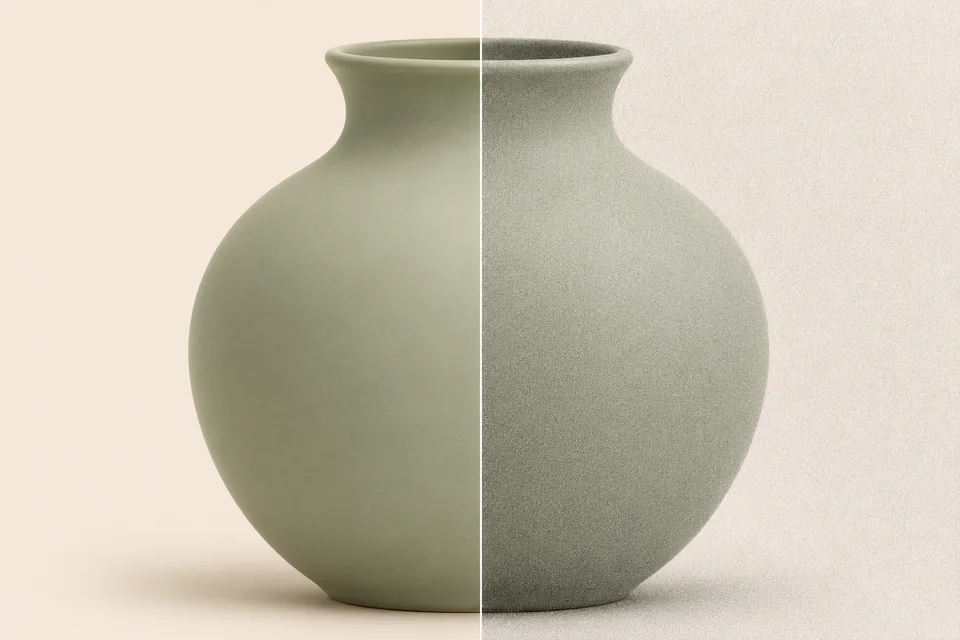
Adjust fine monochrome grain and compare with the original.
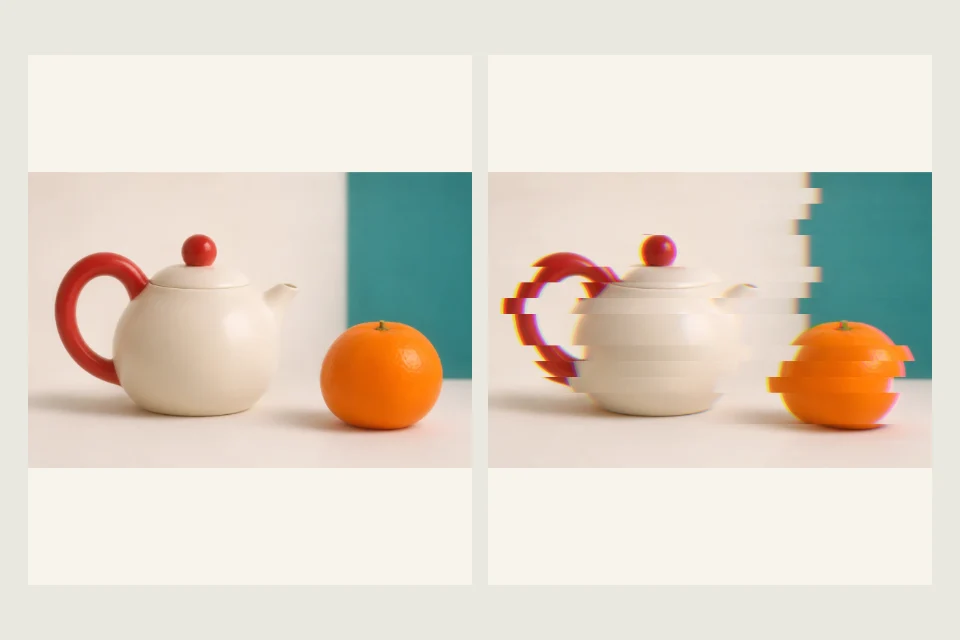
Dale a tu foto un efecto glitch con separación de canales RGB y bandas horizontales. Ajusta ambos efectos y descarga la imagen en PNG.
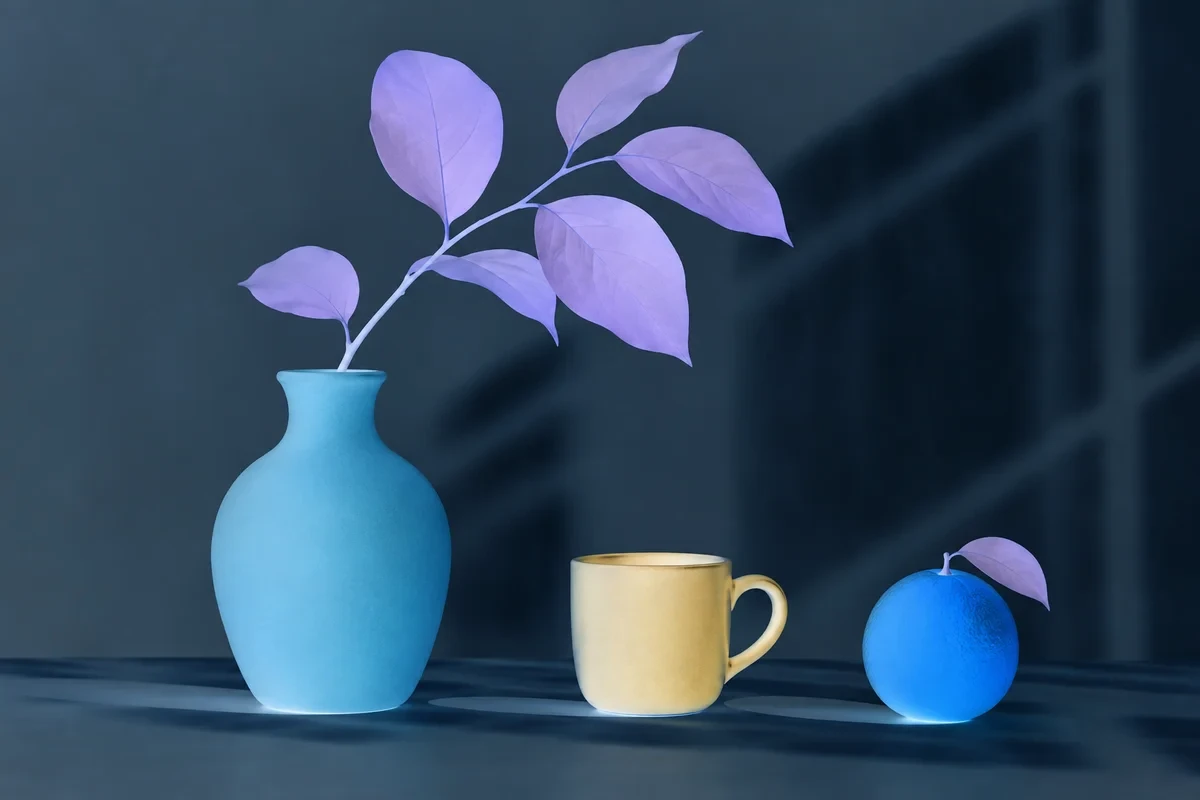
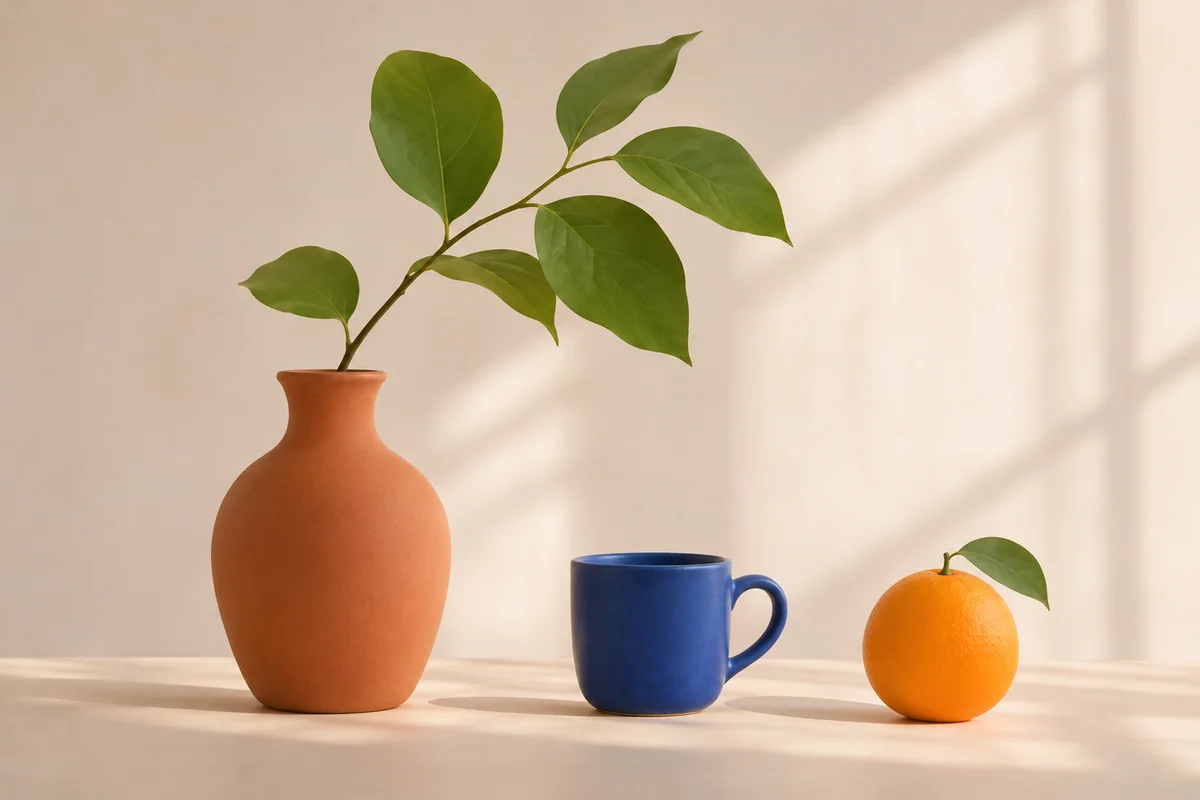
Use the left and right arrow keys to compare the original and edited image.
Create a color negative and control its strength.
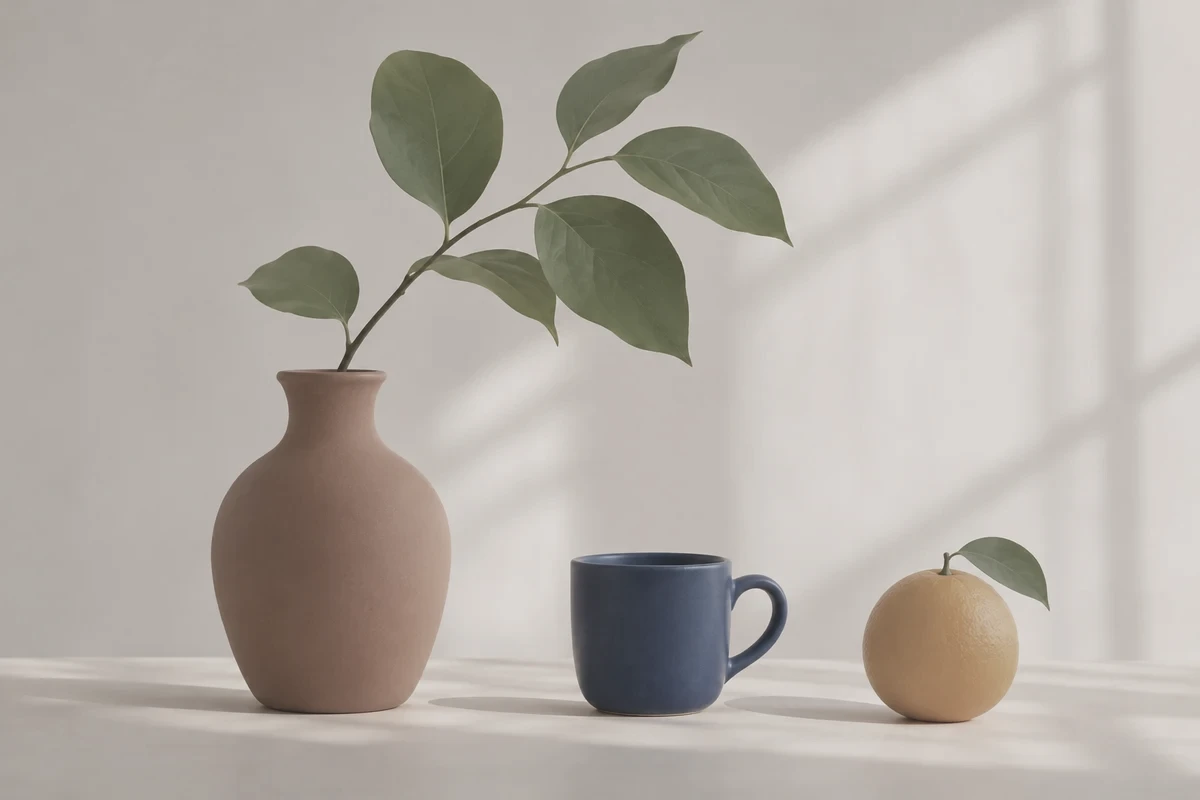
Use the left and right arrow keys to compare the original and edited image.
Soften saturation and contrast for a quieter palette.