Explore a shorter silhouette.
The short cut reshapes the hair around your jaw. The edit is guided by your face, existing hair color and photo setting, so you can focus on the change in length.
 StylMorph.
See how a short bob frames your face. Upload your portrait for a blunt cut with softly curved ends, then compare the new look with your original.
Try a bob on your photo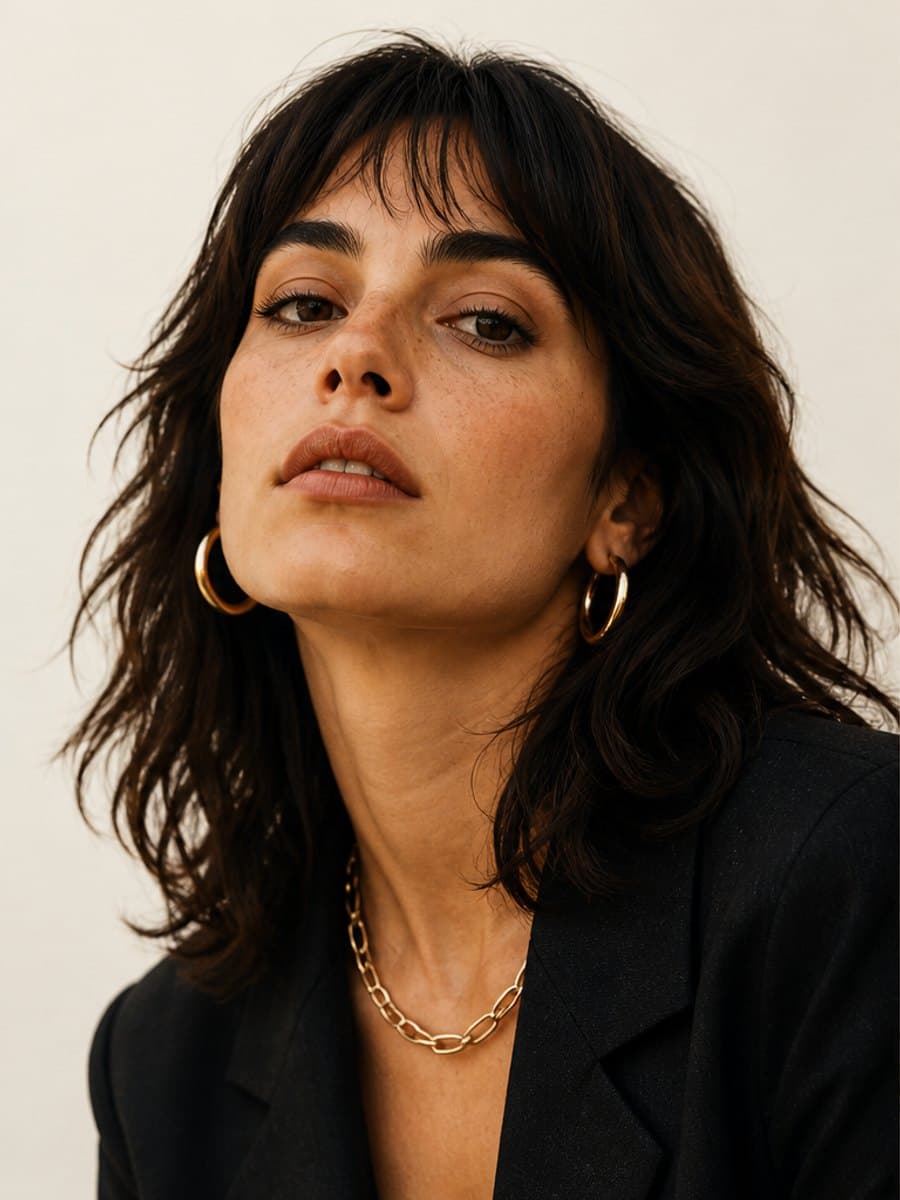
One free image per guest identity, shared across image tools. Additional images require purchased credits.
Free trials and gift credits cannot be used for comparison.
Checking guest allowance…
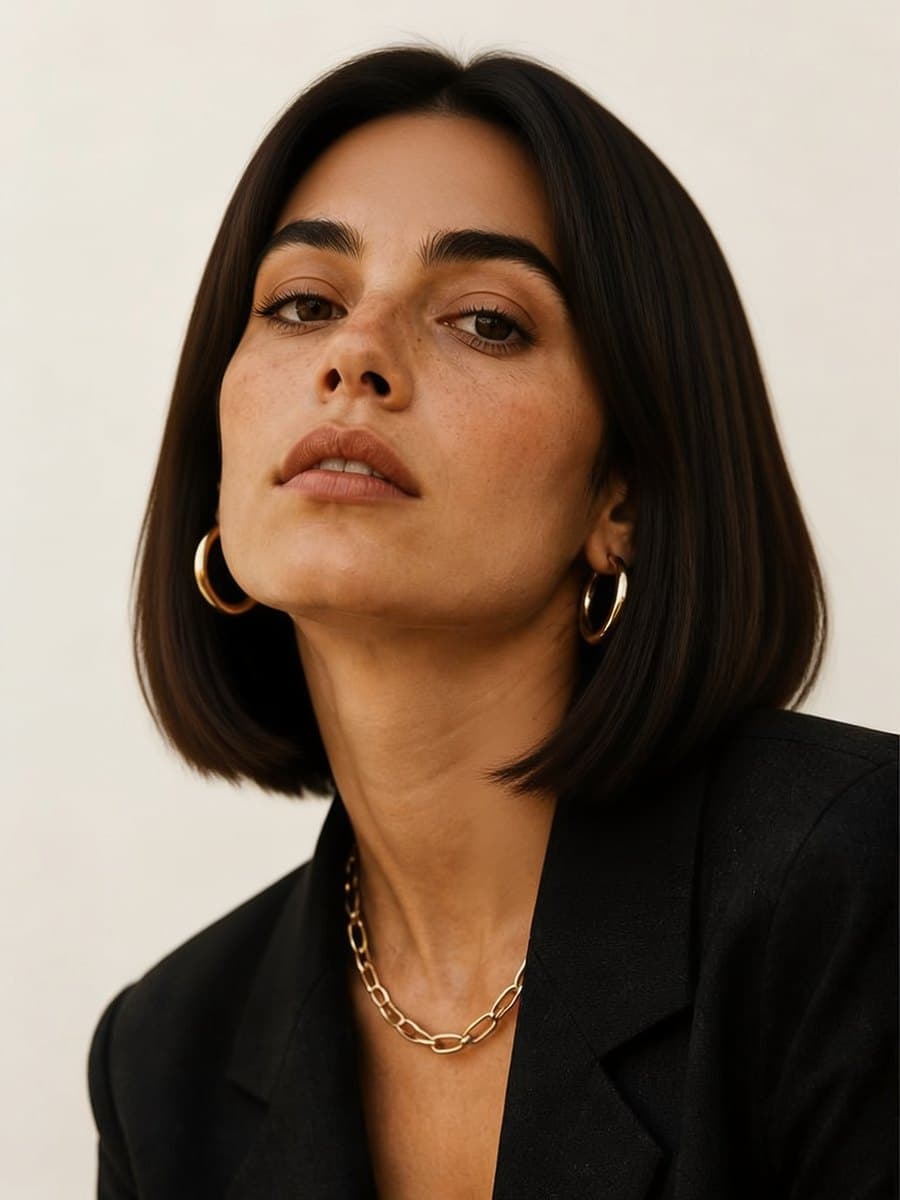
Generated example · synthetic portraitThe short cut reshapes the hair around your jaw. The edit is guided by your face, existing hair color and photo setting, so you can focus on the change in length.
Choose a well-lit photo with your face and hair visible. Hair falling below your chin makes the change easiest to see. Keep hats, heavy filters and hair covering your face out of the shot.
Example: a StylMorph synthetic portrait and its AI-edited bob result.
Choose one clear photo of yourself. JPEG, PNG and WebP files up to 10 MB are supported.
The short bob is ready to use. Choose your image shape and generate your preview.
Switch between Original and Result to check the haircut. Download your image within 24 hours, before its private link expires.
It edits a portrait into a photo of you with a blunt, short bob and softly curved ends. You receive one still image to view and download.
Use a clear portrait of yourself with your hair down and your face visible. Hair below the chin helps show the difference. For someone else’s portrait, get their permission first.
The edit aims to keep your face, existing hair color, clothes and surroundings while changing your hairstyle. AI may also change facial features or background details, so compare the result with your original.
This preset creates a short blunt bob and keeps an existing fringe where possible. Other lengths and new bangs are not selectable here.
Save the image to show your stylist the shape you like. They can advise how that cut will work with your hair texture, density and styling routine.
One successful free image is available per guest identity across StylMorph image tools. Further single images use purchased credits. Comparing two model results requires two purchased credits. Your available balance appears beside the button.
A confirmed failure releases your reserved free image or credits. If your result is still unconfirmed, they remain reserved. Select Check existing result to check the same image task again.
Select Download once your result appears. Private result links expire after 24 hours, so save your image before then. If you share the haircut preview, label it as AI-edited.