Upload
Choose a JPEG, PNG or WebP image up to 10 MB.
 StylMorph.
Turn a photo into a new visual style with image to image AI. Upload once, choose a comic or cartoon treatment, and compare the transformed result with your original—no signup required.
Try your image ↘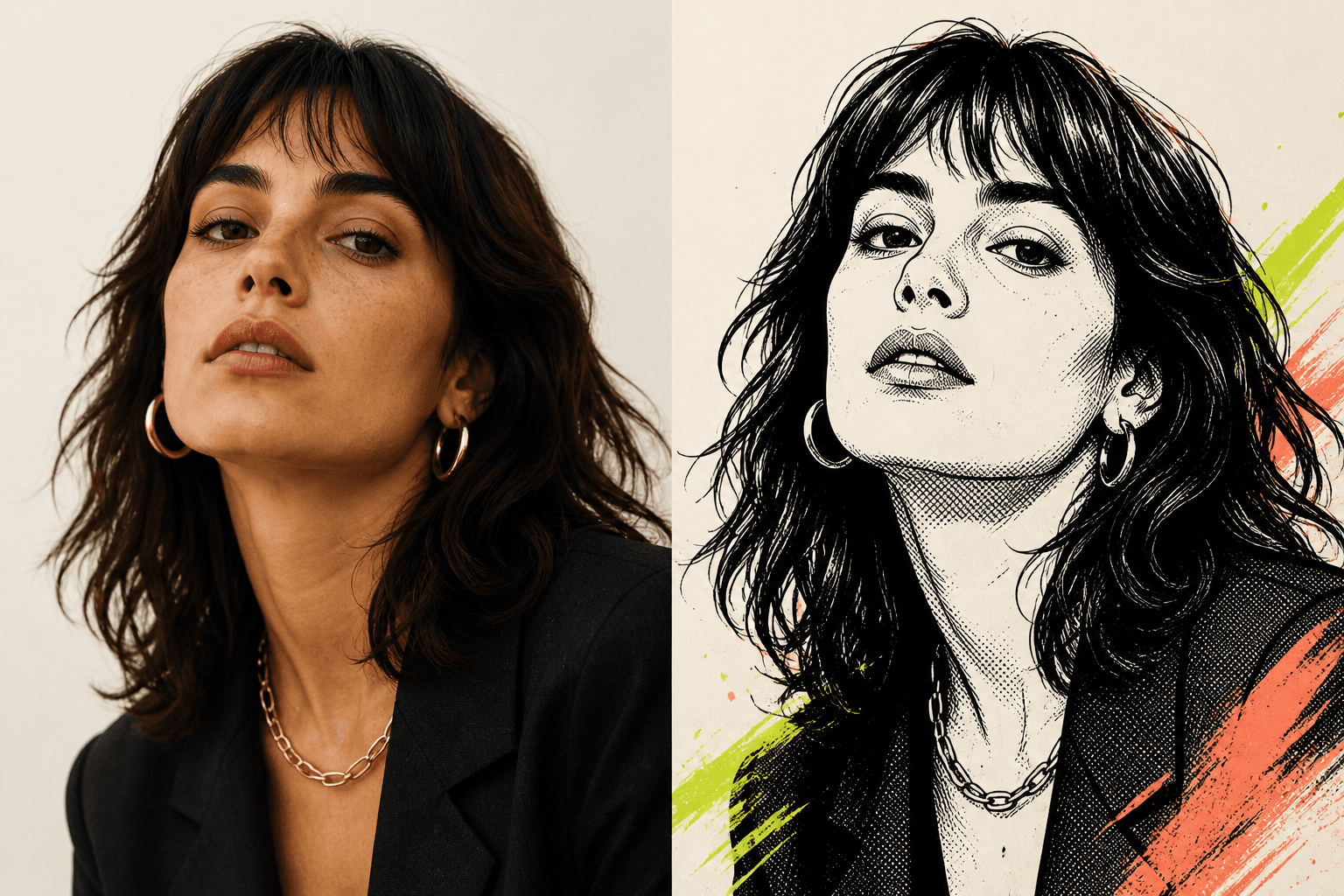 01 — BEFORE02 — AFTER
One free image per guest identity, shared across image tools. Additional images require purchased credits.
Seedream 4.5 Edit + NanoBanana Pro Edit. Same image, same fixed style; no custom prompt. Free trials and gift credits cannot be used for comparison.
Checking guest allowance…
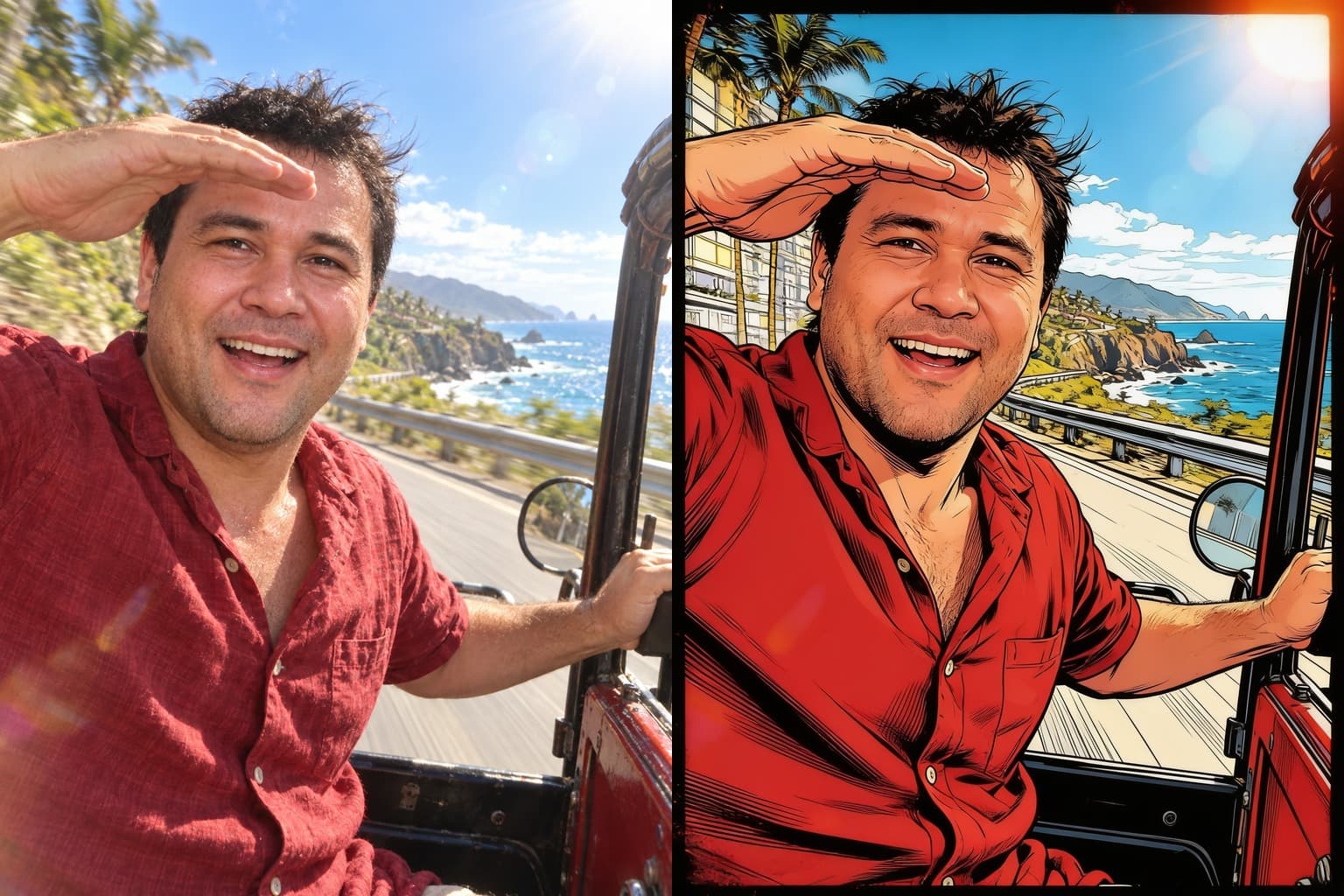
OriginalResult01Explore ink, line art and halftone comic-book treatments.
 02
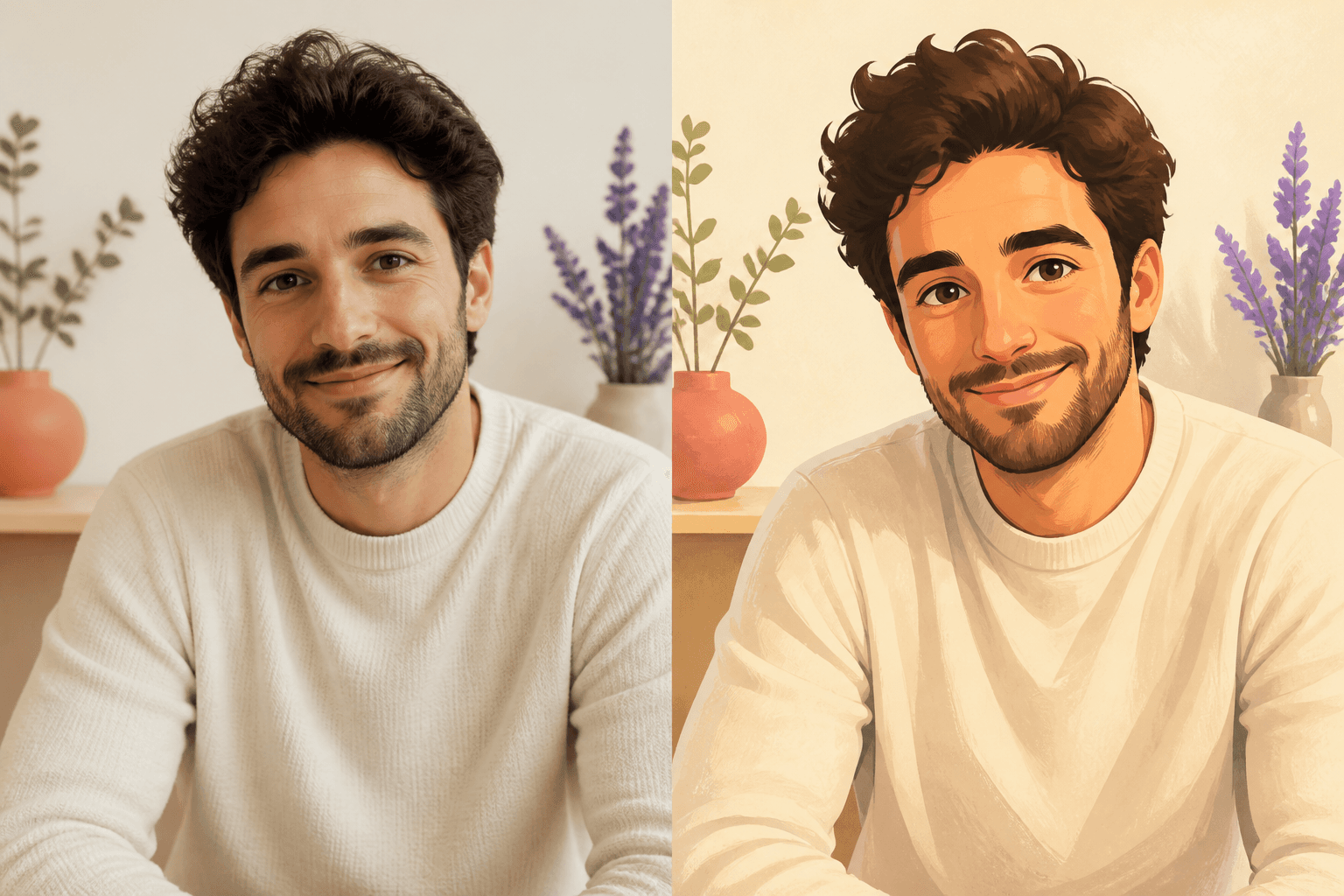
02Redraw portraits and scenes with approachable illustrated color.
 03
03Explore open-world, neon future-city and pixel-art treatments.
Want printable black outlines on a white background? Turn your photo into a coloring page.
Choose a JPEG, PNG or WebP image up to 10 MB.
Pick one of six focused comic or cartoon treatments.
Start the transformation and keep the page open while it runs.
Add comic dialogue, plan a profile grid and frame sizes, calculate proportions, protect photo privacy or build a comparison—without leaving StylMorph.
Open the full browser editor. No account or credits.
Open tool →Place dialogue, thoughts or comic bursts on a picture.
Open tool →Split one photo into 3, 6 or 9 local tiles.
Open tool →Read dimensions or simplify a ratio.
Open tool →Clean supported JPEG metadata locally.
Open tool →Arrange two images into one comparison.
Open tool →Plan photo, mat and frame dimensions.
Open tool →Try one image free with your current guest identity. No account required. Sign in only when you want to buy more.
See all pricing →It redraws the supplied image in the selected visual treatment while asking the model to preserve the subject, pose and overall composition. Results still vary by image.
The homepage generator includes three comic treatments and three cartoon treatments. Game Art Filter is a separate tool with three original game-art directions.
No. Guest transformations are available without creating an account. The page shows the allowance remaining for the current browser and network.
StylMorph accepts JPEG, PNG and WebP files up to 10 MB. A clear subject and usable lighting usually give the model a better source.
Uploaded originals and generated results expire automatically after 24 hours. Result links stop working after that retention window.
Yes. After generation, use the Original and Result controls above the image, then download the result if you want to keep it.