Choose a base color first
Start with a broad neutral from the photo for a background. Use one of the stronger colors for links, labels or small accents.
 StylMorph.
Extract up to five representative colors from a photo or graphic. Copy individual HEX codes or the whole palette.
Extract a color palette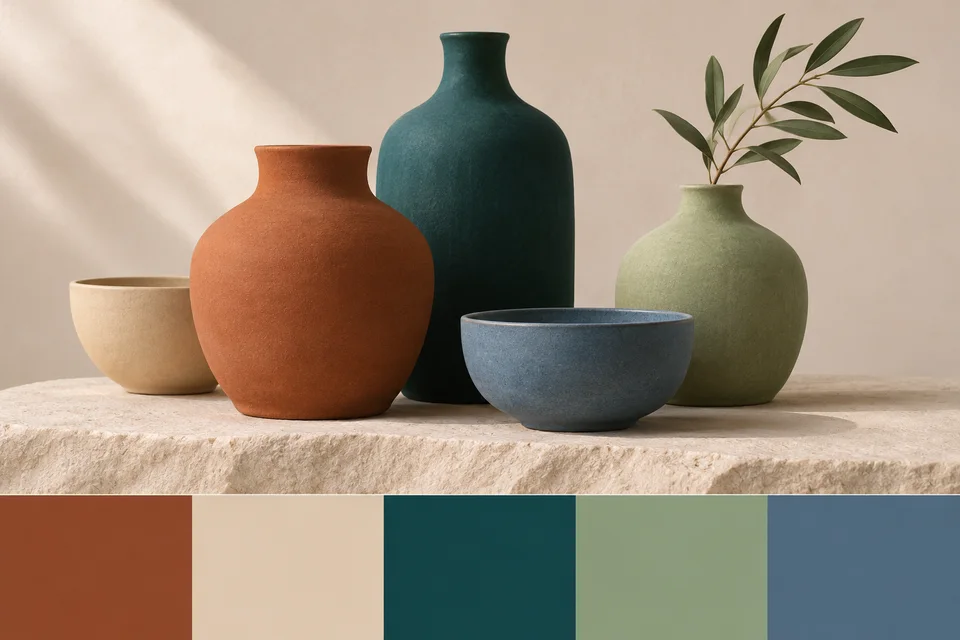
JPG, PNG or WebP · up to 10 MiB and 24 megapixels
Free · processed in your browser
Opening image…
Your preview will appear here.
Start with a broad neutral from the photo for a background. Use one of the stronger colors for links, labels or small accents.
If the background dominates the swatches, crop around the subject and load the crop. The palette then reflects the region you care about.
Colors that look good together in a photo may have low text contrast. Check the final foreground and background pairing before publishing.
Choose a photo, graphic or screenshot, or start with the sample.
The tool groups similar visible colors and shows up to five representative HEX values.
Select a swatch to copy its code, or use Copy palette for the full set.
The tool samples a smaller copy of the image, groups similar colors and favors the groups with more visible pixels.
A simple graphic or near-monochrome image may contain fewer than five distinct sampled colors.
Yes. Select its swatch to copy that code, or use Copy palette for all codes.
Pixels below 50% opacity are skipped when choosing the palette.
Use the Image Color Picker for a precise point. The palette groups related pixels and shows representative colors.
Yes. Use a PNG, JPG or WebP screenshot and crop around the area you want to sample.
Choose a JPG, PNG or WebP up to 10 MiB and 24 megapixels.
The tool processes your image in this browser. Your selected file stays on your device.