
Rotate Image
Turn a sideways or upside-down image in 90° steps. Check the new orientation and download a PNG with the whole image intact.
Rotate an image
JPG, PNG or WebP · up to 10 MiB and 24 megapixels
Free · processed in your browser
How a quarter turn changes the image size
Open the sample and choose Reset to start with the landscape original. Follow the dimensions next to Download PNG as you turn it.
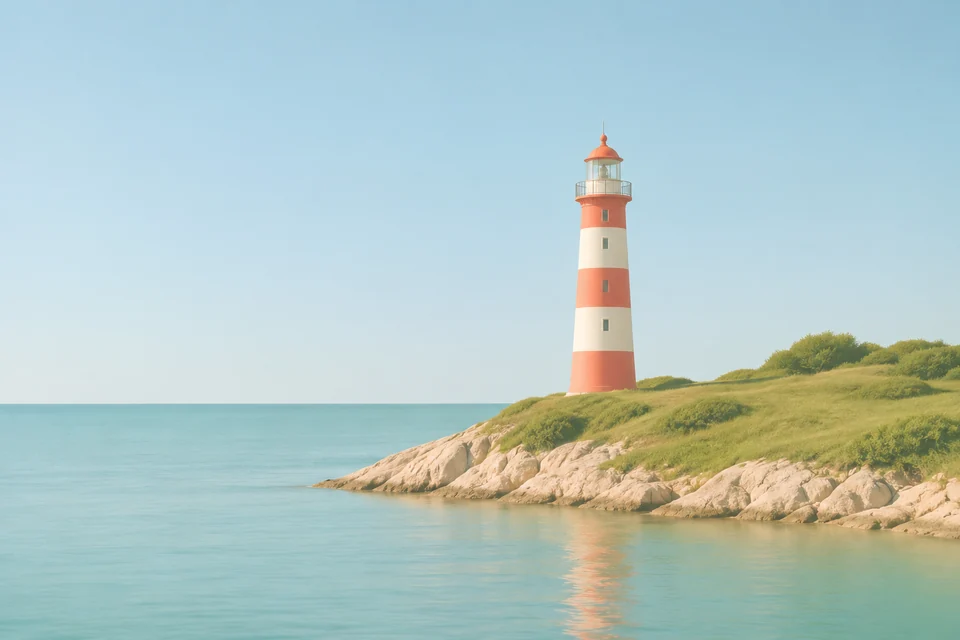
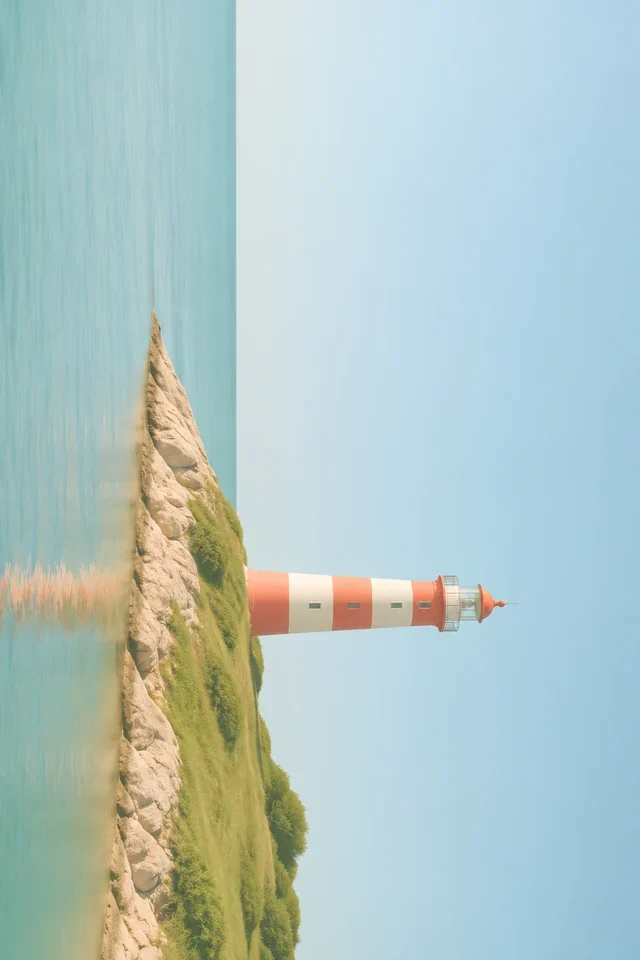
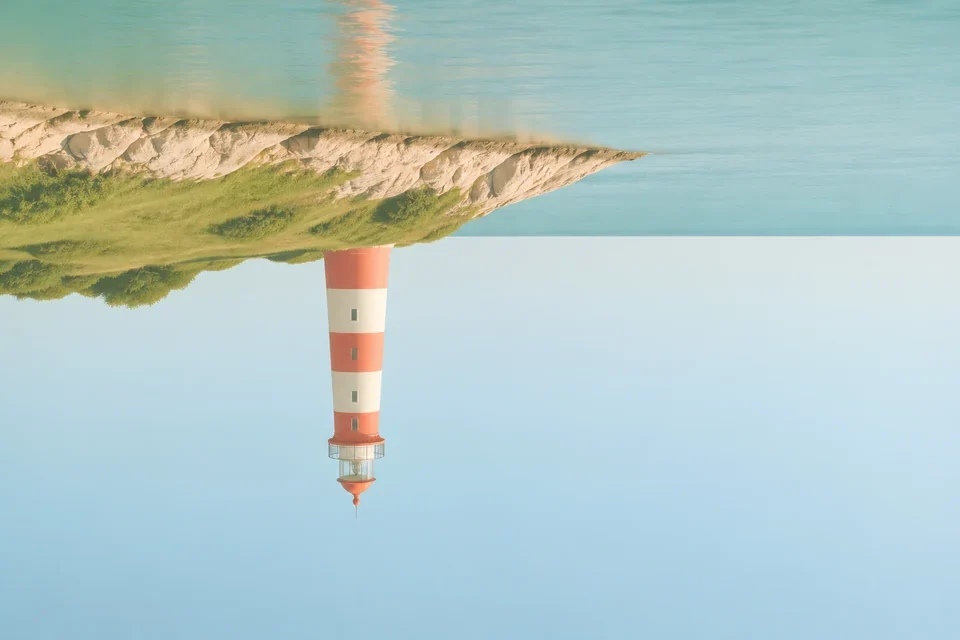
- Original · 960 × 640 px
- The lighthouse is upright and the horizon runs across the image.
- One 90° clockwise turn · 640 × 960 px
- Click Clockwise 90° once. The horizon now runs vertically. All four edges are still in the frame.
- Two 90° clockwise turns · 960 × 640 px
- Click Clockwise 90° again. The image is upside down and the original dimensions return.
Choose the turn that fixes your photo
Sideways phone photo
Look at a face or a sign to see which way is up, then try Clockwise 90° or Counterclockwise 90°.
Upside-down scan
Turn twice in the same direction. Check that the first line reads normally across the top before you save.
Portrait layout
A quarter turn swaps width and height. If the subject is already upright and you just need a taller frame, crop to a portrait ratio instead.
Frequently asked questions
Can I rotate to a custom angle?
This tool turns images in 90° steps.
Will a quarter turn crop my image?
The output canvas swaps width and height to keep every edge visible.
Can I start again?
Use Reset to return to the orientation shown in the original preview.