
AVIF to JPG Converter
Open an AVIF in your browser, preview the JPEG on white and save it at the original pixel dimensions.
Open the tool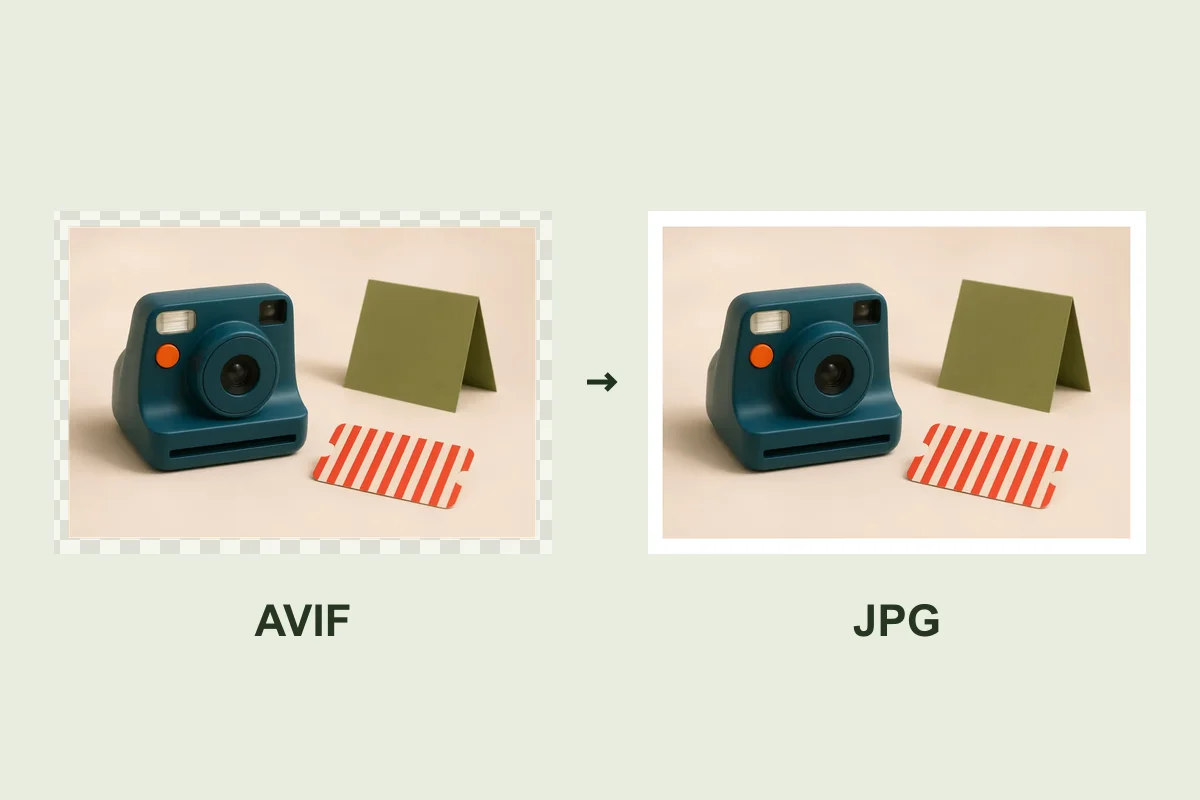
Drop an image here
AVIF · Up to 10 MiB and 24 megapixels
Processed in your browser
Choose the quality before saving
Try the sample at 85%. Check smooth areas and shadow edges in the preview. A JPG can be larger than the AVIF at the same dimensions.
Transparent areas become white
JPEG has no alpha channel. Check the preview if your AVIF contains transparent edges.
Keep the AVIF as a master
JPEG is convenient for upload forms or apps that require it. Your result is a single still image, so keep the AVIF if you need animation.
Frequently asked questions
Will the image dimensions change?
The downloaded still image keeps the source width and height.
Where is the image processed?
Your browser reads and exports the image on your device.
Will the output be smaller?
File size depends on the source and your quality setting. Check the measured sizes before downloading.
What happens to transparency?
The JPG uses white where the AVIF was transparent.