
A little guidance.
A better next image.
Open a guide on its tool page, then try the steps with your own image.
Photo editing and drawing
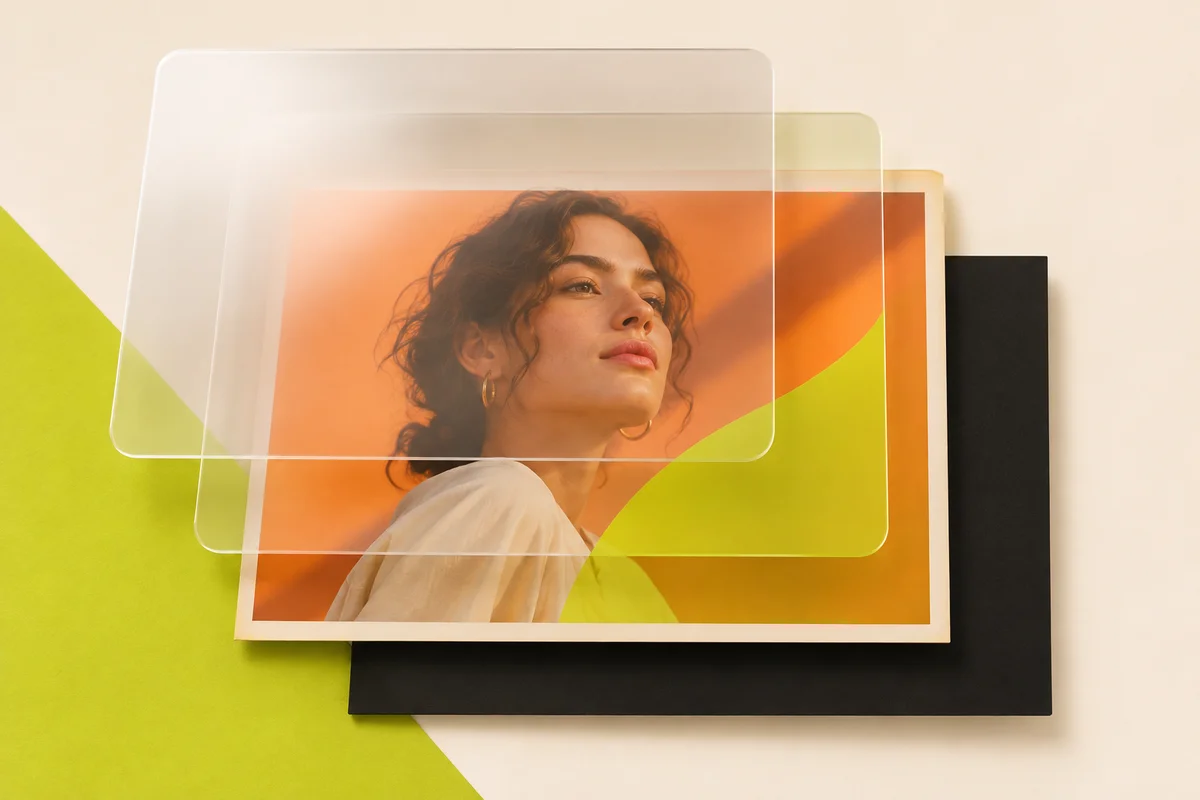
Photopea alternatives for layered photo editing
Compare Photopea alternatives for browser edits, editable PSD handoffs, photo retouching and digital painting, with a practical check for each.
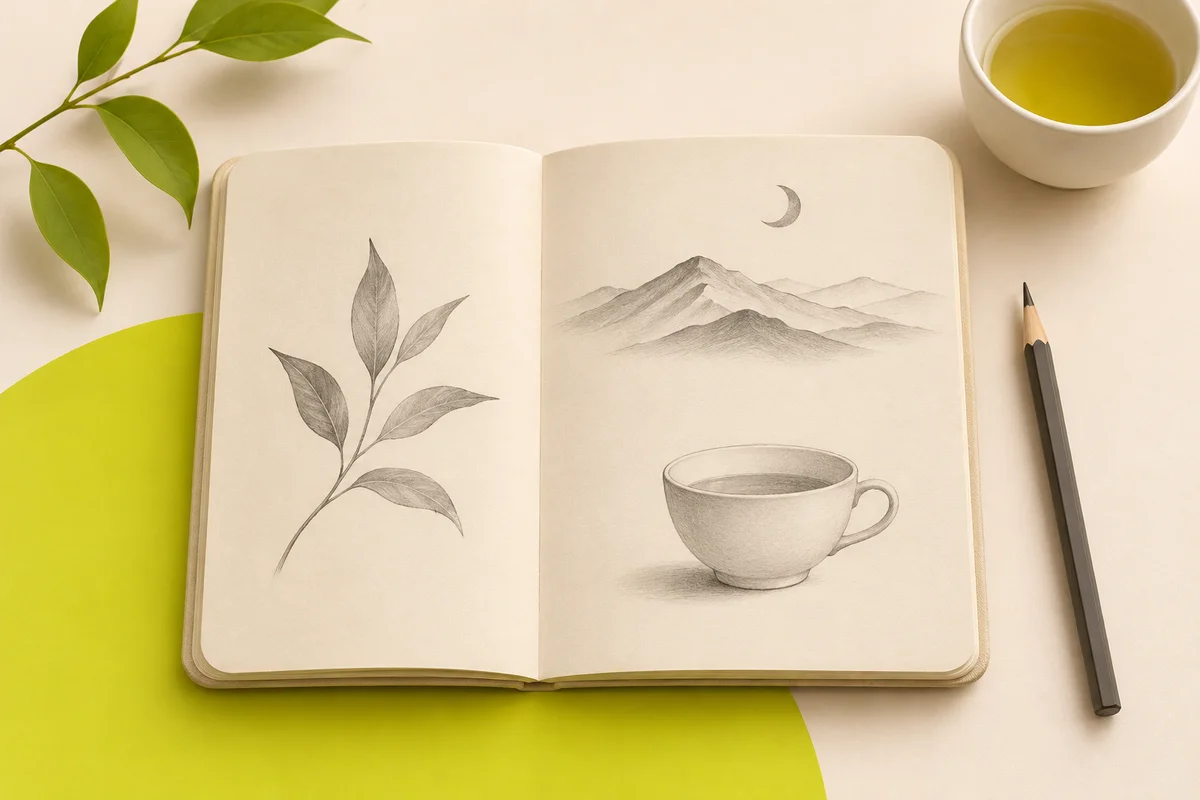
Easy aesthetic drawing ideas to try in a sketchbook
Try six illustrated pencil drawings, from easy nature sketches to still life, a symmetrical moth and a window perspective study.
Colors & image files
Use a photo’s average color
Find the average HEX and use it to frame your photo.
Read the guideWEBP CONVERSION GUIDEConvert a transparent WebP to JPG
Choose the color that fills transparent areas.
Read the guideCOLOR PICKER GUIDEPick a color from a photo
Choose a pixel and copy its HEX or RGB value.
Read the guideFILE CONVERSION GUIDEConvert JPG to PNG
Change the format and keep the original dimensions.
Read the guideFILE CONVERSION GUIDEConvert PNG to JPG
Choose a background for transparency and set the JPG quality.
Read the guideCOLOR PALETTE GUIDEExtract a palette from a photo
Find five colors and copy their HEX codes.
Read the guideGUÍA EN ESPAÑOLComprimir imágenes para web
Elige el formato y ajusta la calidad antes de descargar.
Leer la guíaEveryday photo editing
Flip a photo in two directions
See what moves when you flip horizontally or vertically.
Read the guideROTATION GUIDEChoose a rotation angle
Compare a quarter turn and a half turn on the same photo.
Read the guidePHOTOCRAFT GUIDEOpen, edit and keep your PhotoCraft work
Start the editor and choose a format for your finished work.
Read the guidePHOTOCRAFT QUESTIONSBefore you open PhotoCraft
Find out where the editor runs and how its files work.
Read the FAQPROFILE PICTURE GUIDEMake a rainbow profile picture
Choose a photo, tune the color and save a PNG.
Read the guideMUTED COLORS GUIDEFind a softer color palette
Control the strength of a muted finish.
Read the guideBLACK AND WHITE GUIDEConvert a photo to black and white
Go from color to grayscale and adjust the contrast.
Read the guidePHOTO VIGNETTE GUIDEAdd a vignette around your subject
Set the center, strength and reach of the effect.
Read the guideDUOTONE GUIDEMake a two-color photo
Choose colors for the shadows and highlights.
Read the guidePHOTO GRAIN GUIDEAdd grain to a photo
Adjust the strength and size of the grain.
Read the guidePHOTO BORDER GUIDEAdd a border to a photo
Set the width and color of a solid frame.
Read the guide