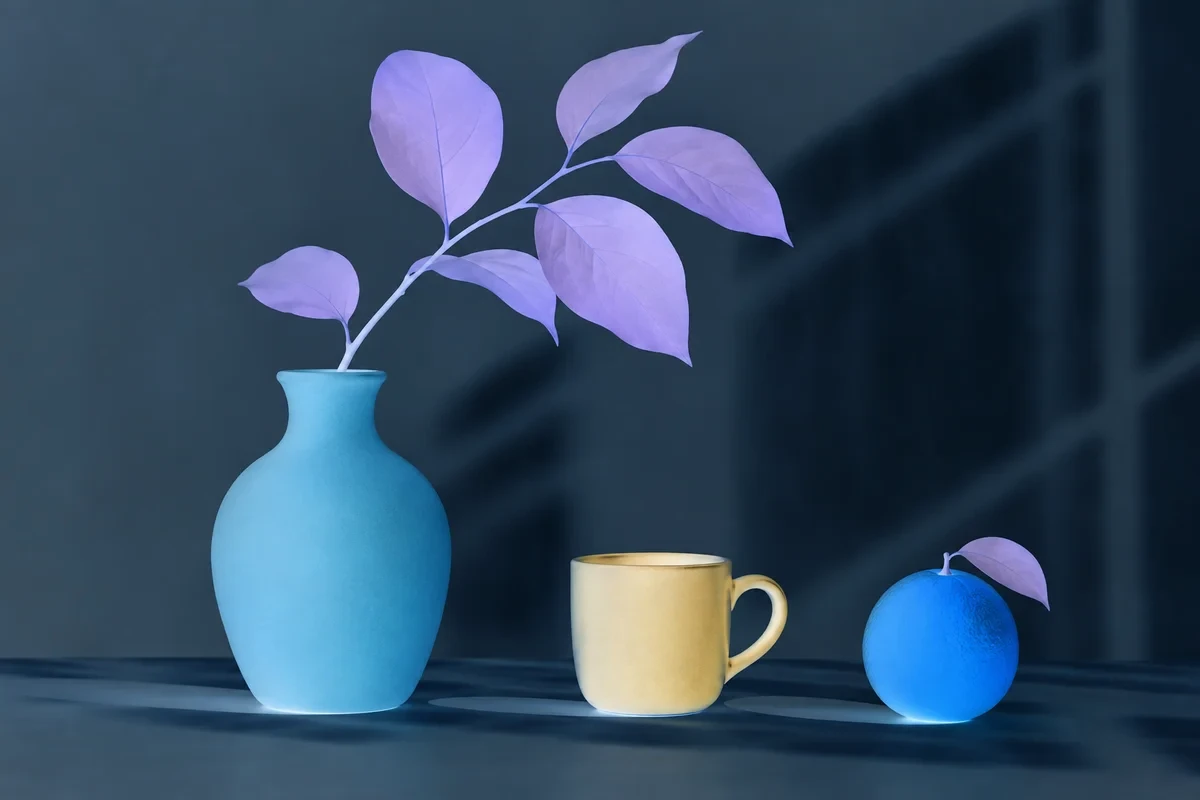
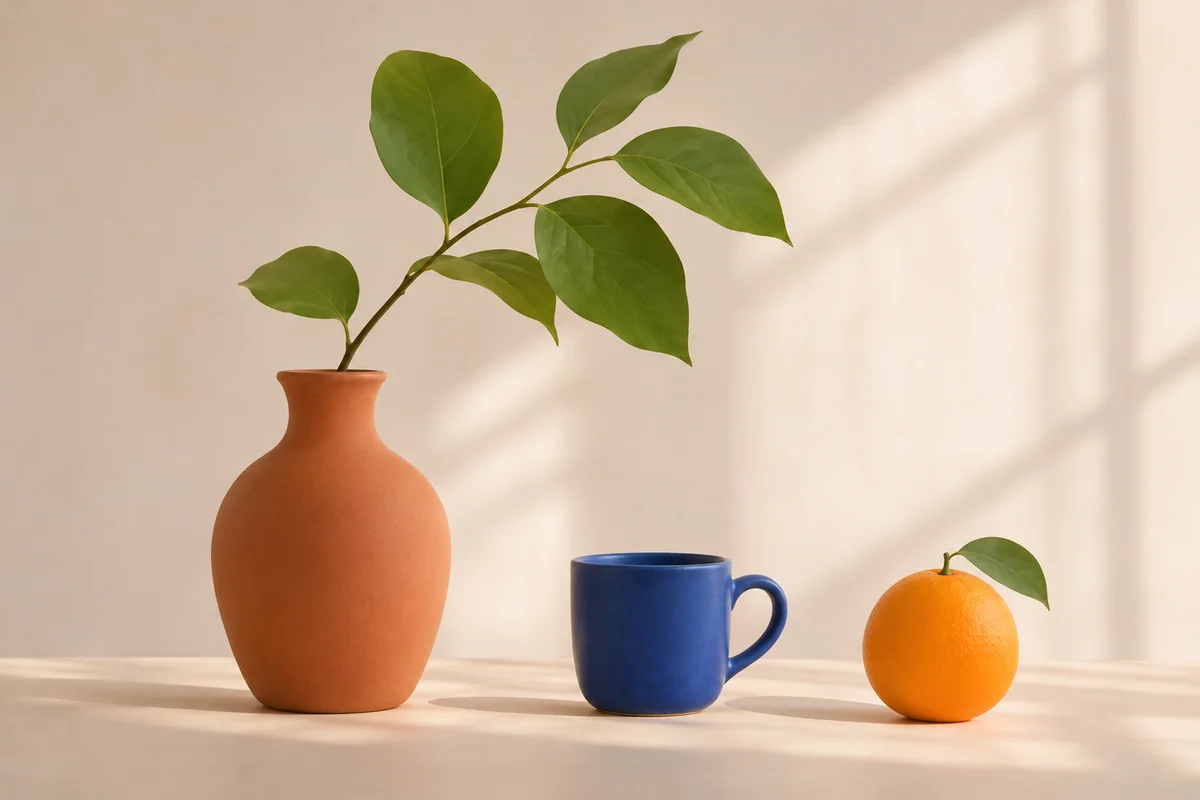
Use the left and right arrow keys to compare the original and edited image.
Color Inverter
Create a color negative and control its strength.
 StylMorph.
Photo effects, quick edits, a full editor and useful resources. Choose a free tool for what you want to make.
A new style, setting or portrait look.
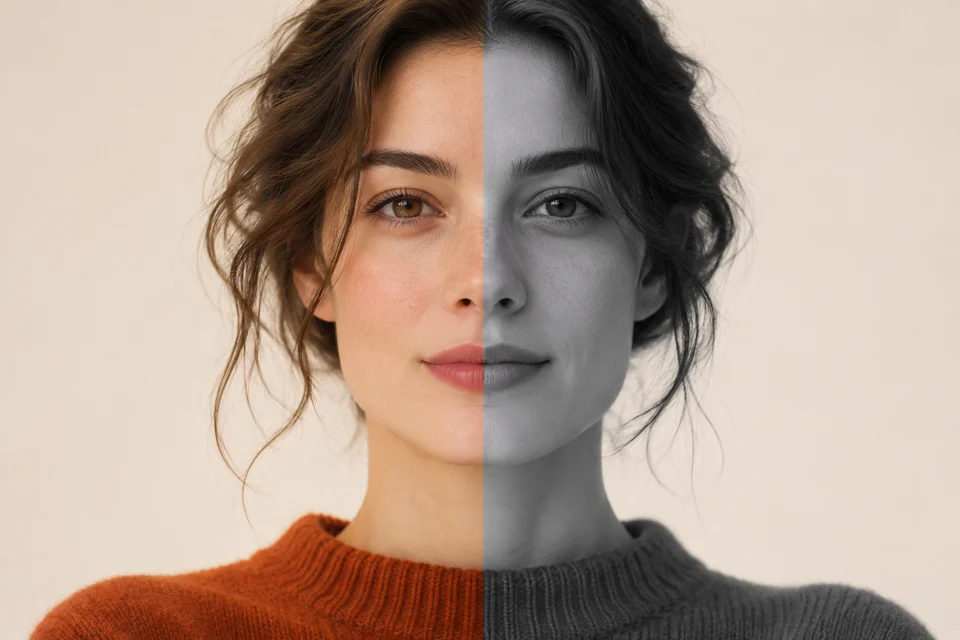
Turn a photo grayscale and adjust its contrast.
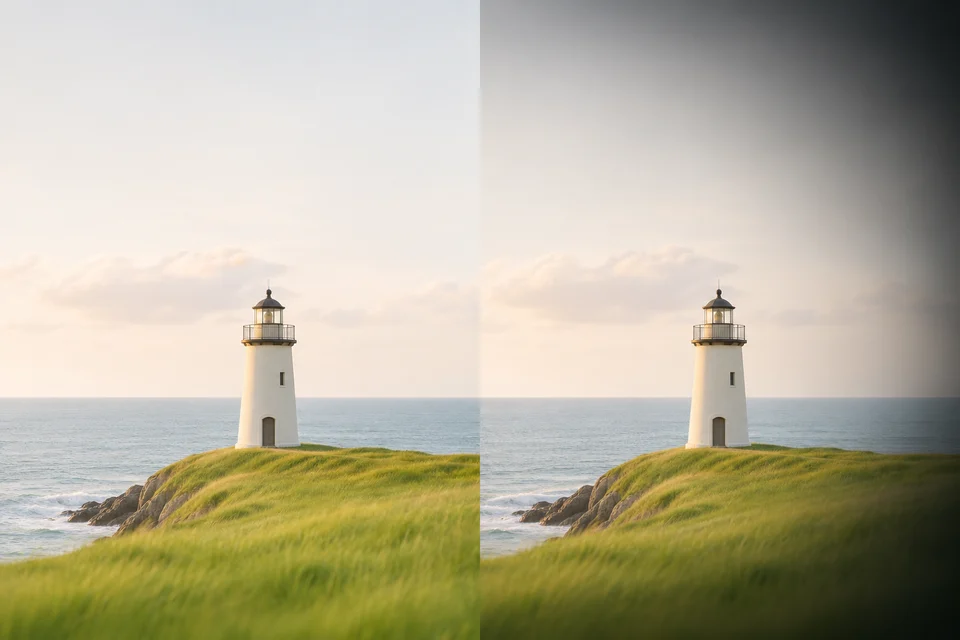
Darken the edges of a photo around a chosen point.
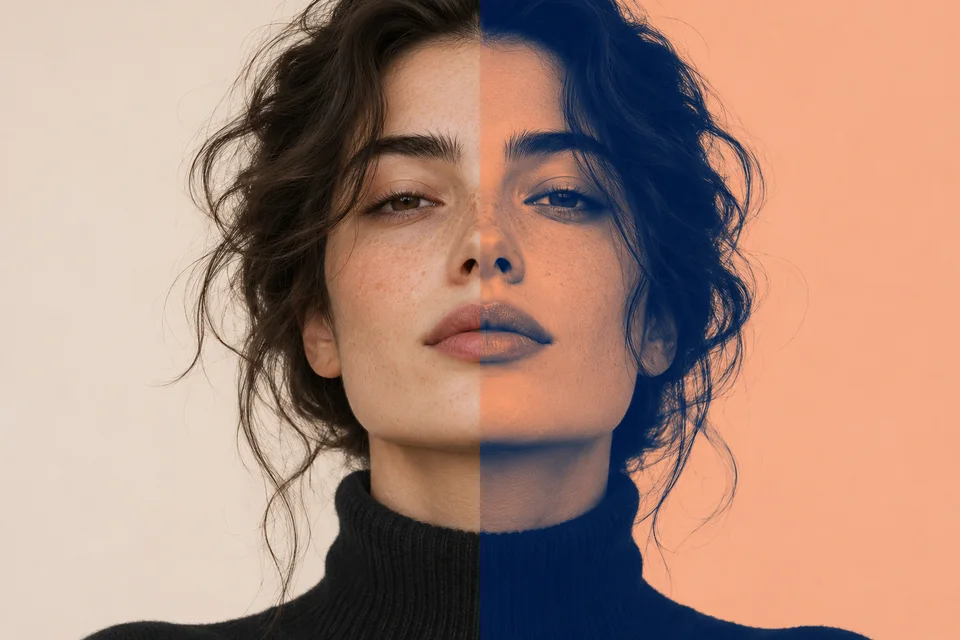
Map shadows and highlights to two colors.
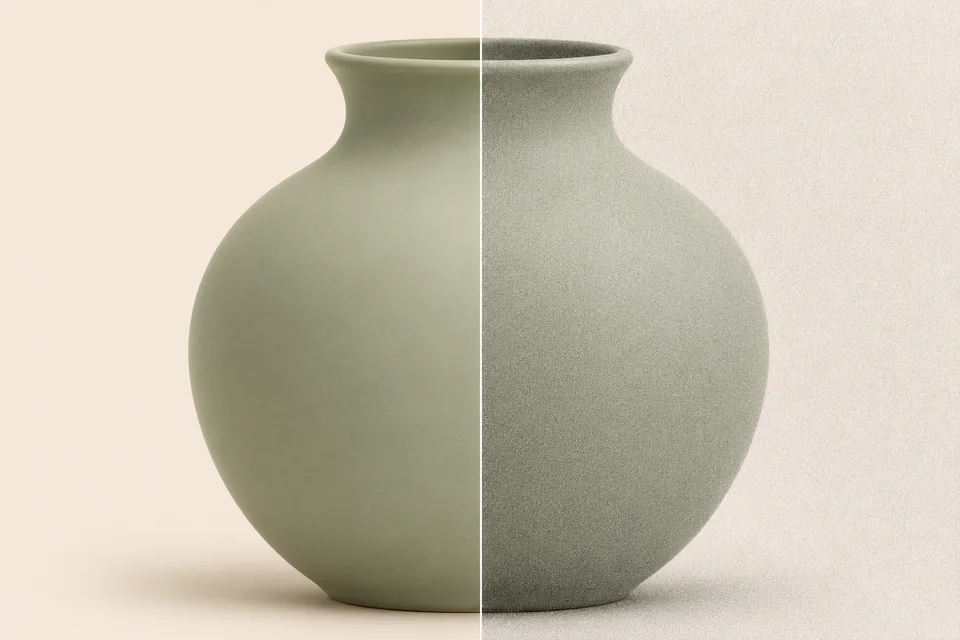
Adjust fine monochrome grain and compare with the original.
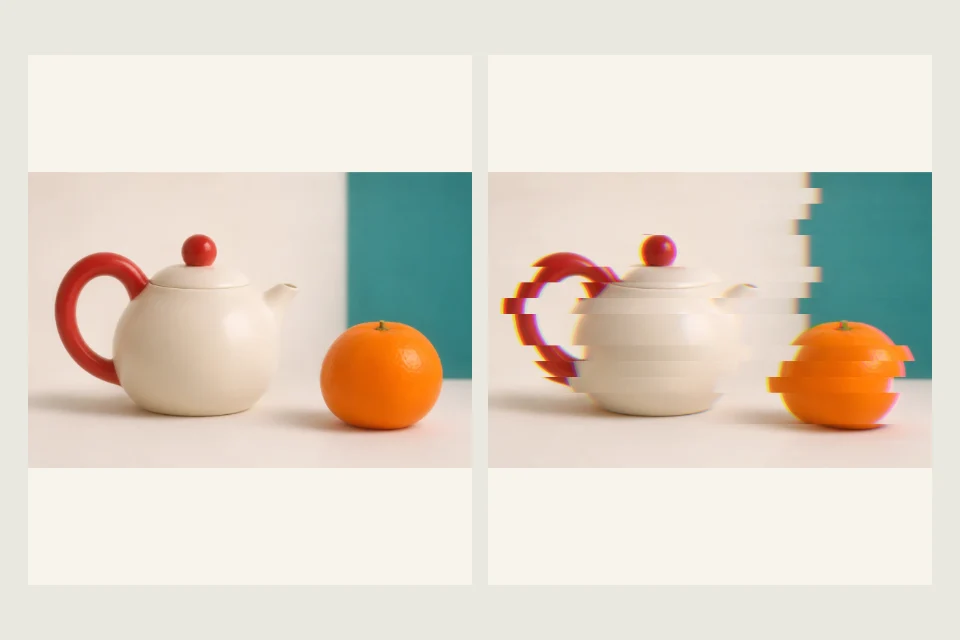
Dale a tu foto un efecto glitch con separación de canales RGB y bandas horizontales. Ajusta ambos efectos y descarga la imagen en PNG.
Use the left and right arrow keys to compare the original and edited image.
Create a color negative and control its strength.
Use the left and right arrow keys to compare the original and edited image.
Soften saturation and contrast for a quieter palette.
Crop, arrange and create, from a quick edit to a full design.
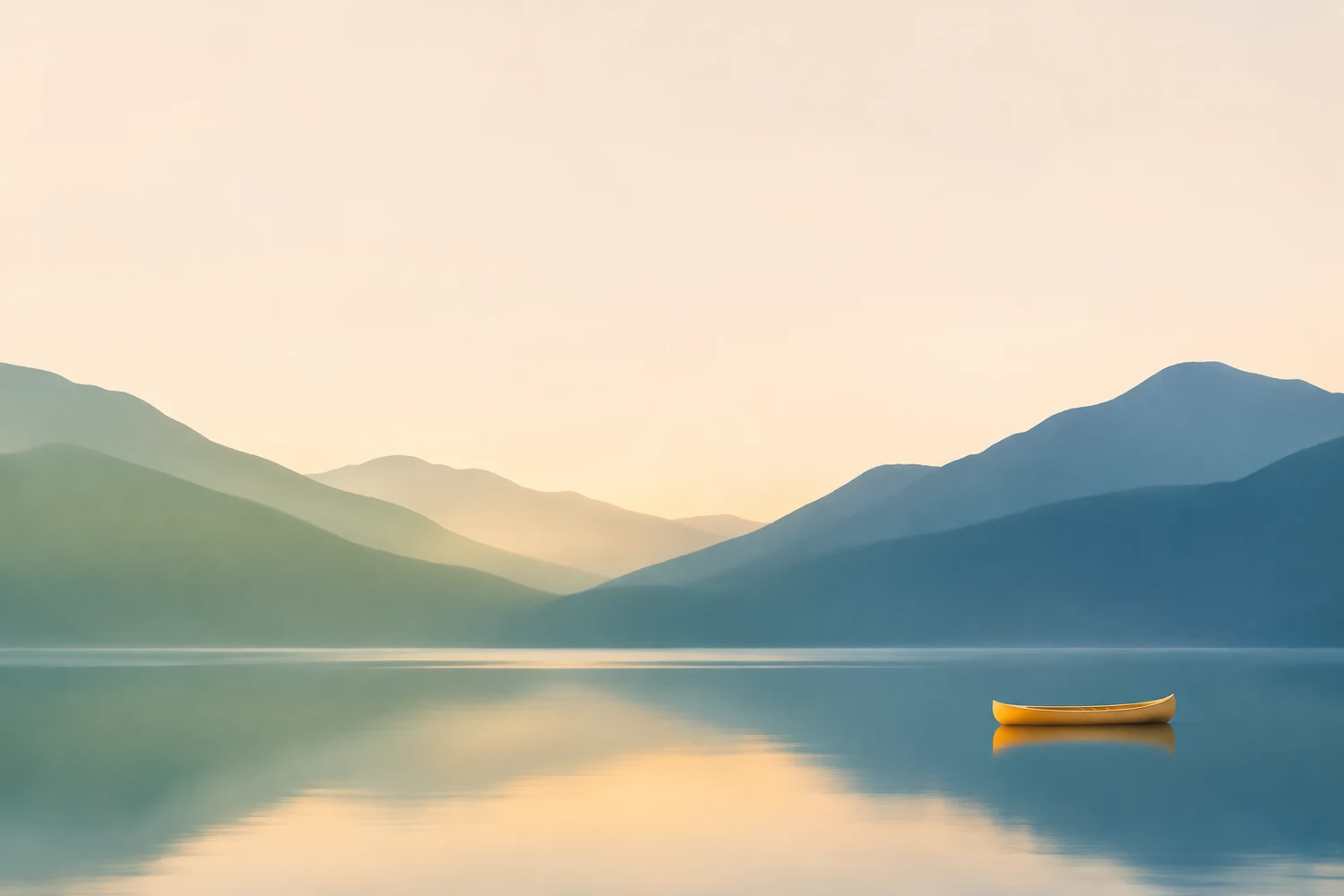
Crop a photo for your profile or server banner.

Frame your photo in a circle with transparent corners.
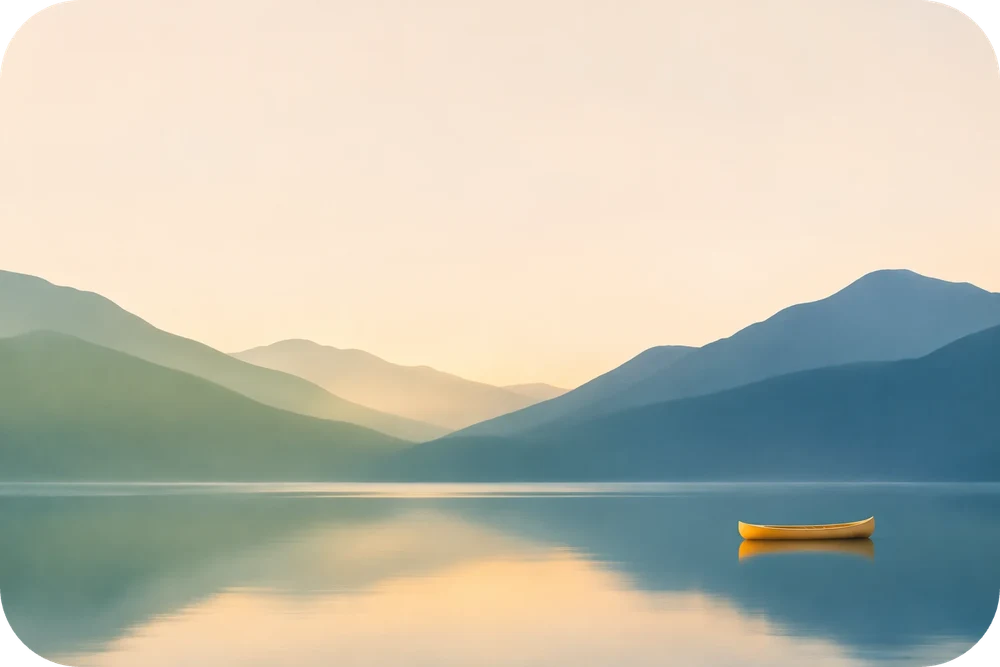
Soften photo corners and save a transparent PNG.
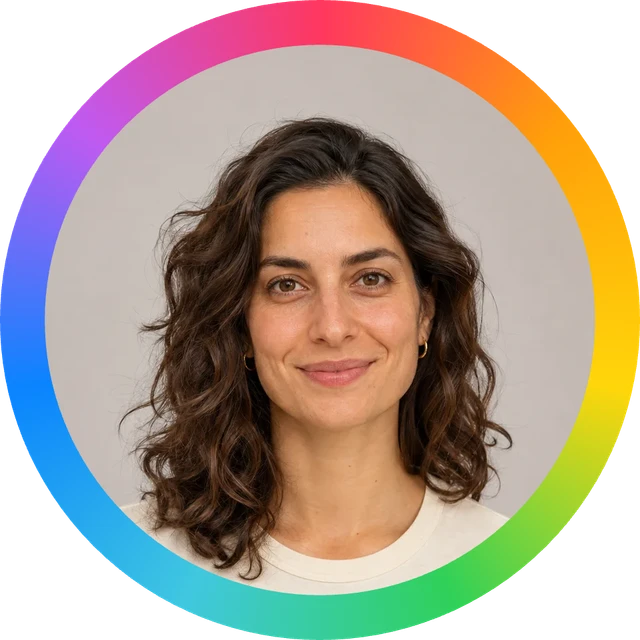
Frame a profile photo with a colorful rainbow finish.
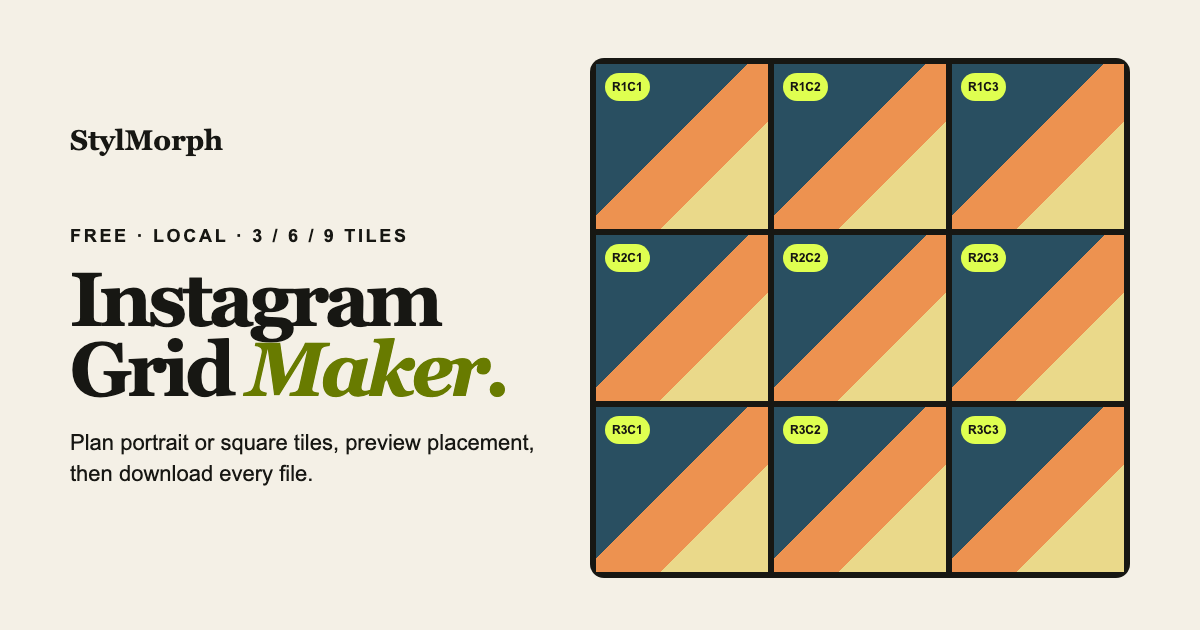
Split a photo into an ordered grid, ready to download.
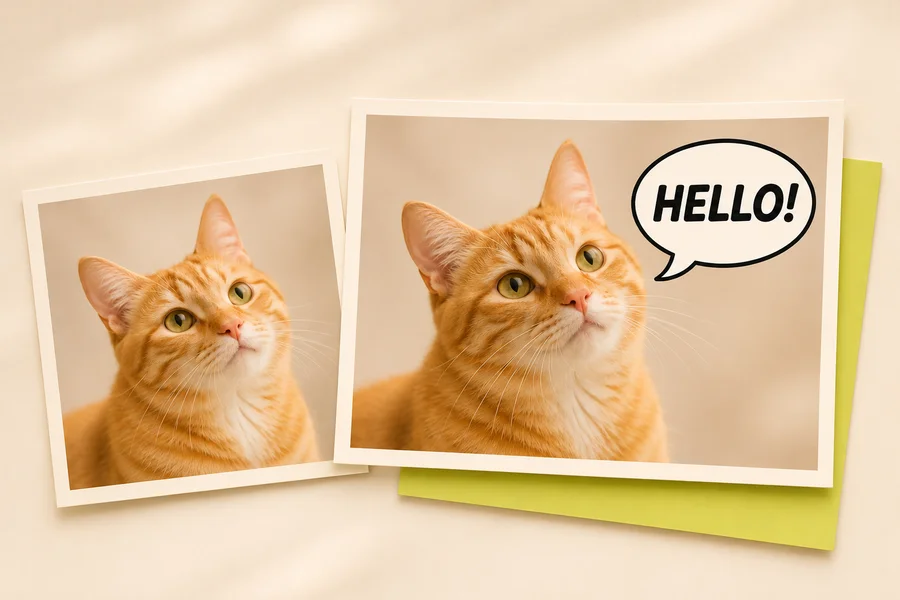
Add dialogue and captions to your pictures.
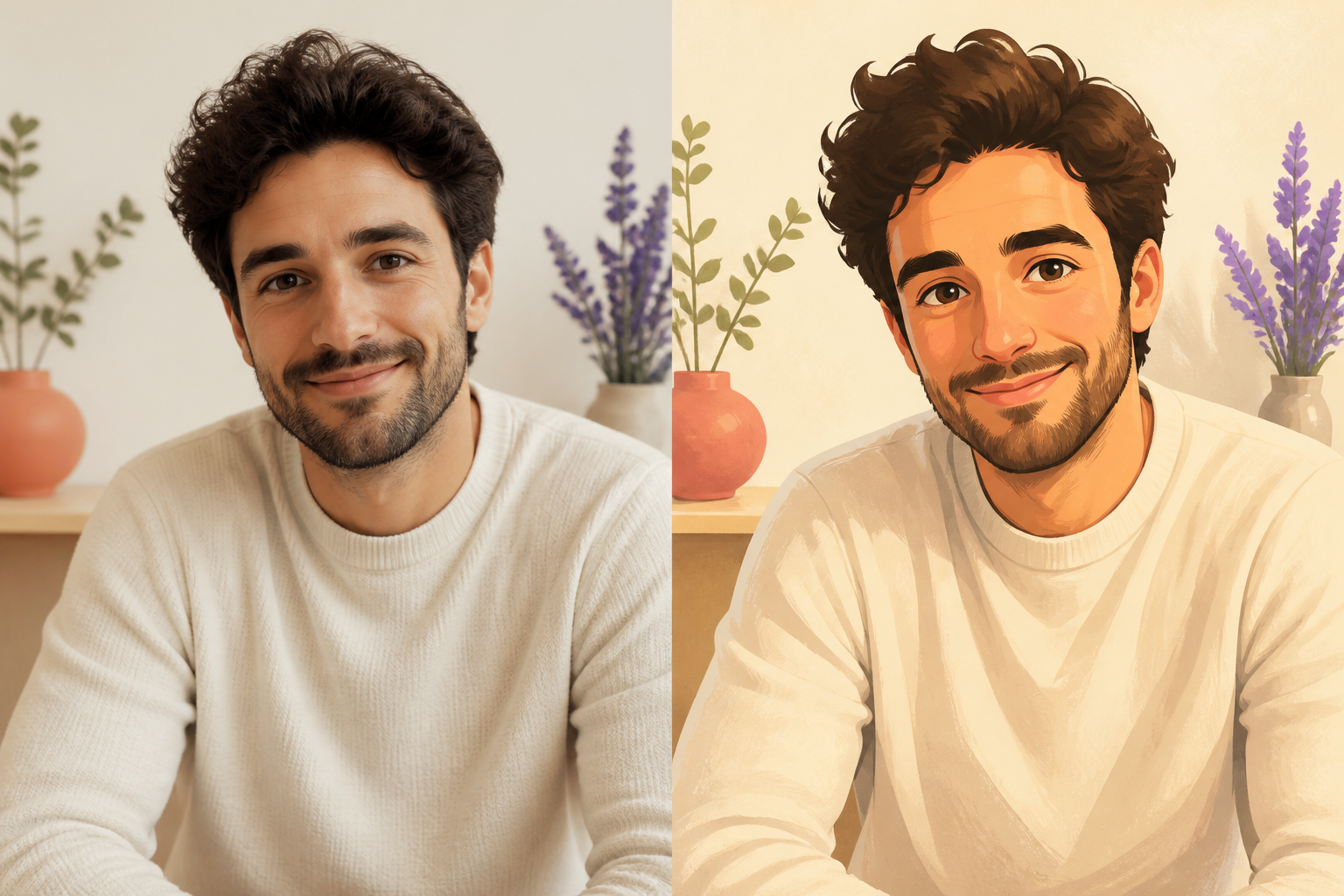
Arrange two photos in one clear comparison.
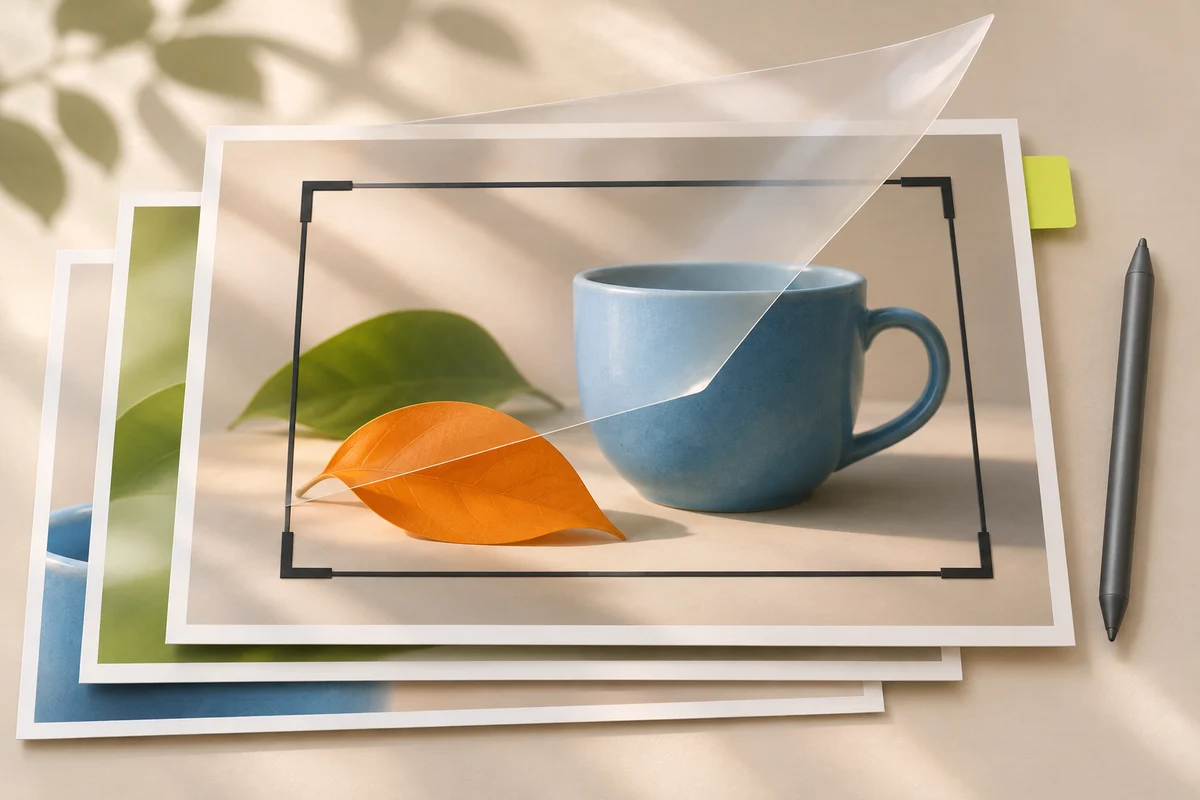
Open a full image editor with layers and familiar controls.
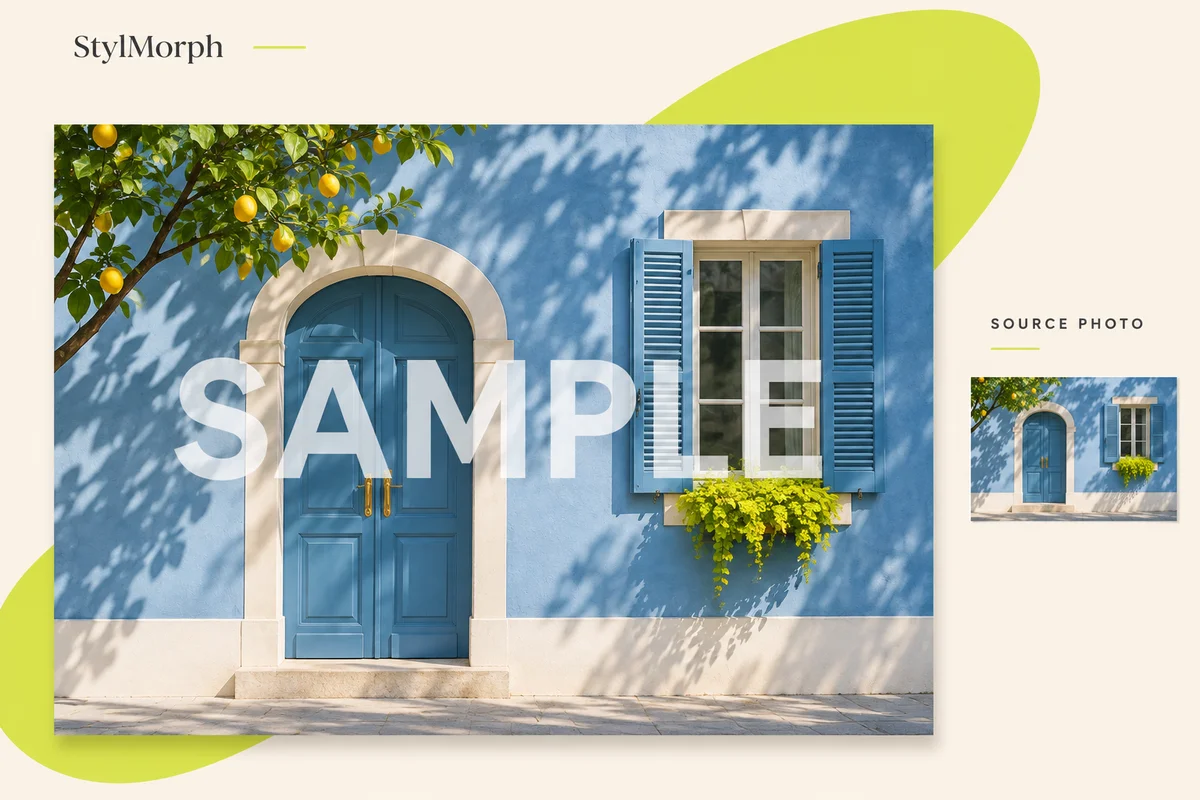
Place a text watermark on your photo, adjust where it sits and save a full-size PNG.
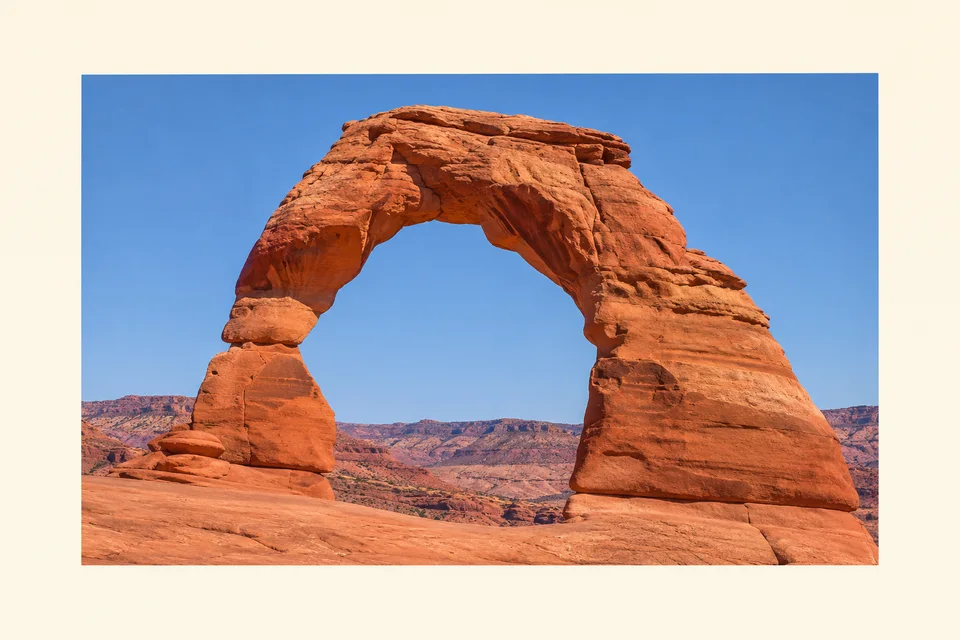
Set the width and color of an outside photo border.
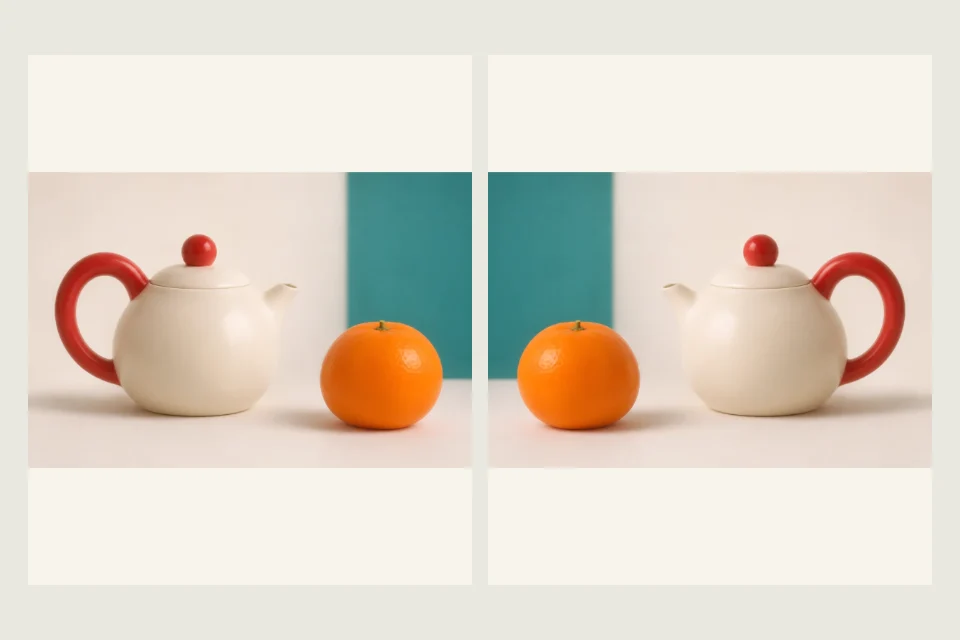
Mirror an image left to right or top to bottom. Preview the flipped photo beside the original, then save a full-size PNG.
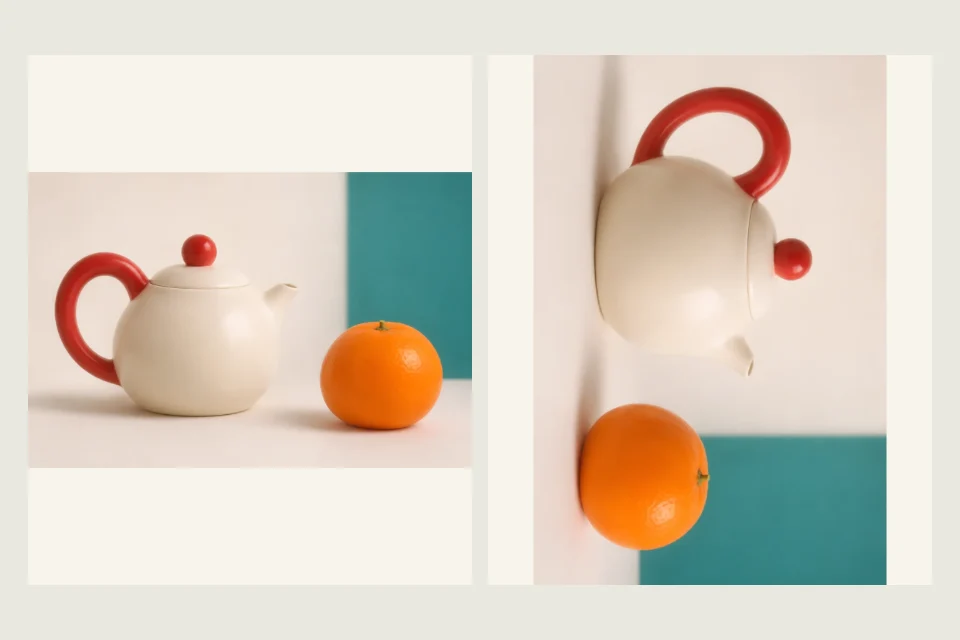
Turn a sideways or upside-down image in 90° steps. Check the new orientation and download a PNG with the whole image intact.
Plan a print, prepare a file or find a useful starting point.

Choose an original coloring sheet, download or print.
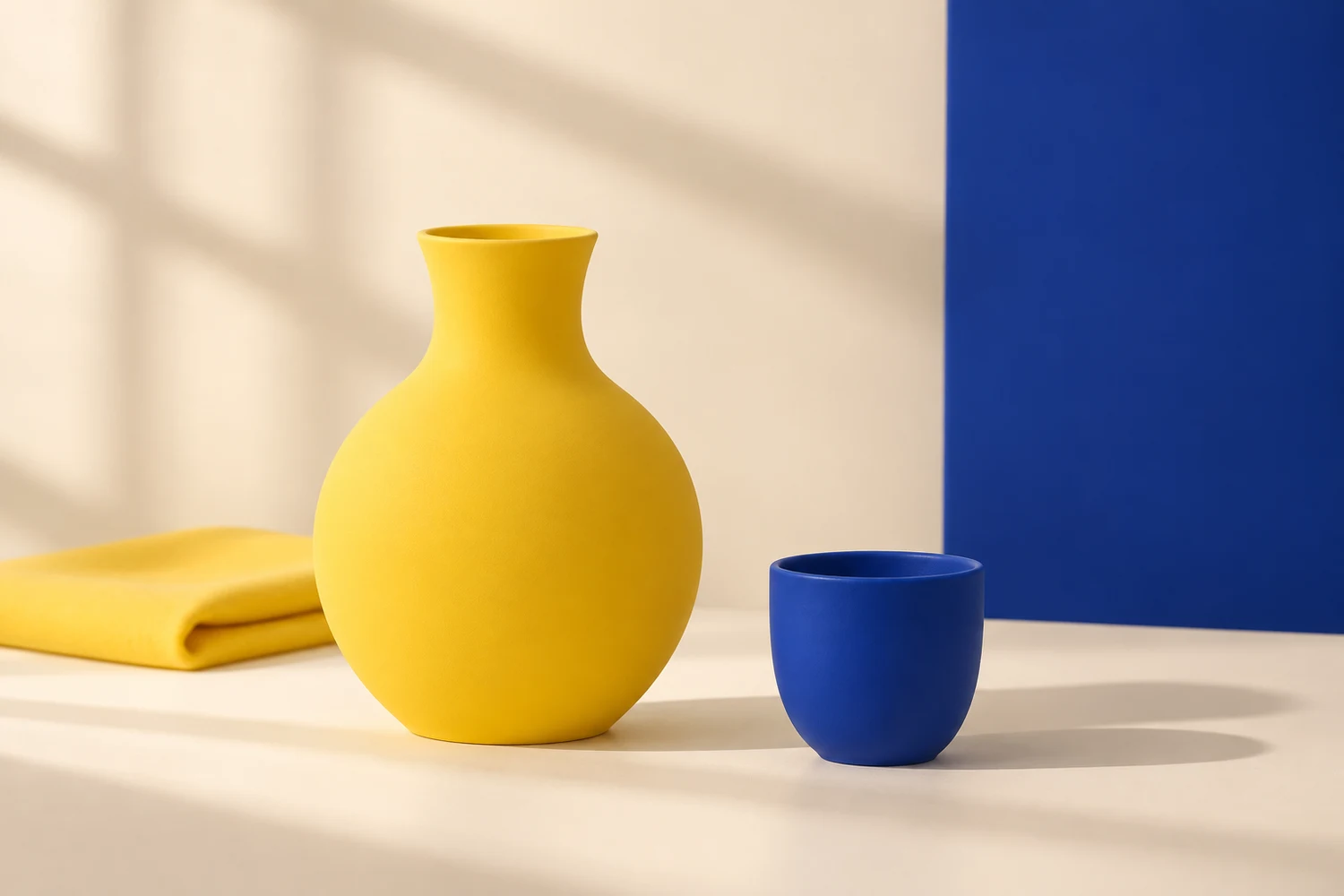
Compare screen-blue and paint-wheel violet pairings.
Remove photo metadata before sharing a JPEG.
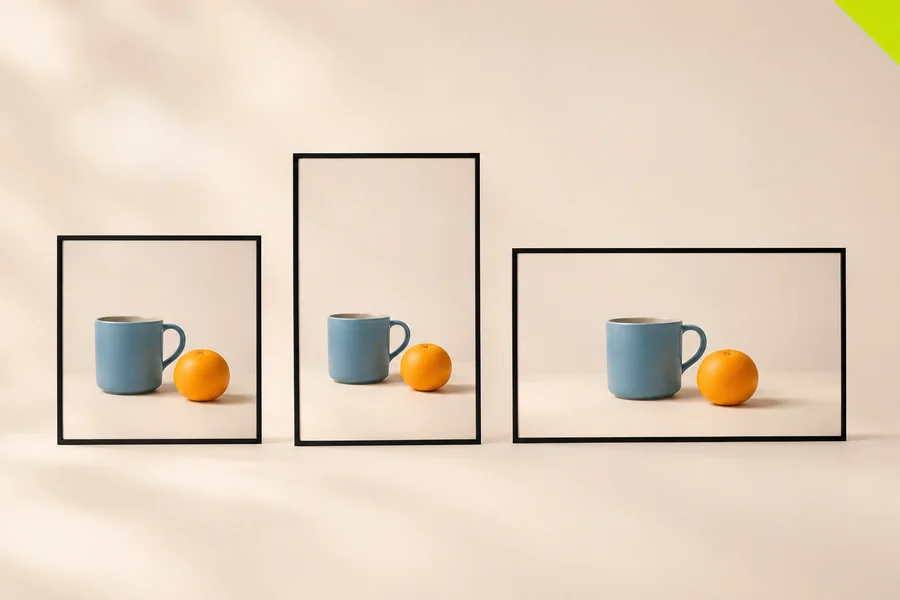
Check your image ratio and common format matches.
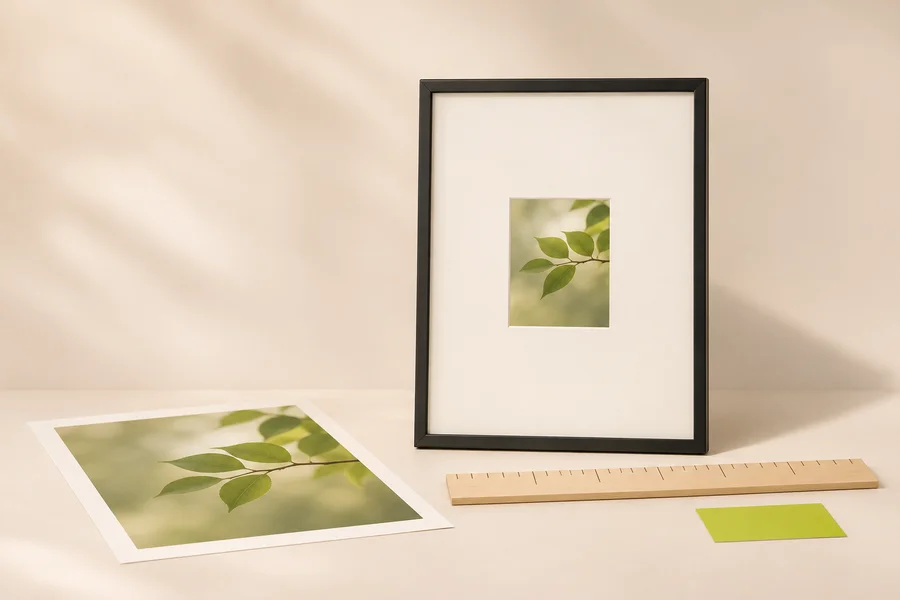
Plan your print, mat and frame measurements.
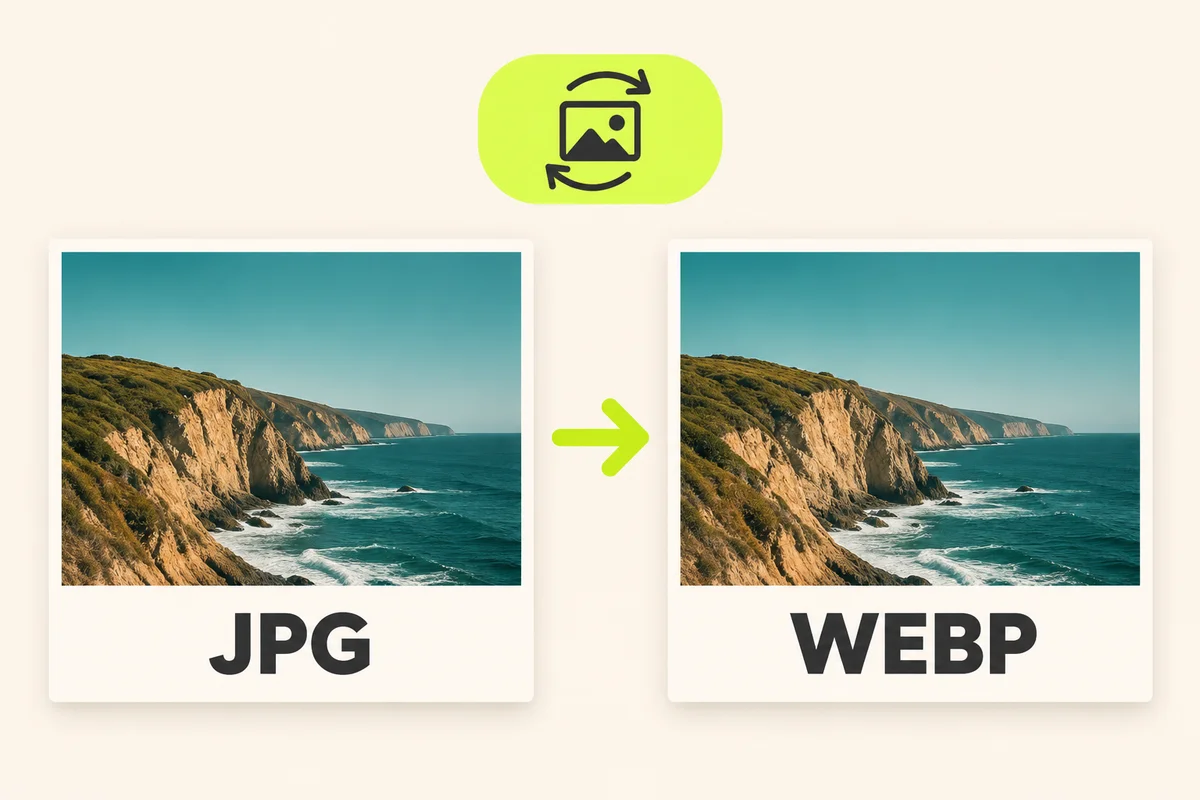
Convert a JPG to WebP, adjust quality and check the new file size before downloading.
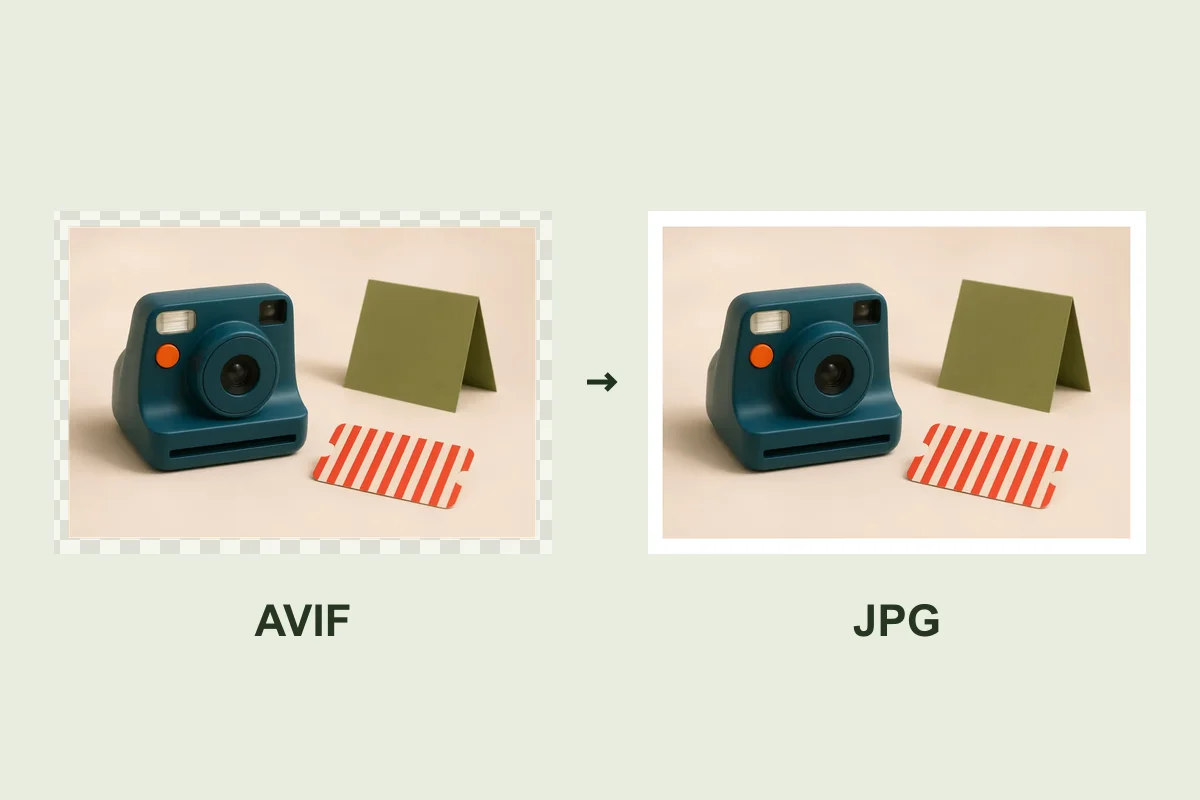
Open an AVIF in your browser, preview the JPEG on white and save it at the original pixel dimensions.
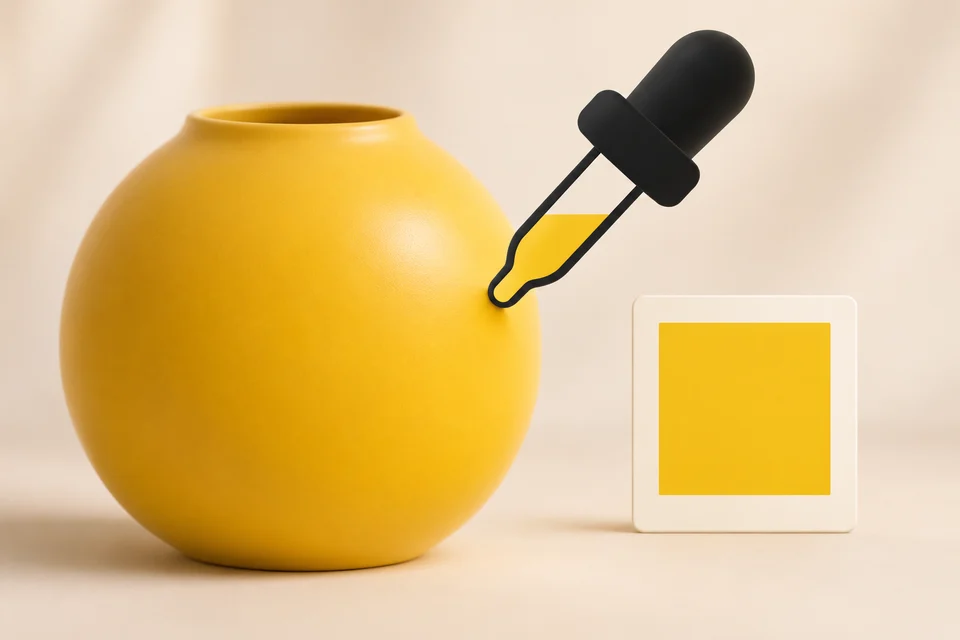
Sample a pixel and copy its HEX or RGB value.
Convert a JPG to PNG at the original dimensions.
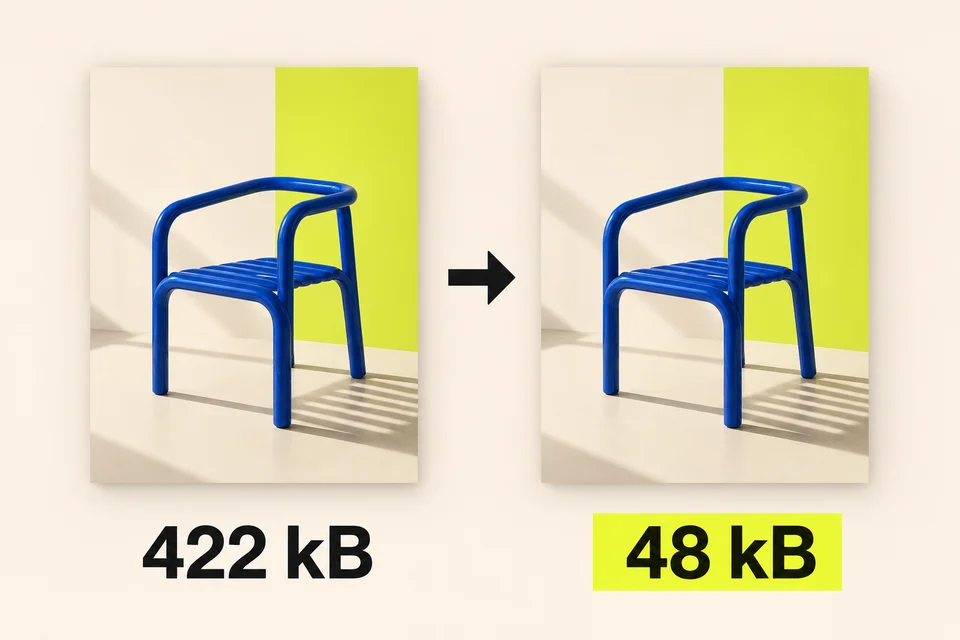
Reduce el peso de una imagen para tu web.
Convert a PNG with your choice of background and JPG quality.
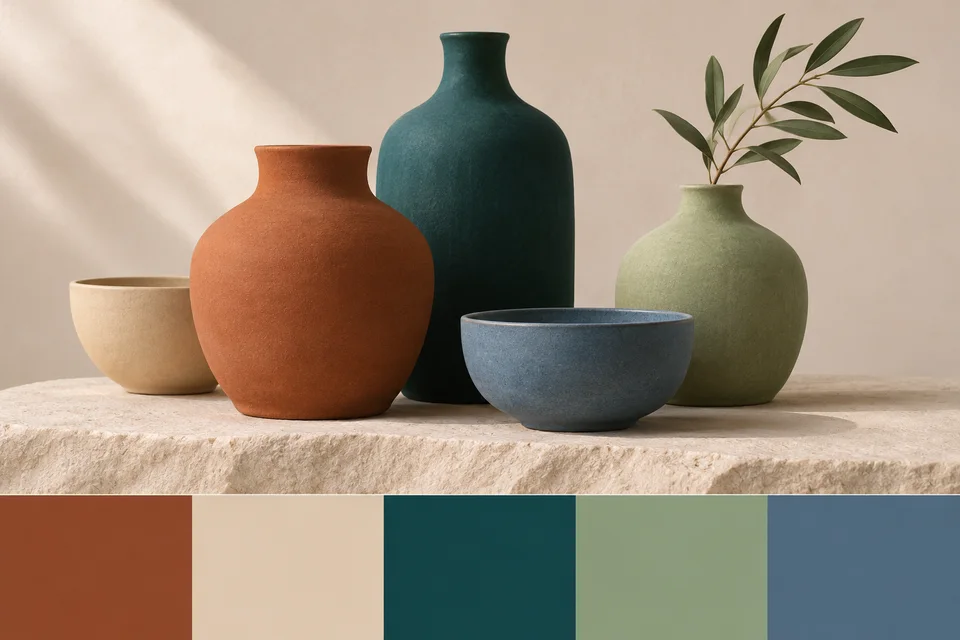
Extract and copy a set of representative HEX colors.
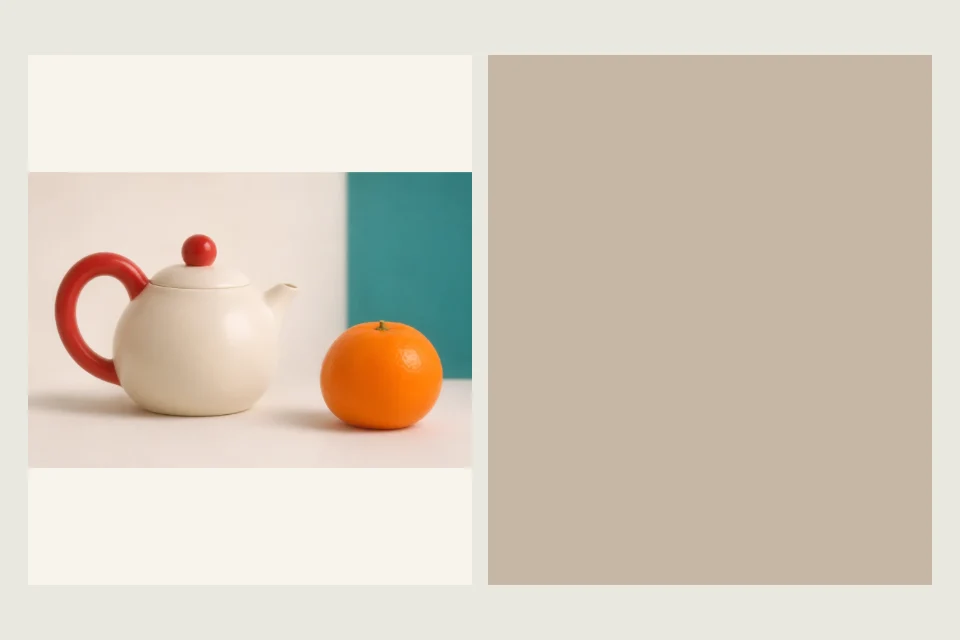
Find the average color of a photo or graphic. Preview a single swatch and copy its HEX code for your background, border or design.
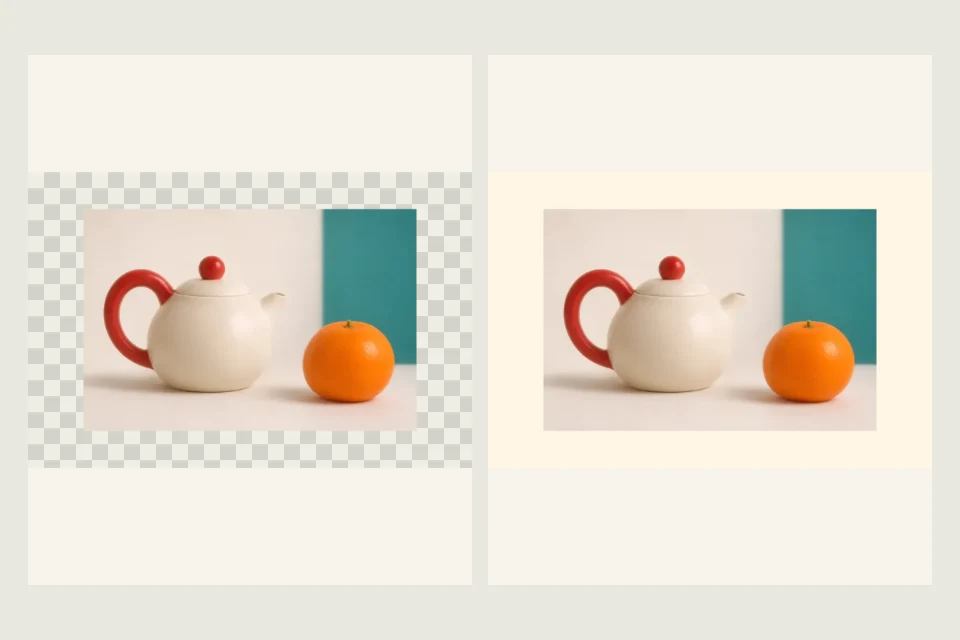
Convert a still WebP image to JPG. Pick the background for transparent areas, set the quality and download at the original dimensions.