
WebP to JPG
Convert a still WebP image to JPG. Pick the background for transparent areas, set the quality and download at the original dimensions.
Convert a WebP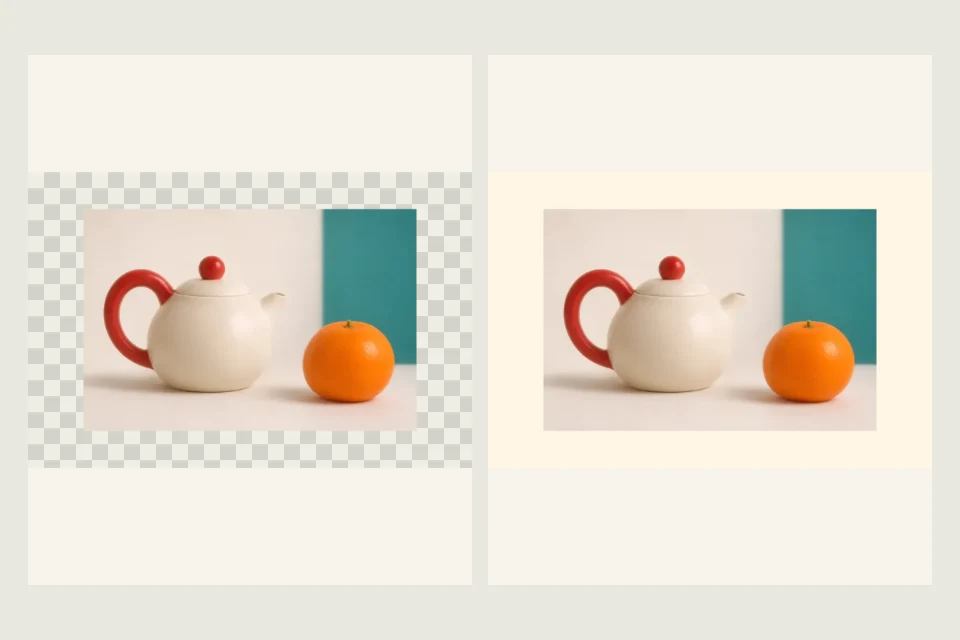
Still WebP · up to 10 MiB and 24 megapixels
Quality applies to the downloaded JPG.
Free · processed in your browser
Convert a transparent WebP to a JPG with a solid background
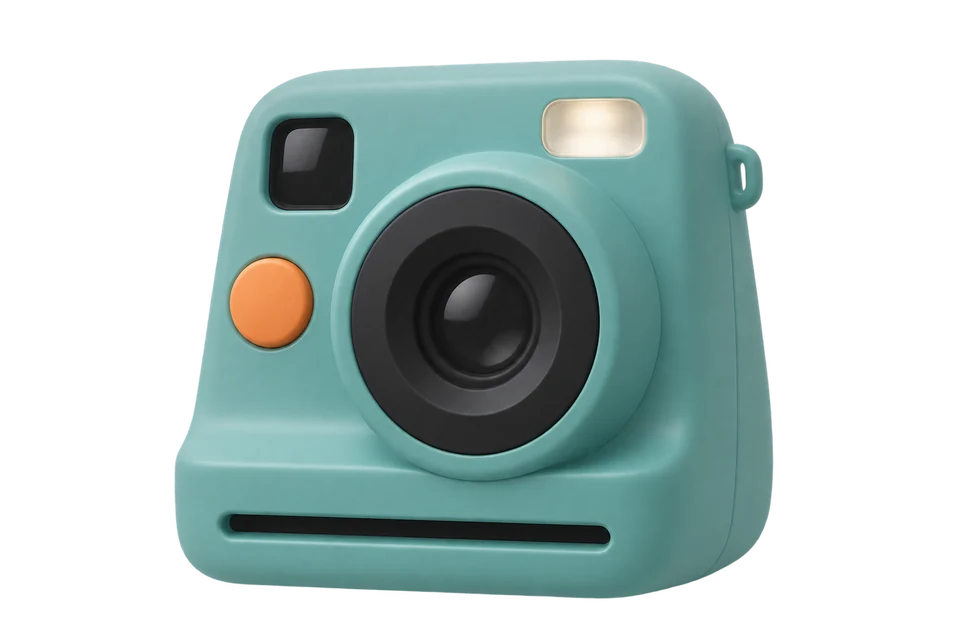
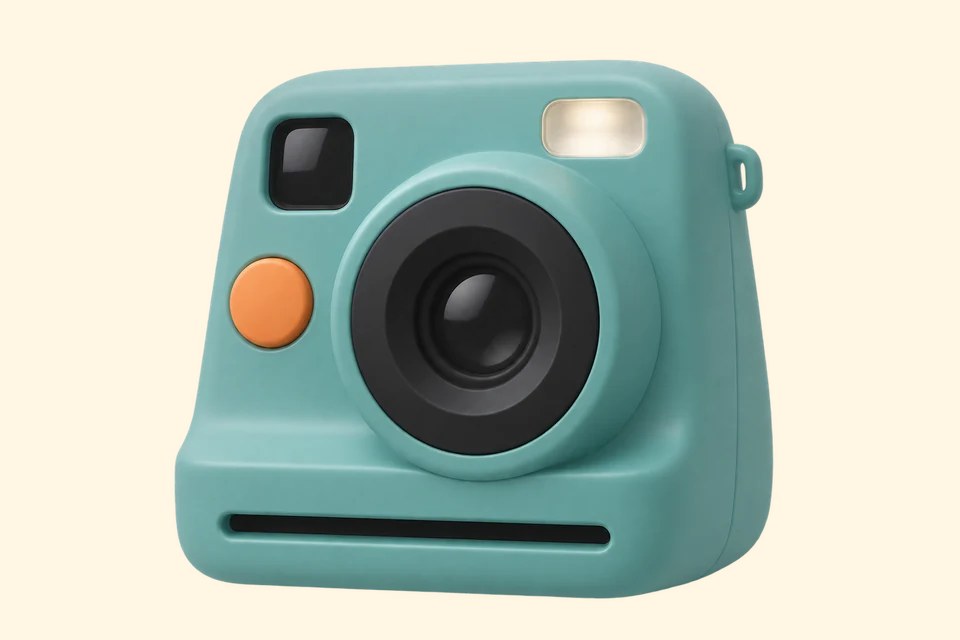
The camera starts on a transparent background. When you save as JPG, the background color you choose fills that space.
- Preview the background
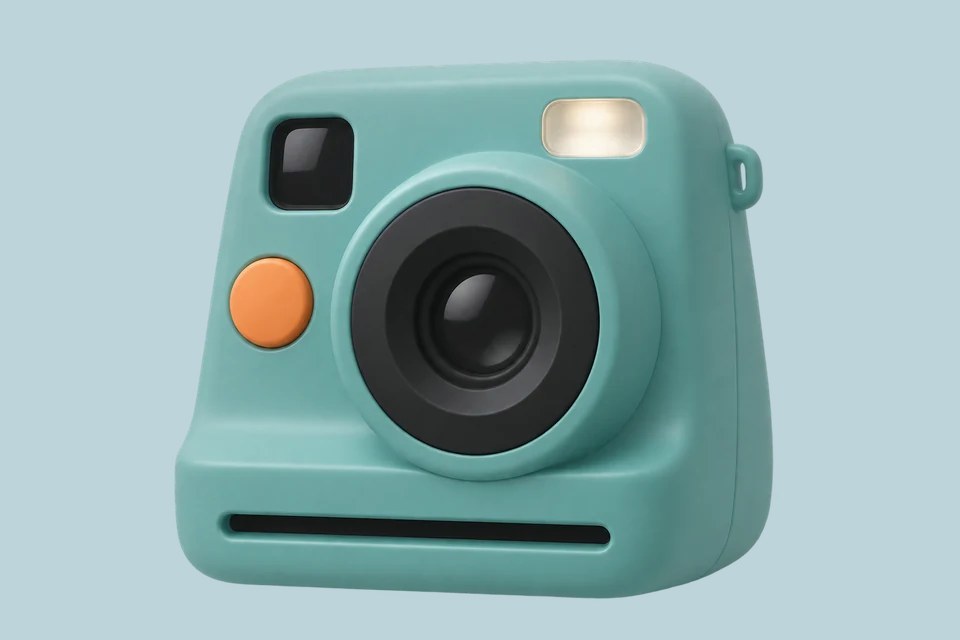
- Try the default cream (#FFF6E4) or the soft blue shown here (#BED4DB).
- Set JPG quality
- Start with JPG quality at 88%. For a size limit, compare downloaded files at two settings and check detail around edges.
- Check the saved JPG
- The sample downloads at 960 × 640 px. Open the JPG and check the edges around the camera. To try another background, change Background color and download again.
When to convert WebP to JPG
A form only accepts JPG
Convert a still WebP, then check the form’s size limit against the downloaded file.
A graphic needs a transparent background
Keep the WebP if your destination supports transparency. JPG fills see-through areas with a solid color.
Your source is a PNG
Use PNG to JPG to choose a background and quality for that file. The WebP converter accepts still WebP files.
Frequently asked questions
Does the JPG keep its original dimensions?
Yes. This converter keeps the still image’s width and height.
Can I convert an animated WebP?
This tool accepts still WebP files.
Where does the conversion happen?
Your browser converts the file. Select Download JPG to save it.