A professional profile
Make a head-and-shoulders portrait for your professional profile. After downloading, check that your eyes and expression remain clear in the small circular crop used by many networking sites.
 StylMorph.
Create a studio-style headshot from your portrait. Soft light, a charcoal blazer, and a neutral backdrop give you a polished starting point for a professional profile, team page, or speaker bio.
Create your portrait
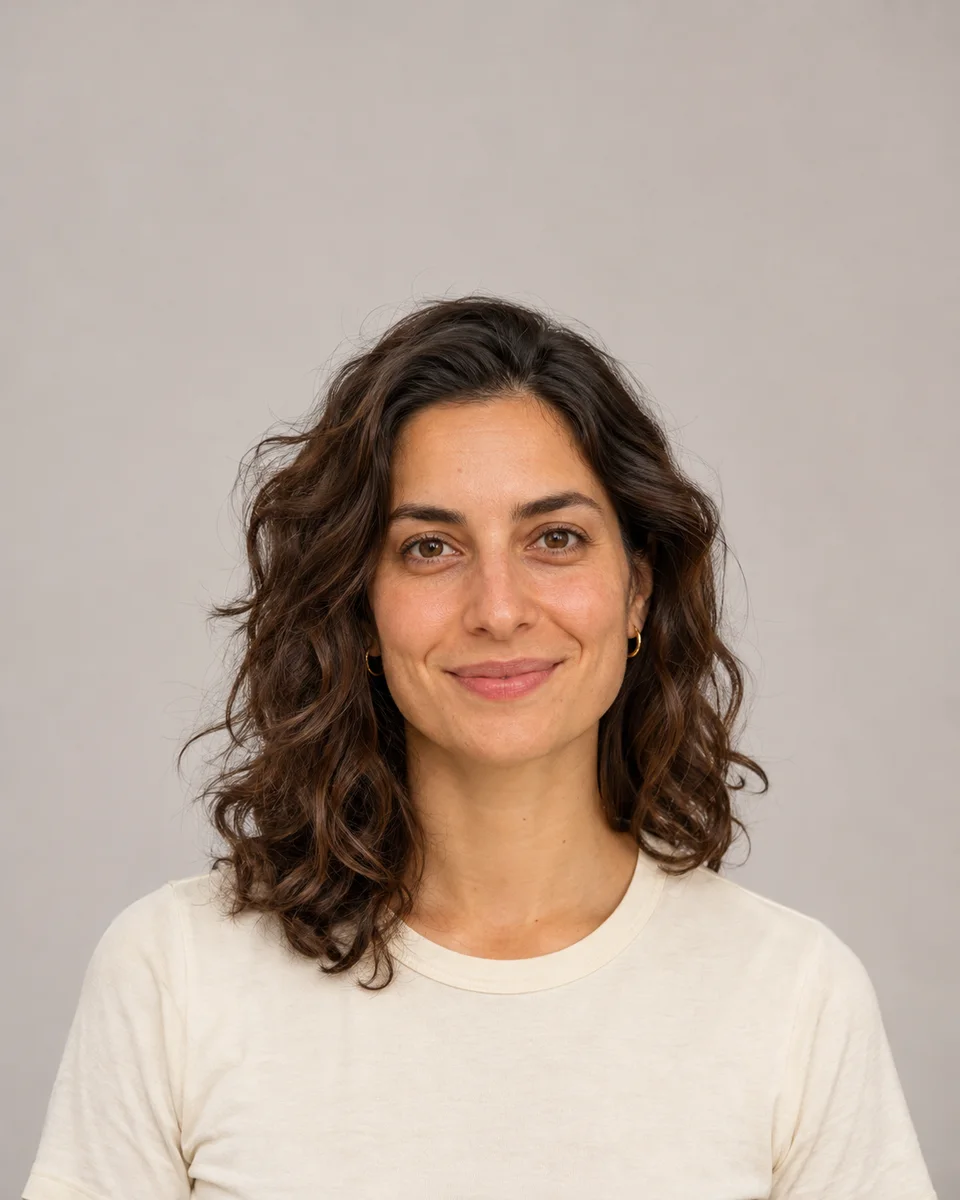
Use the left and right arrow keys to compare the original and edited image.
One successful free image across StylMorph; then 1 purchased credit per image.
One successful free Seedream 4.5 image per guest identity, shared across image tools. Nano Banana Pro requires 4 purchased credits per image.
Free trials and gift credits cannot be used for comparison.
Checking guest allowance…
Make a head-and-shoulders portrait for your professional profile. After downloading, check that your eyes and expression remain clear in the small circular crop used by many networking sites.
Use the same studio direction across individual portraits, then match their crop and eye line in your page layout. Similar source-photo lighting helps the group feel more consistent.
Pair a clean studio headshot with your introduction on a conference page, newsletter, or personal site. Leave enough space around the portrait for the layout and any speaker-name overlay.
Choose a photo that represents how you look today. Keep your face sharp and visible, with your hair inside the frame and room around your head and shoulders.
A window-facing photo is a useful starting point. Look for detail on both sides of your face; avoid sunglasses, strong backlight, and filters that obscure your features.
Inspect the eyes, smile, hairline, and clothing in the completed image. Crop for the actual destination, then check it at profile size as well as full size.
Upload one recent JPG, PNG, or WebP photo. A natural expression and camera near eye level give the studio edit a clear reference.
Choose Seedream 4.5 for 1 credit or Nano Banana Pro for 4 purchased credits. Review the displayed cost and available allowance, then create one headshot.
Compare the result with your original, inspect the details, and download the private image within 24 hours. Prepare a square or circular crop for your profile afterward.
It creates one studio-style portrait using your photo as a reference. This preset uses soft studio lighting, a neutral backdrop, and a charcoal blazer for a head-and-shoulders composition.
Your existing guest identity can use its one successful free image with Seedream 4.5 if that allowance remains available. It is shared across StylMorph image tools. Seedream then costs 1 purchased credit per image. Nano Banana Pro requires 4 purchased credits and cannot use the free allowance.
Choose a recent selfie with even light, a sharp face, and a natural expression. Hold the camera near eye level and include your shoulders. Upload a JPG, PNG, or WebP file up to 10 MB.
This page currently offers the soft studio preset with a charcoal blazer and neutral backdrop. Changing the image model keeps that same visual direction.
Review the generated likeness before using it. Check the eyes, smile, hair, and clothing, then crop the head and shoulders for your profile. AI edits may change details, so choose an image that still represents you accurately.
The displayed sample is an original illustration of a fictional person showing the studio direction. Your generated headshot appears separately after you upload your photo and create it.
The finished image appears in your private result area with a download button. Save it within 24 hours because the result link expires. You can then crop the file for a profile, team page, or speaker bio.
A confirmed failure returns reserved credits or releases the free allowance once. If the request is still pending or its outcome is uncertain, its reservation remains while the original request is checked. Check the existing request instead of submitting it again.