
Pixelate an Area of an Image
Draw a rectangle over one part of a photo. Choose pixel blocks or a solid cover, check the result and download a full-size PNG.
Open the tool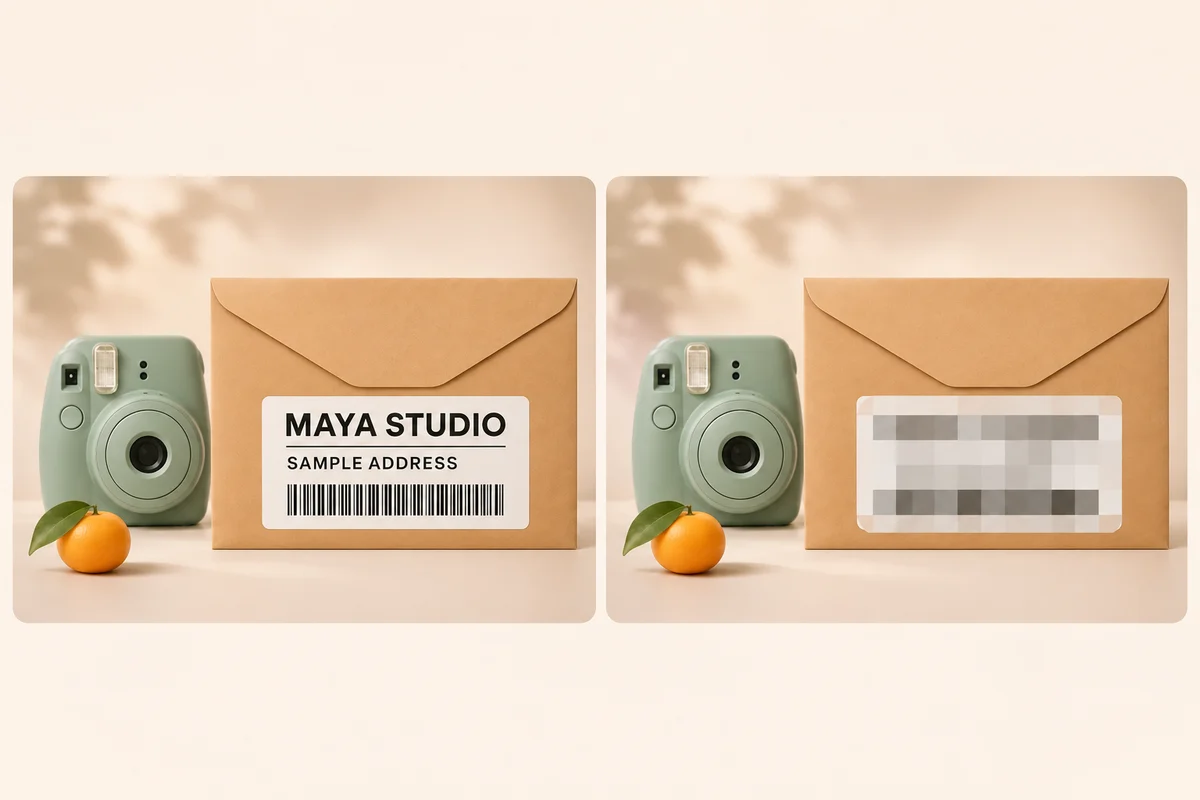
Draw a box on the image to choose one area. Use Solid cover for confidential text.
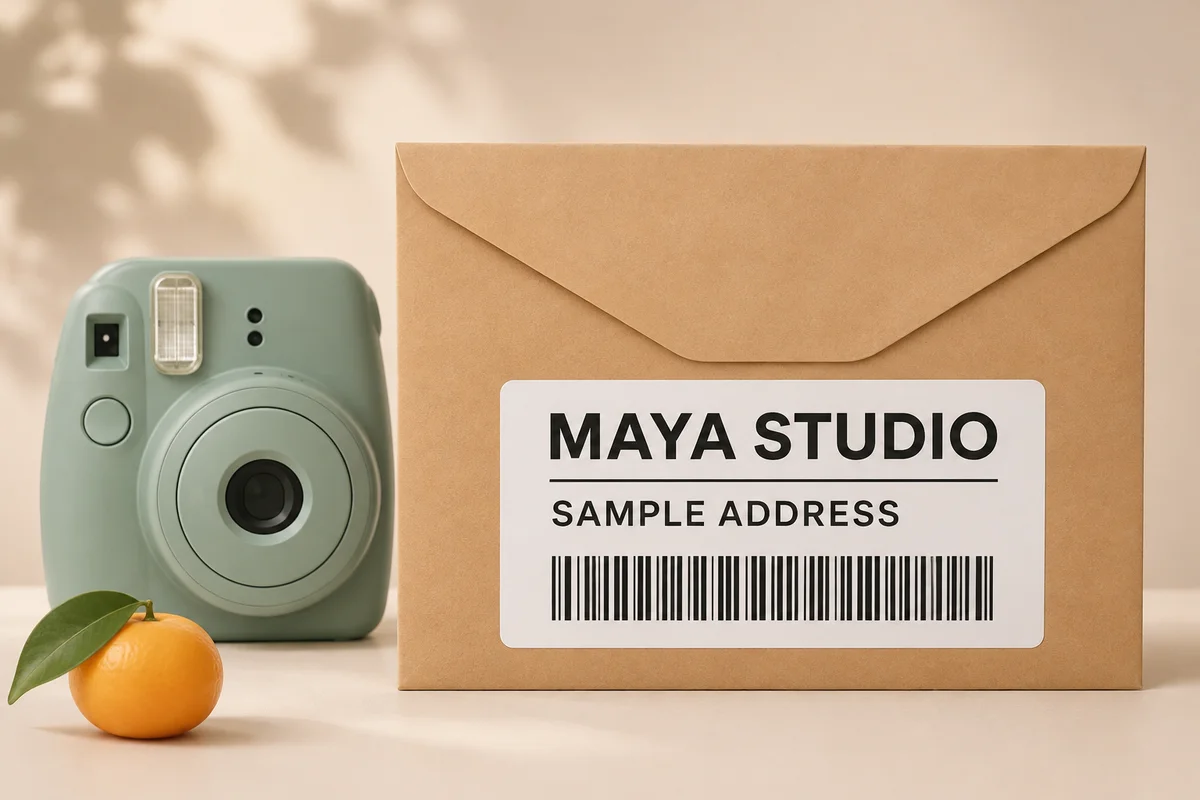
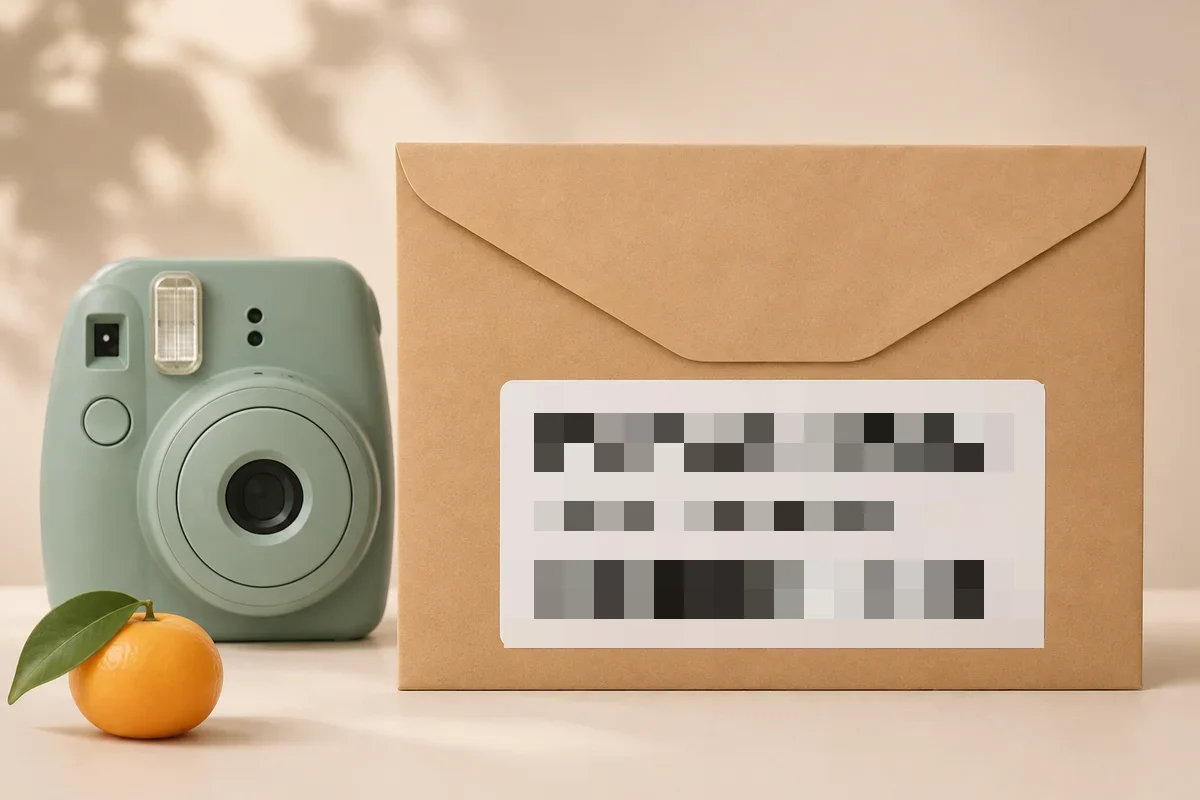
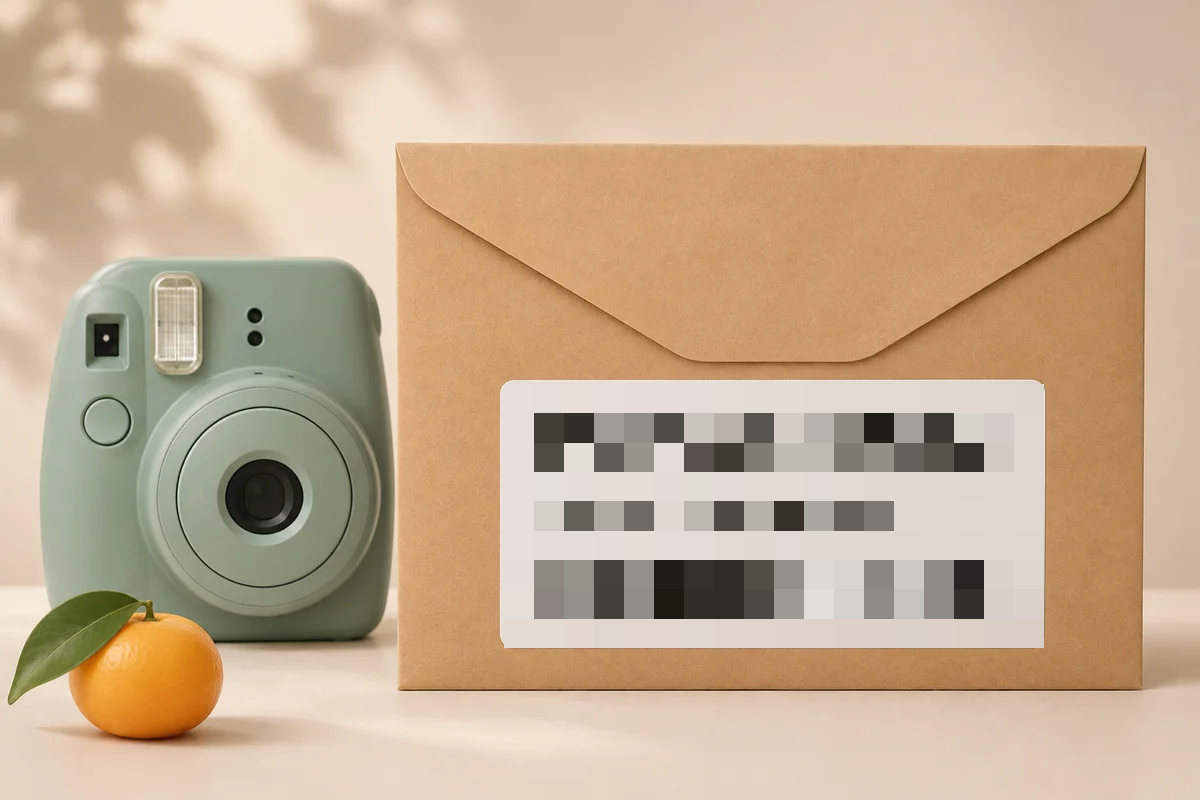
Select the area and check the saved image
Open your photo
Choose one JPG, PNG or WebP. The sample uses a fictional address label so you can see exactly which details the selection covers.
Draw a rectangle
Drag over the detail to cover. On a phone, draw with one finger. The Left, Top, Width and Height fields let you refine the rectangle with a keyboard.
Choose mosaic or solid
Increase Block size for a chunkier effect. Choose Solid cover when the selected area contains confidential words or numbers, then inspect the PNG before sharing.
Cover the label and keep the rest of the photo
The sample rectangle covers the label on the envelope. The camera and surrounding photo keep their original pixels. Compare the mosaic with Solid cover to choose the right treatment for your purpose.
Download example PNGPick the cover for the detail you want to change
- A decorative pixel effect
- Pixel mosaic turns the selected rectangle into blocks while keeping the rest of the image intact. A larger block setting changes more detail at once.
- An address, account number or private name
- Choose Solid cover and include the entire detail in the rectangle. Open the downloaded file and check every visible copy before sharing it.
- Several separate areas to cover
- This tool edits one rectangle at a time. Download a copy, reopen it and select the next area. Keep your untouched original separately.
Frequently asked questions
Can I pixelate only one face?
Draw a rectangle around the face. The same rectangle can cover a small object, a label or another detail.
Can I cover text securely with pixel blocks?
Pixelated text can sometimes be inferred or reconstructed. Use Solid cover for confidential text and inspect the final file.
How do I change the covered area?
Draw a new rectangle on the original, or edit the four percentage fields. The result updates after the selection changes.
What does Block size mean?
It controls approximately how wide each block is in source-image pixels. Larger blocks hide more fine detail.
Can I select multiple rectangles?
One rectangle is active at a time. Save and reopen the result to cover another area.
Does the download include the selection outline?
The PNG contains the edited photo. The dashed selection belongs to the editor and is excluded from the export.
Will the image dimensions change?
The PNG keeps the original width and height. Canvas encoding creates a new image file.
Does this require an account or credits?
It runs in your browser for free. You can use the sample and export your own photo without an account.