
Base64 Image Viewer
Paste a Base64 image string or data URL to preview a PNG, JPEG or WebP in your browser. Check its dimensions and download the decoded image.
Open the tool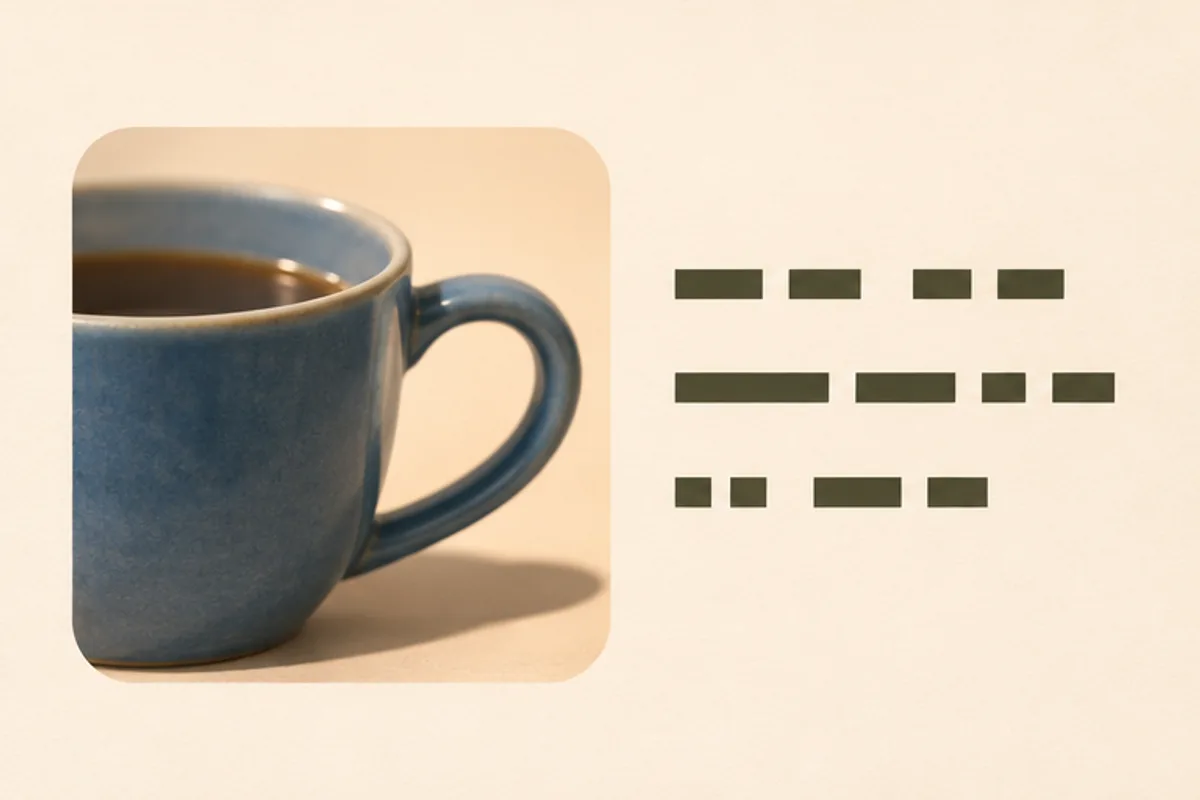
Standard Base64 or a complete image data URL. PNG, JPEG or WebP up to 10 MiB and 24 megapixels after decoding. Preview and download are free. The text stays on your device.
How to render a Base64 string as an image
Copy the exact image value
From an HTML image tag, copy just the src value. From a JSON response, copy the field value without its quotes or the rest of the object. A full data URL or a raw Base64 payload works.
Select Preview image and read the result
Check that the photograph is the one you expected. Compare the detected format, width, height and decoded file size with the requirements of the page or service you are debugging.
Download the recovered image
Save the PNG, JPEG or WebP bytes as a regular image file. Open the download if you need to check what an external editor or upload form actually receives.
What a complete image data URL contains
A data URL begins with a format label such as data:image/webp;base64, then a comma and the encoded data. The whole value can go in the viewer. Select Use sample to load a complete example and recover this 120 × 80 pixel WebP.
Fix a Base64 image that will not render
- Invalid characters or a truncated value
- Copy again from the original source. Remove surrounding quotes, HTML markup and the rest of the JSON. Copy the entire payload, including any trailing equals signs.
- The data URL declares one format but the file is another
- For example, the data URL might say image/jpeg while the bytes contain a PNG. Paste the raw Base64 portion after the comma to read the real format, then correct the prefix in your source.
- The text decodes but the file is not an image
- Base64 can contain any kind of data. Confirm that you copied an image field and that the image is PNG, JPEG or WebP. A Base64-encoded SVG or PDF needs a reader for that file type.
- You get a size limit instead of an image
- The limits apply to decoded pixels and bytes. Export a smaller source image, encode it again, then paste the new value. Changing the prefix leaves the decoded size unchanged.
Frequently asked questions
Do I need the data:image prefix?
No. You can paste either a complete data URL or raw standard Base64. For a complete data URL, put the comma immediately before the Base64 payload.
Does decoding reduce the quality or change transparency?
The download keeps the original bytes. PNG transparency stays in the PNG, and a JPEG remains a JPEG. For a different format, download the image first and convert it separately.
Can I paste Base64 from a private API response?
The viewer processes the value in your browser. Copy only the image data, and keep credentials, headers and unrelated fields out of the input.
Why is the text longer than the downloaded image?
Base64 represents three bytes with four text characters, so the encoded payload is usually about one-third larger before any prefix or surrounding markup. The result reports the original decoded size.