
Contact Sheet Maker
Put up to 24 photos on a printable contact sheet, with numbered filenames and uncropped thumbnails. Choose A4 or US Letter and save a PNG.
Open the tool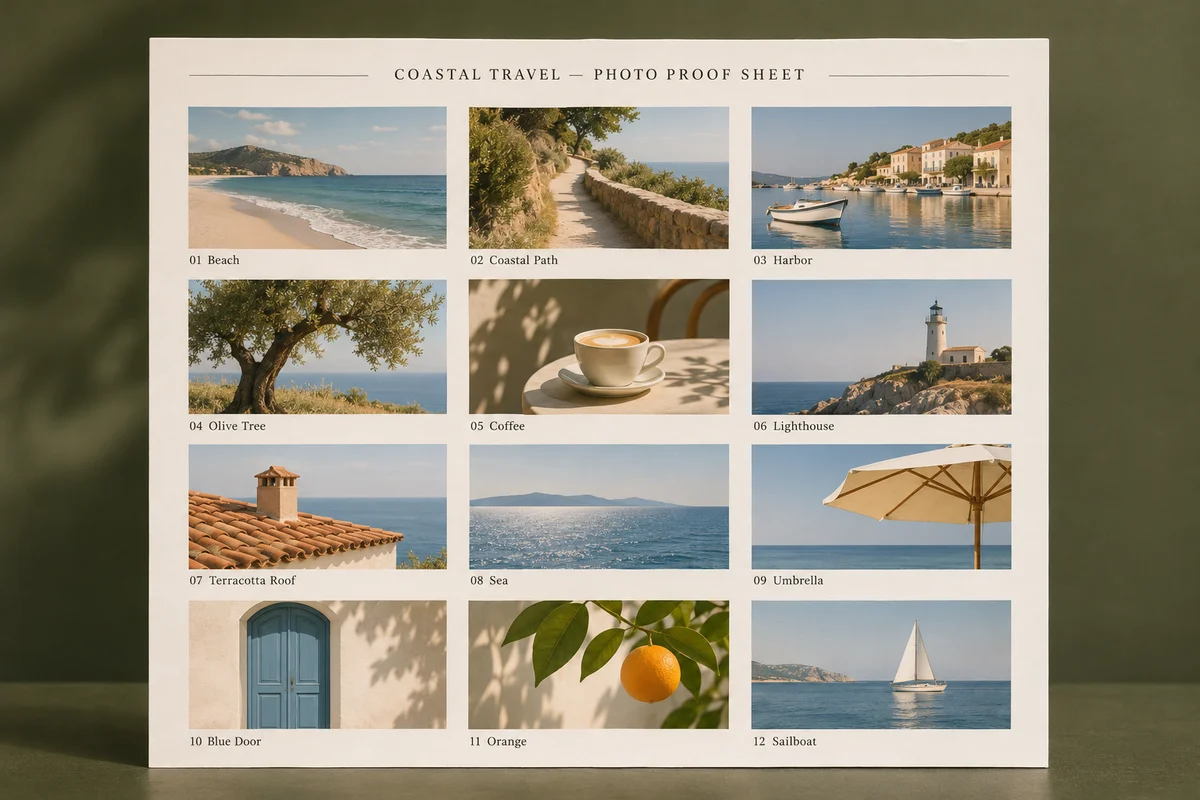
Photos keep all their edges. The sheet follows your selection order.
Make a photo proof sheet with filenames
Choose your photos together
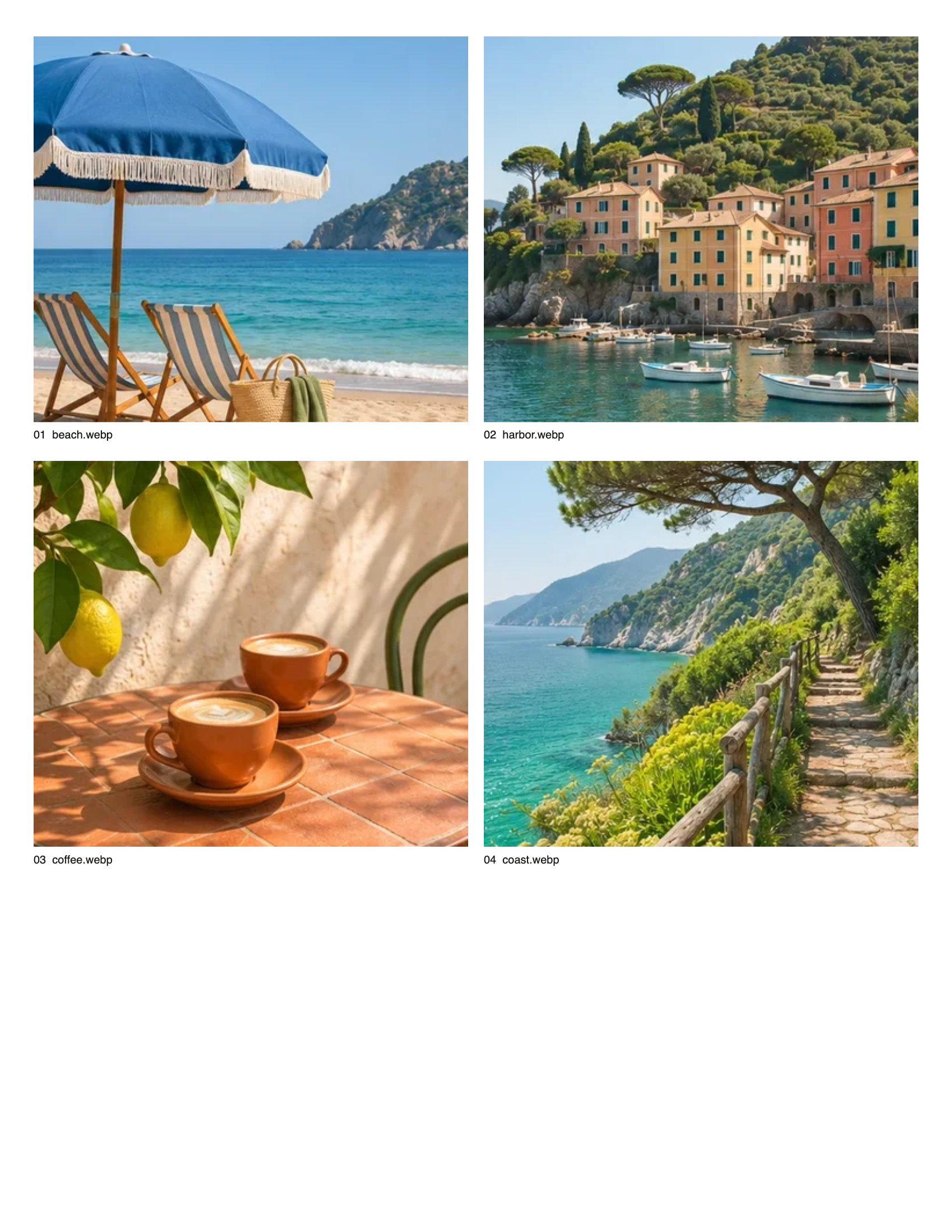
Open up to 24 JPG, PNG or WebP images in one selection. The sample has four travel photos with short filenames.
Choose paper and columns
Pick US Letter or A4, then two, three or four columns. Fewer columns make each thumbnail larger. All photos keep their complete frame.
Check labels and export
Keep numbered filenames on for client selections. Save the PNG and print it on matching paper with the full image fitted inside the printable area.
Use a number and filename to request the original
In the sample, photo 02 is harbor.webp. The label lets a reviewer ask for that file after comparing all four pictures on one sheet.
Download example PNG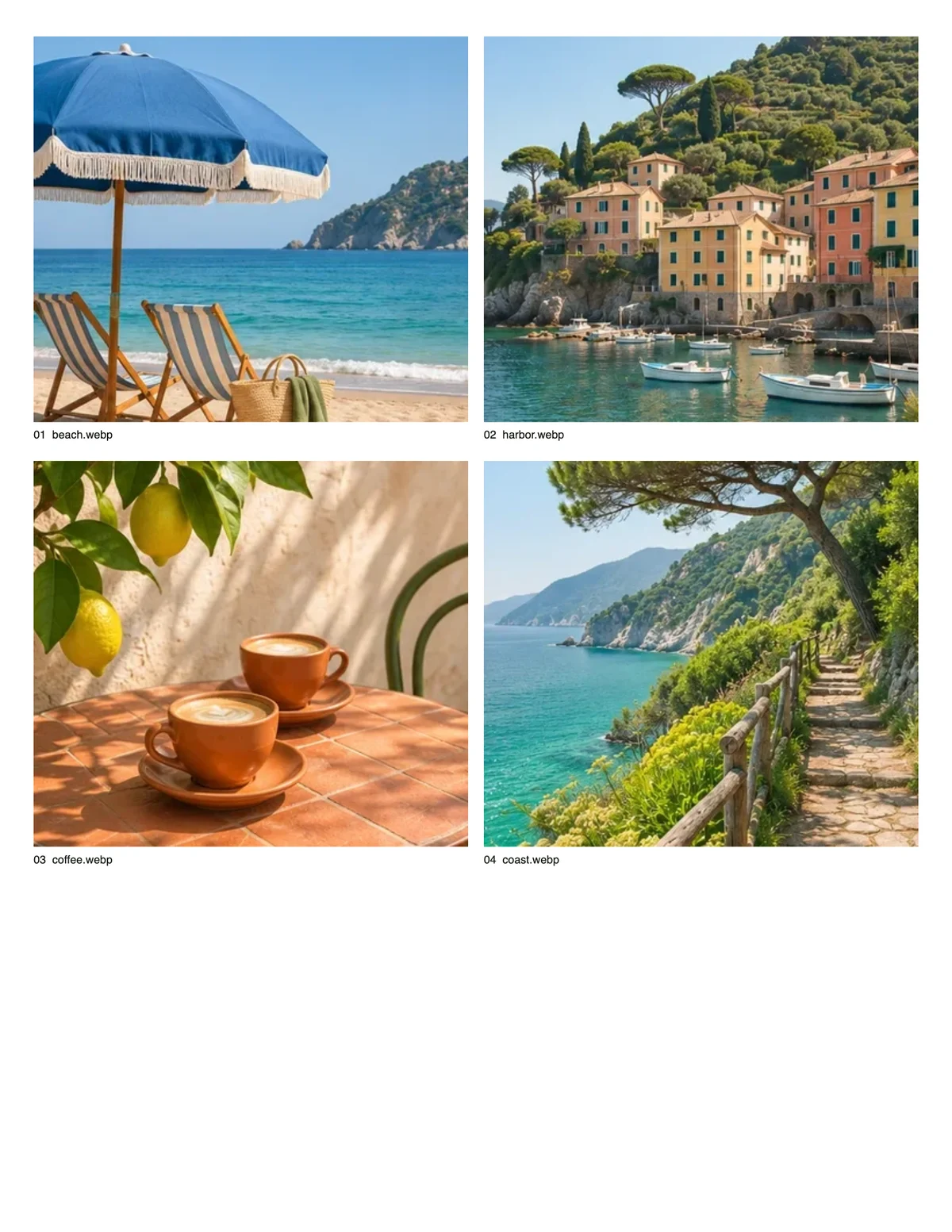
Build a sheet that someone can select from
- A small set for a client
- Use two columns and filenames. Ask the reviewer to return a photo number and filename so you can find the full-resolution original.
- An overview of a larger set
- Use three or four columns for up to 24 photos. Long filenames are shortened to fit their labels, so use distinctive prefixes when you prepare the files.
- Printing without clipping thumbnails
- Select the same paper size in the print dialog and use Fit to printable area. The preview includes margins, and each photo is fitted rather than cropped.
Frequently asked questions
How is this different from a photo collage?
A contact sheet is a selection and indexing aid with uncropped thumbnails and optional filenames. Use a layered photo editor for a decorative arrangement.
Can I keep every photo edge?
Yes. Each thumbnail is fitted inside its cell and preserves the whole frame.
How many photos fit on one sheet?
Choose up to 24. The row count follows the number of photos and selected columns.
How do I control photo order?
The sheet uses the order supplied by your file picker. Select files with numbered names when order matters.
Why is a filename shortened?
A long filename is clipped with an ellipsis to fit its cell. Its photo number remains visible on the sheet.
What resolution is the contact sheet?
US Letter exports at 1700 × 2200 pixels, A4 at 1654 × 2339. These are about 200 pixels per inch at the named paper size.
Can I download a PDF?
The tool exports PNG. Open the PNG in a print app and use your system’s Save as PDF option if available.
Do you upload or keep the original photos?
The sheet is assembled in your browser. Your photos remain on your device, and the tool is free without an account.
Related tools and guides
Turn a sequence into a short comic
Plan three story moments, add dialogue to each panel and bring the prepared images into a contact sheet.
Turn a sequence into a short comic