
Color Code Visualizer
Preview a HEX or RGB color on a live design card, check text contrast, copy CSS or save a solid-color PNG. Free in your browser, with no account required.
Try a color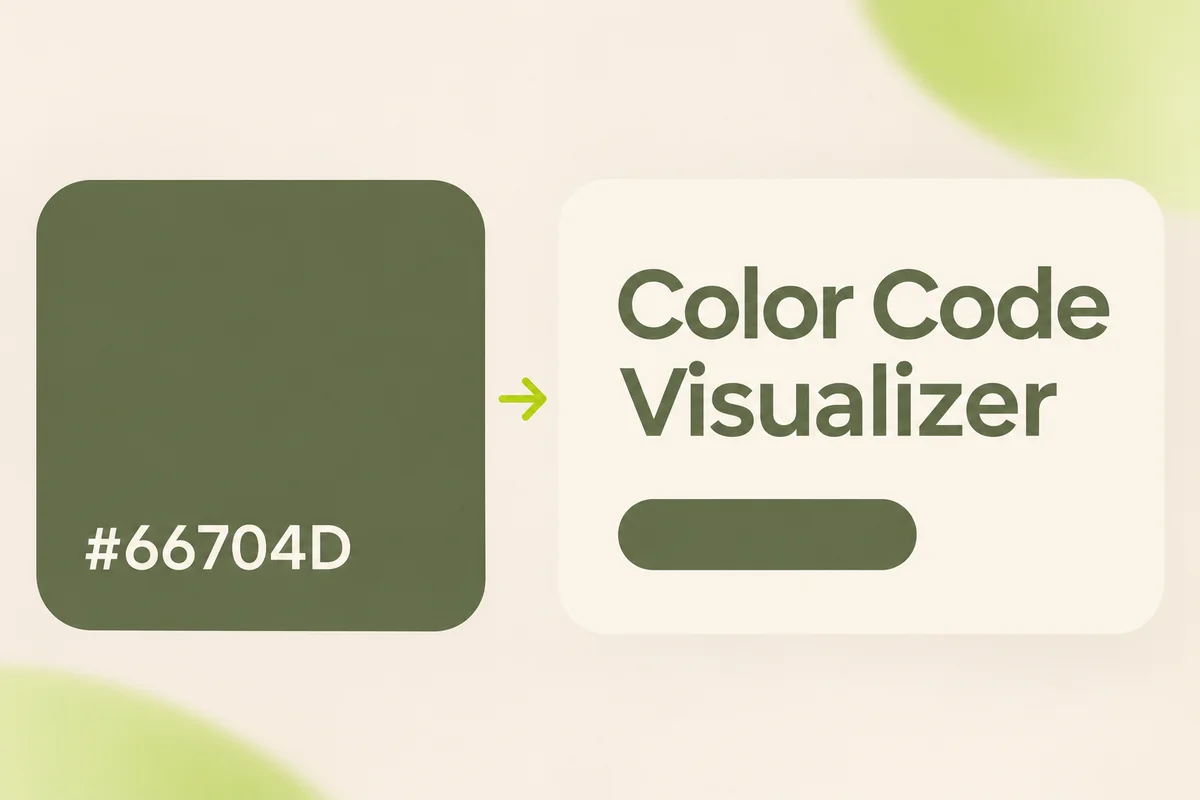
Free · no account required · color previews, CSS copying and PNG creation run in your browser.
HEX or RGB, for example #66704D or rgb(102, 112, 77).
Preview colors on your screen. For printing, use the destination printer profile.
Make room
for a little color.
4.91:1 against this background. Meets WCAG AA contrast for normal text.
See a color where you will use it
A color code becomes useful when you see it at the right scale. Paste your foreground HEX or RGB, choose the background and read the live headline and button. Keep the swatch for a mood board, or copy the CSS pair for your page.
Paste a valid code
Use #66704D, the short form #674, or rgb(102, 112, 77). Six-digit HEX values describe red, green and blue in pairs. Each RGB channel is a whole number from 0 to 255.
Try the intended background
The same olive can feel different on white, cream or dark blue. Pick the background your real design uses, then judge the heading and small button together.
Copy the values or save the swatch
Copy HEX for a design app or CSS for foreground and background together. The PNG is a 1200 × 800 solid swatch, ready to place alongside your other reference images.
Try this with the sample
Start with the olive #66704D on the cream #F9F7EF. Look at the small text as well as the large headline. Change only the background to #FFFFFF and compare the ratio. Copy the CSS pair when both the visual result and your required contrast are suitable.
Try the settings
Choose the right color check
- Text and background
- The ratio measures this color against your selected background. WCAG AA calls for 4.5:1 for normal text and 3:1 for large text. Check your actual text size and any image behind it as well.
- A HEX value from a photograph
- A single sampled pixel may sit in a highlight or shadow. Use Image Color Picker for one exact point, or Color Palette from Image for several representative colors. Paste a chosen value here to judge its use.
- Codes and transparency
- This preview supports opaque RGB and 3- or 6-digit HEX. A transparent foreground depends on the layer beneath it. Resolve the visible final color before checking contrast.
- Color on paper
- A browser renders the swatch through your screen. For a printed brand color, ask for the printer, ink and paper profile and inspect a physical proof. The CMYK guide explains that separate workflow.
Frequently asked questions
Can I enter an HSL or named color?
Use a three- or six-digit HEX value or comma-separated RGB values in this workspace. Convert other notation to RGB or HEX before pasting.
Will different screens show the same color?
Brightness, display profiles and viewing conditions affect appearance. Use the actual destination screen for a final visual check.
Does the background appear in my swatch PNG?
The swatch PNG contains the chosen foreground color only. Copy CSS keeps both your foreground and background values.
Can I paste several colors at once?
This workspace focuses on one foreground and one background. Compare candidates by replacing the foreground code; keep a separate palette file for a set of colors.
Why is my color code rejected?
Use three or six hexadecimal digits, optionally beginning with #, or the comma-separated rgb(0, 0, 0) syntax. Check that RGB numbers are whole values between 0 and 255.
Does a passing ratio make every design accessible?
The value tests this solid foreground/background pair. Text size, weight, transparency, focus states and images behind text still need to be checked in your final layout.
Can I save the design card as a template?
Save swatch PNG exports the solid color. Copy CSS gives you the two chosen colors; recreate the headline and button in your own layout.
Is the downloaded PNG a CMYK proof?
The PNG is a screen-color swatch. A printer-specific soft proof and physical sample provide the evidence for a print decision.
Related tools and guides
Compare the whole palette
View five colors together at a large size, then return here to check a particular text and background pair.
Compare the whole palette