
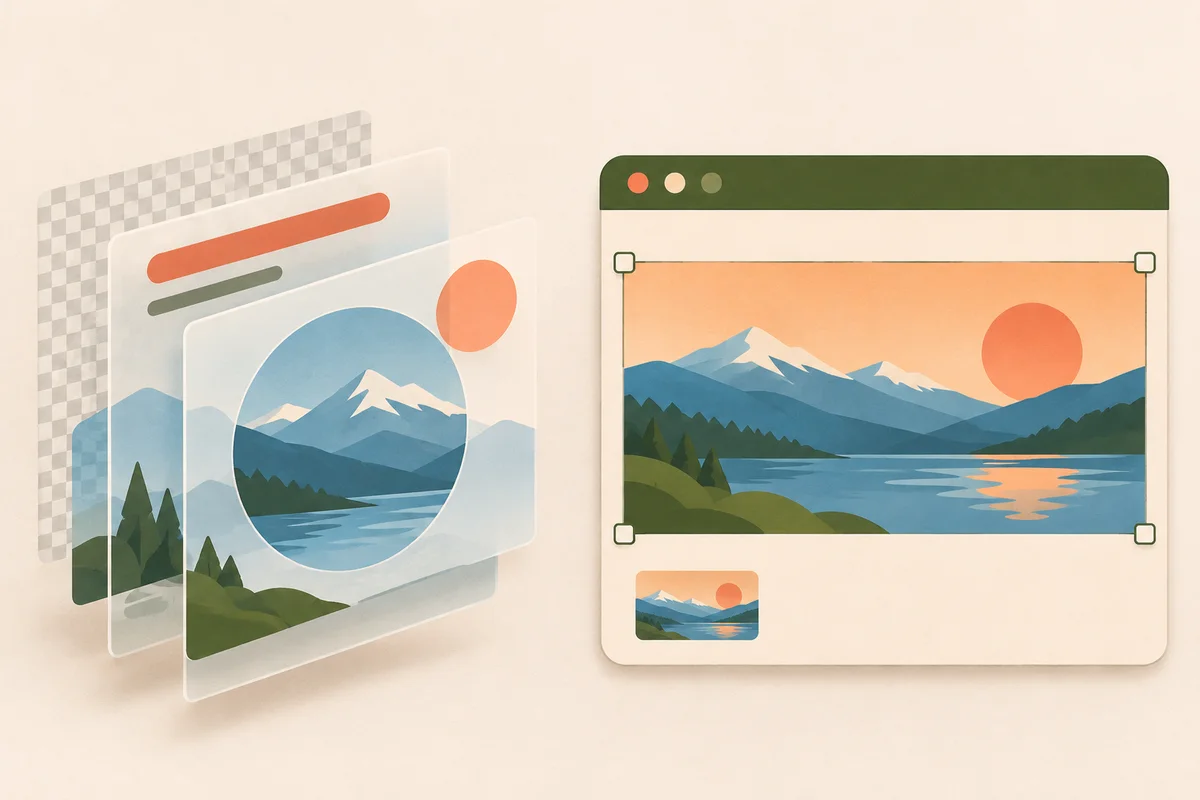
Use Photopea if the recipient needs an editable PSD. Use Pixlr Editor when the editable project will stay in Pixlr and the recipient only needs a finished image. Try the same banner in both before committing a client’s files to one editor.
Which editor fits the file you need?
Send a layered PSD to someone else
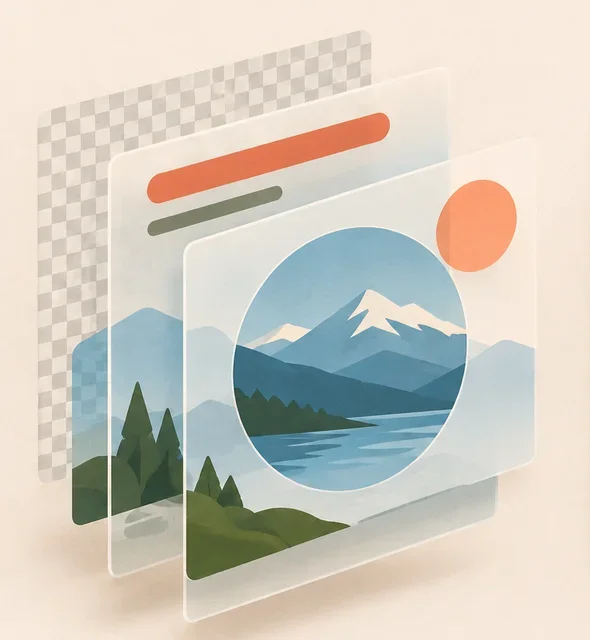
In Photopea, open a copy of the source PSD and change the headline without flattening the image. Use File → Save as PSD to make a test copy. Ask the recipient to check the fonts, text editability, masks and blend modes they expect to change. Export a PNG alongside it so they can compare the appearance. Photopea’s Open and Save guide
What to check before sharing a PSD
- Type: Ask the recipient to change one word. If the typeface looks unfamiliar, send the font name and license details, or agree on a substitute.
- Masks and blending: Toggle one mask and compare one blended layer to your flattened export. Check the areas around the edges where differences show first.
- Delivery: Name the editable file and the visual reference separately, such as
banner-working.psdandbanner-reference.png.
Export a finished banner for the web
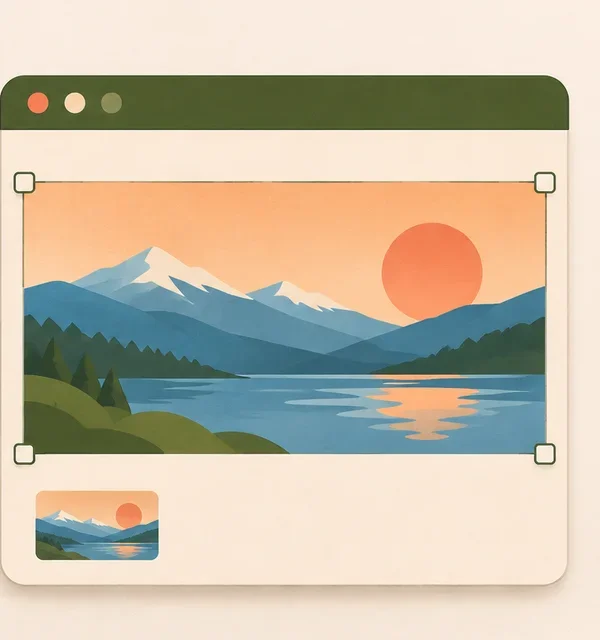
In Pixlr Editor, keep the photo, logo and headline on separate layers. Download a PXZ to keep the layers editable. Pixlr’s browser history is temporary. Export the finished banner to the format your site accepts, then reopen the output to check the edges and text at its actual display size. Pixlr lists unlimited saves on its Plus plan. Pixlr Editor · Pixlr plans
When a flat export is enough
For a finished event banner that only needs to be uploaded, the web file is the deliverable. Keep the original PXZ locally if the date or logo will change next week. For an opaque photographic banner, compare JPEG and WebP at the same pixel size if the site accepts both. Use PNG for hard edges or transparent areas the customer needs to keep.
Test both editors with the same project
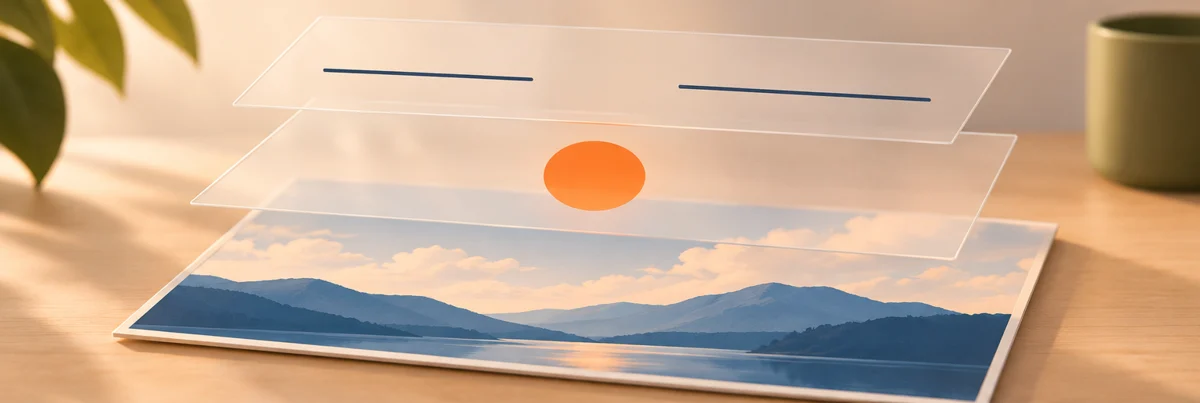
- Make a small banner with one background photo, a transparent logo and a line of type.
- Save a PSD in Photopea and a PXZ in Pixlr. Reopen each file, edit the headline and move the logo without moving the background.
- Download the web image. Open it on a light and dark background if transparency matters. If someone else will edit the project, have them try the same two edits in their own editor.
Fix a file that reopens differently
Photopea vs Pixlr questions
Which editor should I use for a PSD someone else created?
Start in Photopea when you need to send back an editable PSD. Open a copy first and test the particular text, masks or effects the recipient plans to edit.
Which is easier for resizing one image?
For a one-off resize, use Image → Image size in Pixlr Editor, then export a copy. If the image belongs to a Photoshop project, make the edit inside the PSD in Photopea and use File → Export As for the separate upload file.
Can I send a Pixlr PXZ as a Photoshop handoff?
Use PXZ when everyone can reopen the project in Pixlr. When the recipient requests a PSD, build and verify a PSD with them. A PNG can accompany either project as a visual reference.
How should I compare free access?
Run one full save and reopen cycle on your own project before choosing a plan. If you need repeated saves, check Pixlr’s current plan terms for the account and region you will use.
For a quick two-layer task, place one image over another and download a PNG or a layered PSD. For more workflows, compare our Photopea alternatives or check which export format fits your artwork. To keep editing a downloaded PSD, open the PhotoCraft browser editor.